


 Price Match Guarantee
Find the right part faster
Multiple models matched. Select your model to confirm fit.



Door open lever


Door open button

Door open button


Door button

Button
Button

Button
Button

Door open button
Button
Button
Button
Button
Button
Button


Upgrade Your Panasonic Microwave with OEM Button Replacements
When it comes to keeping your Panasonic microwave in peak condition, using genuine OEM replacement parts is crucial. If your microwave buttons are unresponsive, it might be time to consider a button replacement. At Repair Clinic, you can find authentic Panasonic microwave button replacements designed to fit perfectly and maintain your appliance's warranty. Encountering issues like buttons not working could be due to a faulty touchpad or control board. To resolve this, inspect these components and ensure your microwave is receiving power. By choosing genuine microwave parts from Repair Clinic, you're ensuring longevity and performance. Browse our extensive catalog of replacement parts today. For those interested in more comprehensive repairs, consider our selection of microwave touchpad parts to complete any necessary fixes with ease. Trust Repair Clinic to provide the parts you need to keep your microwave running smoothly.
FAQs about Panasonic Microwave Button Replacement
Looking to replace a button on your Panasonic microwave? Here are some common questions and answers to guide you through the process of finding the right replacement parts and performing the repair.
How do I find the model number on my Panasonic microwave?
Check the inside of the microwave door or the back of the unit. The model number is usually on a label or tag.
How can I tell if the button needs replacement?
If the button is not responding or is physically damaged, it may need replacement. Test the button's function before deciding to replace it.
How do I replace a button on my Panasonic microwave?
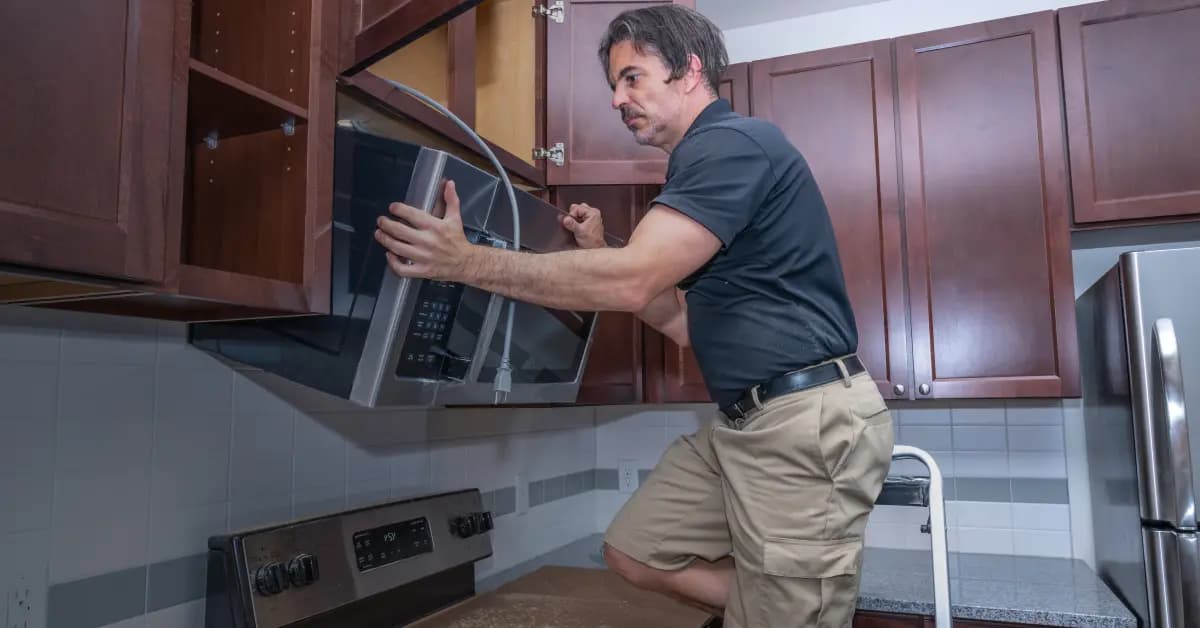
First, unplug the microwave. Remove the control panel cover, locate the faulty button, and gently remove it. Align the new button and snap it into place, then reattach the panel cover.
What tools do I need to replace a microwave button?
A screwdriver set is typically needed to remove the control panel. Ensure the power is disconnected before starting any repairs.
Where can I buy Panasonic microwave replacement parts?
Repair Clinic offers a wide selection of genuine Panasonic microwave parts, including buttons. Visit their Replacement Parts for Home Appliances page for more options.
Can I replace the button myself, or should I hire a technician?
If you're comfortable with DIY repairs, you can replace the button yourself. However, if unsure, consult a professional technician.
For other microwave repair needs, explore Microwave Touchpad Parts on Repair Clinic for additional resources and parts.
Order Panasonic Microwave Button Replacement Parts Online
Keep your Panasonic Microwave functioning smoothly with high-quality button replacement parts from Repair Clinic. Buttons that don't work can disrupt your cooking routine, but finding the right replacement is easy with our model number lookup tool. Enjoy the convenience of same-day shipping, and shop confidently with our No-Hassle 365-Day Returns and Price Match Guarantee. For guidance on installation, visit our Microwave Repair Help section. You can also explore related Microwave Touchpad Parts to ensure your microwave is fully operational.
Locating Your Microwave Model Number for Button Replacement
When searching for Panasonic microwave button replacement parts, the model number is crucial. Typically, you can find this number on a label inside the microwave door or on the back of the unit. Once you have the model number, use it to streamline your search for replacement parts online. This ensures compatibility and ease of repair. For common issues like unresponsive buttons, check for stuck buttons or faults in the touchpad. Ordering parts online is efficient, with benefits like a price match guarantee and a 365-day return policy. Remember, keeping your microwave in top condition can prevent problems like a non-working display or buttons. For more detailed repair guides and videos, visit the Microwave Touchpad Parts page. Repair Clinic offers genuine replacement parts to help with easy DIY repairs, supported by a wide selection and same-day shipping. Empower your repair efforts with reliable resources and genuine parts.

Expert Assistance for Panasonic Microwave Replacement Parts
Need help finding the right parts for your Panasonic microwave? Our customer service team is available seven days a week to assist you. Whether you need replacement parts like buttons or other components, you can rely on our genuine OEM parts and expert troubleshooting support. Enjoy a seamless online ordering experience with our Model/Part Number Lookup tool and benefit from our No-Hassle 365-Day Returns and Price Match Guarantee. Common issues like microwave buttons not working can be resolved by inspecting for stuck buttons, checking the control board, and ensuring power supply. Remember, with Repair Clinic's resources, DIY repairs are easier than ever. “Repair Clinic is a leading online retailer of genuine appliance, outdoor equipment, and HVAC parts, empowering DIYers and professionals to fix their equipment confidently. With a wide selection of replacement parts, same-day shipping, and extensive repair resources, Repair Clinic helps customers save time and money on essential repairs.”
Related Articles: Microwave Parts

Testing A Microwave Capacitor
Learn how to safely test a microwave capacitor using a multimeter to determine if it's faulty and causing your microwave to malfunction.
7 Probable Causes Of Your Microwave Not Heating
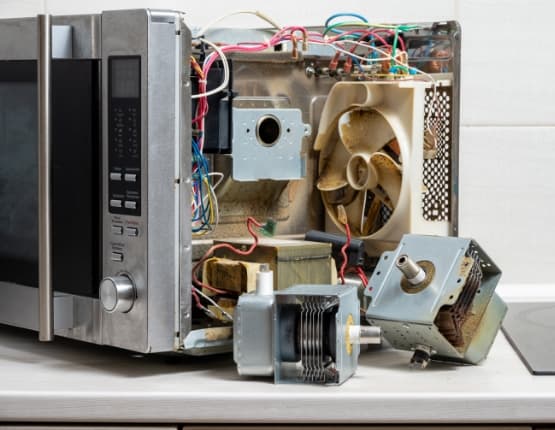
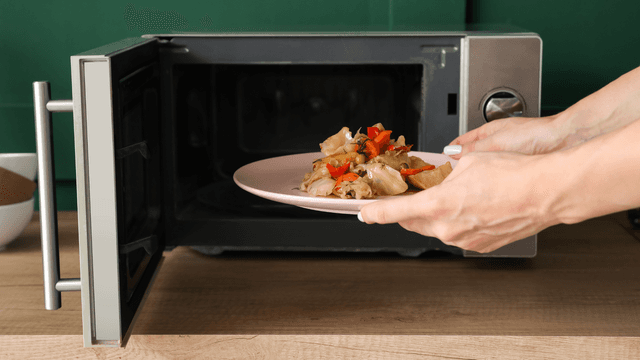
Explore the most common reasons your microwave isn't heating, from defective magnetrons to door switch failures, and how to troubleshoot each issue.

Microwave Magnetron Testing
Find out how to test a microwave magnetron to diagnose heating problems and determine if this crucial component needs to be replaced.




Family-owned and operated since 1912, Burke America Parts Group is the longest-running genuine appliance, HVAC, and outdoor power equipment parts solution in North America. At Repair Clinic, we're proud to be an international brand trusted by the pros as well as the DIY community.
About Repair Clinic