


 Price Match Guarantee
Panasonic Vacuum Cleaner Cover Replacement
Find the right part faster
Multiple models matched. Select your model to confirm fit.




Belt Cover
Cover
Cover
Cover
Cover
Cover
Cover
Cover
Cover
Cover
Cover
Cover
Cover
Cover
Cover


Reliable Panasonic Vacuum Cleaner Cap, Lid, and Cover Replacements
Maintain your Panasonic vacuum cleaner's efficiency and aesthetic appeal with genuine OEM cap, lid, and cover replacements. Repair Clinic offers a wide range of Panasonic vacuum cleaner parts to fit your specific model perfectly. These replacement parts are crucial for protecting the internal components of your appliance, ensuring optimal performance. To preserve the manufacturer’s warranty and ensure a correct fit, always opt for genuine Panasonic spare parts like covers and lids. If you've noticed signs of wear or damage on your vacuum cleaner’s cover, it's time to replace it with a quality component from Repair Clinic. Explore our selection and find the ideal part for your vacuum cleaner. Visit our replacement parts page to order online. For other Panasonic parts, see our Panasonic vacuum filter covers.
FAQs about Panasonic Vacuum Cleaner Cover Replacement
Panasonic vacuum cleaner cover replacements are designed for fixing or enhancing the appearance and functionality of your vacuum cleaner. Here are some commonly asked questions about replacing vacuum cleaner covers.
How do I replace the cover on my Panasonic vacuum cleaner?
To replace the cover, first ensure the vacuum is unplugged. Remove any screws or clips securing the old cover. Carefully detach the cover, taking note of any connected wires or attachments. Install the new cover by reversing these steps.
How can I find the correct replacement cover for my Panasonic vacuum cleaner?
To find the right replacement cover, locate your vacuum's model number, typically found on a label on the back or bottom of the unit. You can find the vacuum cleaner parts online using this model number to ensure compatibility.
Why should I consider Repair Clinic for my replacement parts?
Repair Clinic offers a broad selection of original spare parts, including Panasonic vacuum cleaner covers. Benefit from competitive pricing with our price match policy and enjoy fast, same-day shipping. Plus, our 365-day return policy ensures your satisfaction with every purchase.

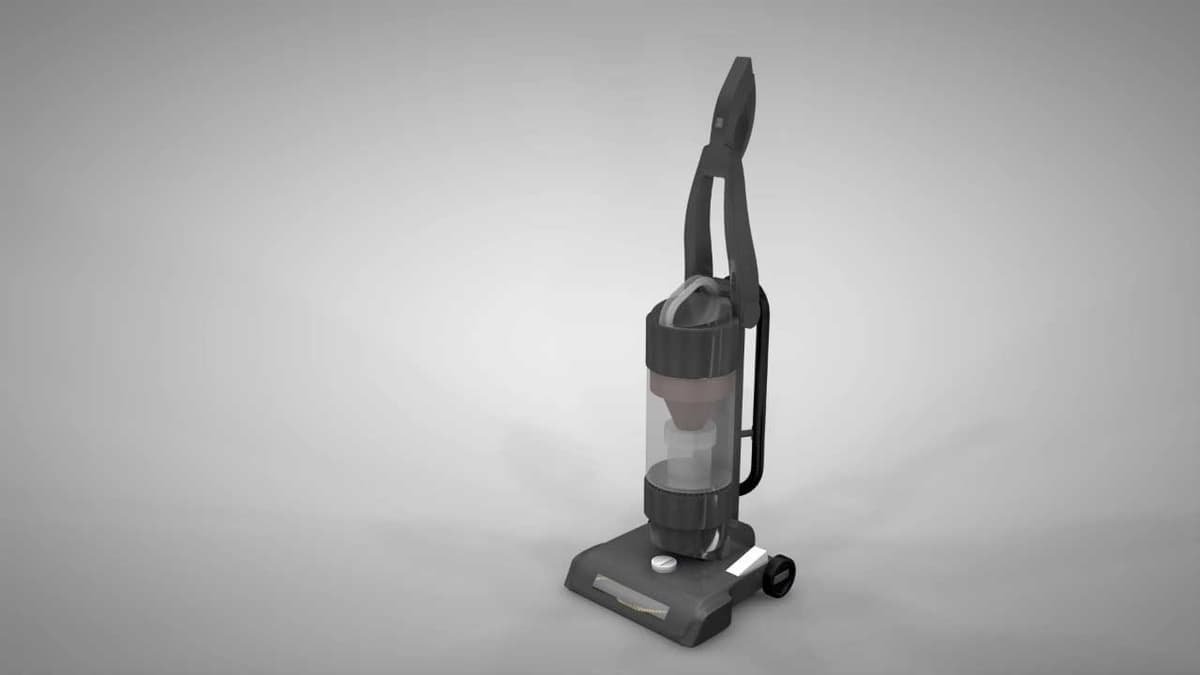
Order Panasonic Vacuum Cleaner Cover Replacement Online
If you're in need of a Panasonic Vacuum Cleaner Cover Replacement, ordering online is quick and convenient. Ensuring your vacuum cleaner has all the necessary parts, including a functional cover, is essential for optimal performance. With same-day shipping guarantees, you can receive your replacement parts fast, ensuring minimal disruption to your cleaning routine. Use the model number or part number lookup tool to find the exact cover you need. Plus, enjoy the peace of mind that comes with No-Hassle 365-Day Returns and our price match commitment. For additional support with your Panasonic vacuum, explore our detailed troubleshooting guidelines and repair resources. Visit our Vacuum Cleaner Repair Help page for expert advice. Also, check out our Cap Lid Cover Inlet Cover Parts for broader maintenance solutions.
How to Find Your Vacuum Cleaner Model or Part Number
For your Panasonic vacuum cleaner, identifying the model number is crucial when looking to buy replacement covers or other parts. The model number can usually be found on the vacuum's data label, often placed on the bottom or behind the dust container. Once you have your model number, entering it on repairclinic.com can help quickly locate replacement vacuum cleaner parts online. With a simple lookup, you can order Panasonic vacuum cleaner cover replacements and ensure compatibility. Enjoy a hassle-free return policy and competitive pricing through our price match for genuine OEM parts. Explore more about Panasonic vacuum cleaner power cord parts by visiting our Panasonic Power Cord Parts page.

Get Help Finding the Right Vacuum Cleaner Replacement Parts
At Repair Clinic, we prioritize your satisfaction in finding the perfect cover replacement for your Panasonic Vacuum Cleaner. Our expert customer service team is available seven days a week to assist you. Whether you need vacuum cleaner parts or general troubleshooting advice, we provide easy online model and part number lookup tools on our website. Using genuine OEM parts ensures excellent performance and longevity for your device. Enjoy peace of mind with our no-hassle 365-day returns and a price match to guarantee the best value. For more queries or live chat support, visit our Contact Us page.
Related Articles: Vacuum Cleaner Repair

How It Works: Vacuum Cleaner
Learn how a vacuum cleaner creates suction using a motor-driven fan to draw air and debris through filters or bags and into a canister or bag for collection based on fundamental pressure differences and airflow design.

5 Reasons Why Your Vacuum Cleaner Has Lost Its Suction
Find out the five most common causes of lost suction in your vacuum cleaner and how to troubleshoot each from clogged filters and full bags to blockages, fan obstructions, or a failing blower motor.

Three Reasons Why Your Vacuum Cleaner’s Motor Isn’t Working
Find out three common reasons why your vacuum cleaner motor is not working—seized bearings in the suction or brushroll motor, or damaged motor brushes—and how to check and address each issue.




Family-owned and operated since 1912, Burke America Parts Group is the longest-running genuine appliance, HVAC, and outdoor power equipment parts solution in North America. At Repair Clinic, we're proud to be an international brand trusted by the pros as well as the DIY community.
About Repair Clinic