


 Price Match Guarantee
Find the right part faster
Multiple models matched. Select your model to confirm fit.


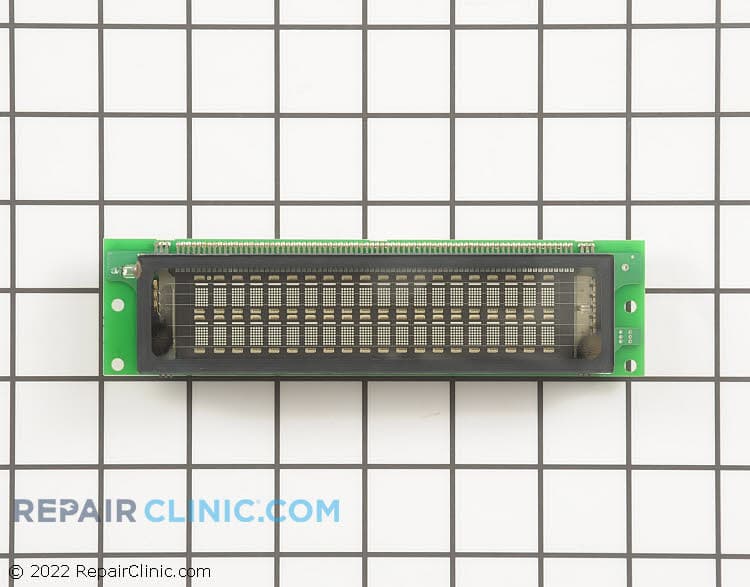
Display board


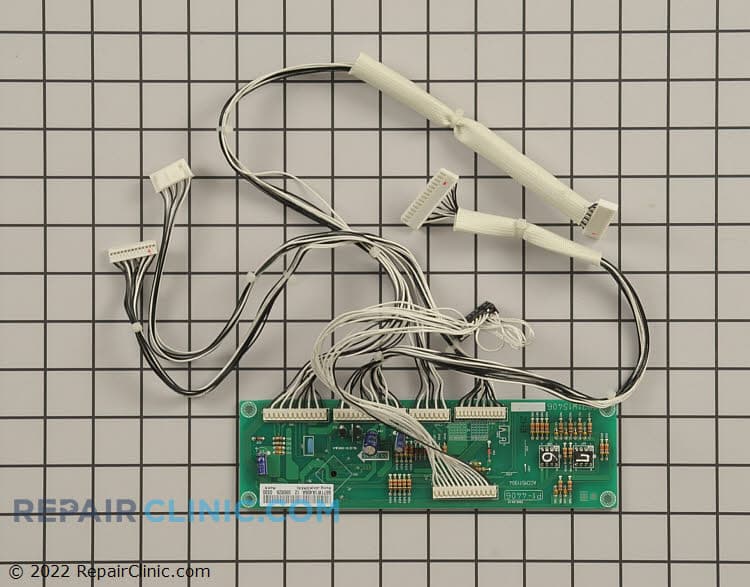
Sub power control board assembly


LG Microwave Control Board & Display Failures
LG microwave control boards and display boards handle everything from timer counting to sensor readings to safety interlocks. When the display goes dark, buttons don't respond, or you see error codes, the control board or display assembly is almost always the culprit. Unlike aftermarket boards, OEM LG boards come pre-programmed for your exact model — plug-and-play replacement.
Control board failures are usually sudden: one moment the microwave runs fine, the next the keypad is dead or the display shows nothing. Some models flash error codes before going completely unresponsive. Always verify your model number before ordering — LG uses different board designs across countertop and over-the-range (OTR) microwaves, and a mismatched board won't communicate with the magnetron or sensors.
- Dead display, keypad unresponsive: Control board has lost power or logic circuits have failed
- Blinking error codes: Board is detecting a sensor or safety circuit fault; code identifies the issue
- Microwave runs but display is blank: Display board or ribbon cable connection is loose; control board is functioning but display isn't
- Timer won't count down: Control board isn't receiving input from keypad or isn't sending power to display
- Turntable won't turn or stops mid-cycle: Control board isn't sending power signal to turntable motor circuit
Find a Replacement LG Microwave Display Board Online by Model or Part Number
Popular LG Microwave Display Board Models
LG Microwave Control Board FAQs
What's the difference between a control board and a display board?
The control board (also called the main board or logic board) is the brain of the microwave — it receives button presses, reads sensors, controls the magnetron, and monitors safety interlocks. The display board is the smaller circuit that drives the LED or LCD screen and timer. Some LG models use a single combined board; others have two separate boards connected by a ribbon cable. If your display is dark but the microwave runs when you press buttons, the display board or its ribbon cable is the problem. If nothing responds at all, it's the control board. Always check your model number to confirm whether you need one board or two.
Why do LG microwave control boards fail?
LG boards fail for a few common reasons: power surges (lightning, bad outlet), moisture/steam exposure (condensation inside the microwave housing), part aging (electrolytic capacitors dry out after 10+ years), and thermal stress from the magnetron's heat. Moisture is the #1 culprit in kitchens — steam from the stovetop can seep into vents and corrode solder joints. If your LG microwave is over an electric range, it gets extra heat exposure. OEM boards are engineered for your model's thermal environment; aftermarket boards don't have the same reliability.
Can I use an aftermarket or generic LG control board?
No. LG control boards are model-specific and pre-programmed with firmware unique to your microwave's feature set (sensor sensitivity, magnetron power curves, safety thresholds, timer logic). An aftermarket board may physically fit but won't communicate correctly with the magnetron, door safety circuit, or temperature sensors — the microwave either won't heat or won't turn off. OEM LG boards are a primary correct solution. Repair Clinic carries genuine LG boards for countertop and OTR models across all LG microwave series.
How do I find my LG microwave model number?
The model number is on a sticker inside the microwave — usually on the right or left wall, or on the back panel. It starts with "LM" or "LMV" (countertop) or "LMVH" (over-the-range). You'll also see an "MFR" date code. Write down the full model number and use our lookup tool — it will show you the exact control board, display board, and ribbon cable assembly for your model. Don't guess; one digit wrong means the wrong board.
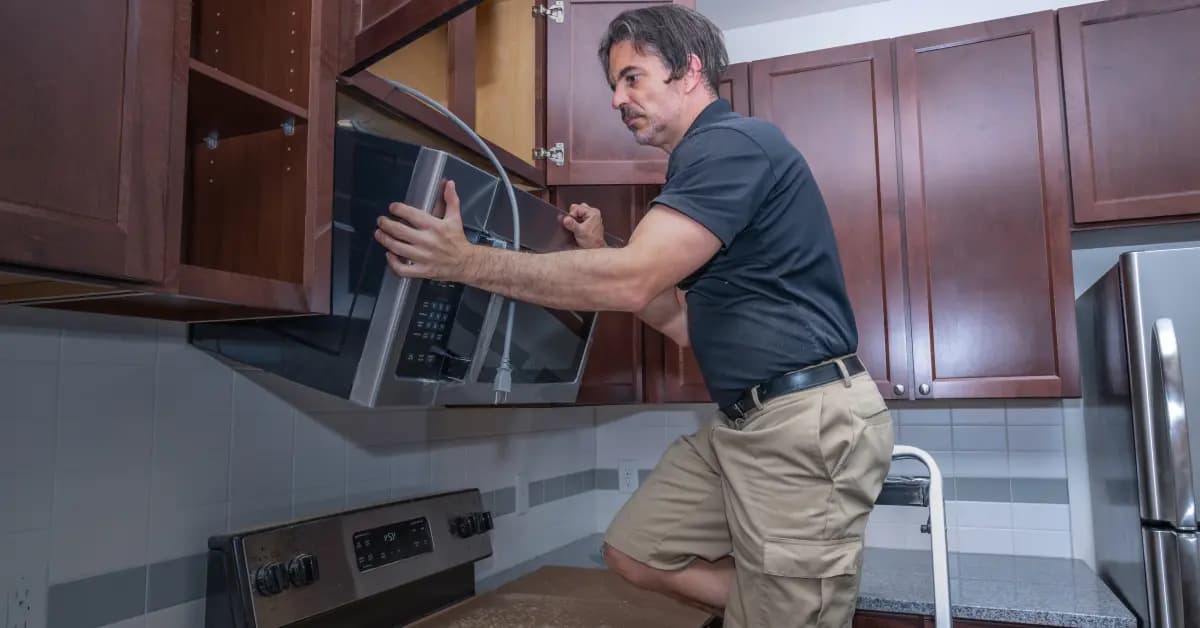
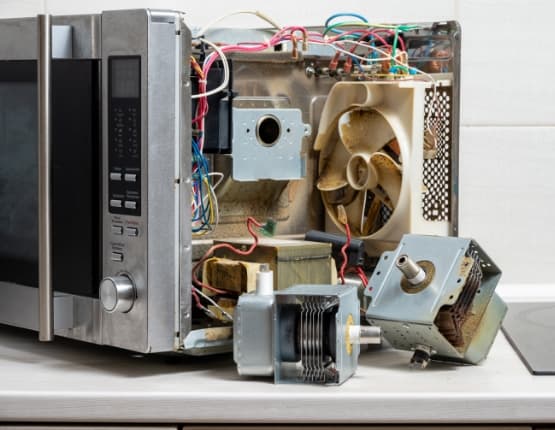
Order LG Microwave Display Board Replacement Parts Online
Keep your LG Microwave running smoothly with genuine OEM display board replacement parts from Repair Clinic. A functioning display board is key for setting the correct time and cooking instructions. Easily locate the exact display board you need using our model number lookup tool. Enjoy the convenience of same-day shipping, a No-Hassle 365-Day Returns policy, and our Price Match Guarantee. For additional support, visit our Microwave Repair Help page. Browse related LG Microwave Door Parts for more repair options.
LG Microwave Model Number: Where to Look
On LG microwaves, look for the model-number label inside the door frame, along the side wall of the cooking cavity, or on the back or side cabinet. The full model number may begin with "LM," "LMV," or "LMVH," but copy every letter and number exactly, including any suffix. Enter that number in the model number search to narrow the complete LG microwave parts catalog to parts that fit your unit, not just display boards. This step accounts for differences between countertop and over-the-range models and helps match every associated part correctly. You order with confidence knowing the fit is right.

Online Diagnostic and Repair Help for LG Microwave
Repair Clinic's online resources cover LG Microwave diagnostic work, part testing, and installation in one place. Symptom articles help you understand what is likely going wrong, video walkthroughs show the disassembly and reassembly, and step-by-step written repair guides let you follow along in your own time. Use the model number lookup to confirm the exact OEM part, and wiring diagrams support the more involved jobs.
Related Articles: Microwave Parts
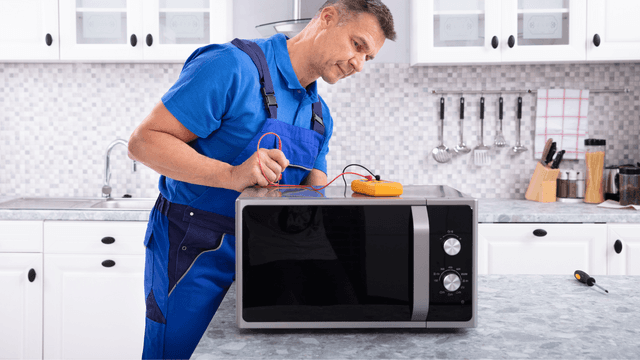
Testing A Microwave Capacitor
Learn how to safely test a microwave capacitor using a multimeter to determine if it's faulty and causing your microwave to malfunction.
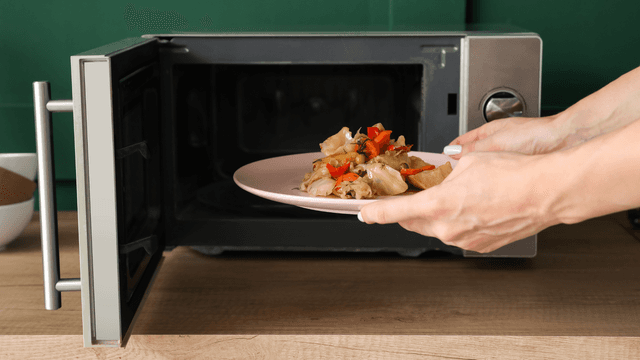
7 Probable Causes Of Your Microwave Not Heating
Find the most common reasons your microwave isn't heating, from defective magnetrons to door switch failures, and how to troubleshoot each issue.
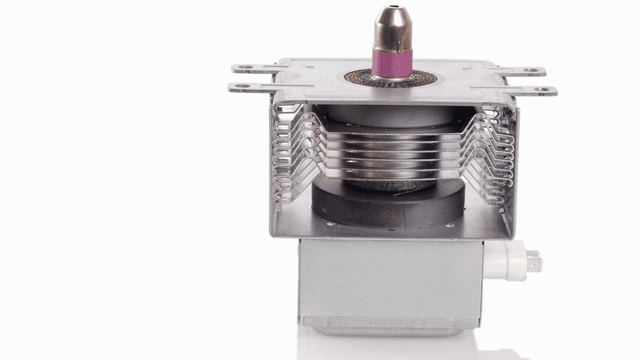
Microwave Magnetron Testing
Find out how to test a microwave magnetron to diagnose heating problems and determine if this crucial part needs to be replaced.




Family-owned and operated since 1912, Burke America Parts Group is the longest-running genuine appliance, HVAC, and outdoor power equipment parts solution in North America. At Repair Clinic, we're proud to be an international brand trusted by the pros as well as the DIY community.
About Repair Clinic