


 Price Match Guarantee
Find the right part faster
Multiple models matched. Select your model to confirm fit.


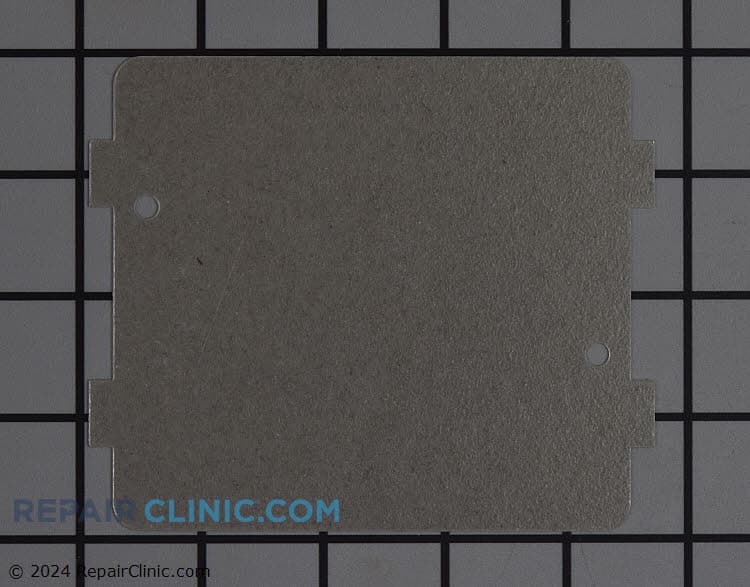
Wave guide cover


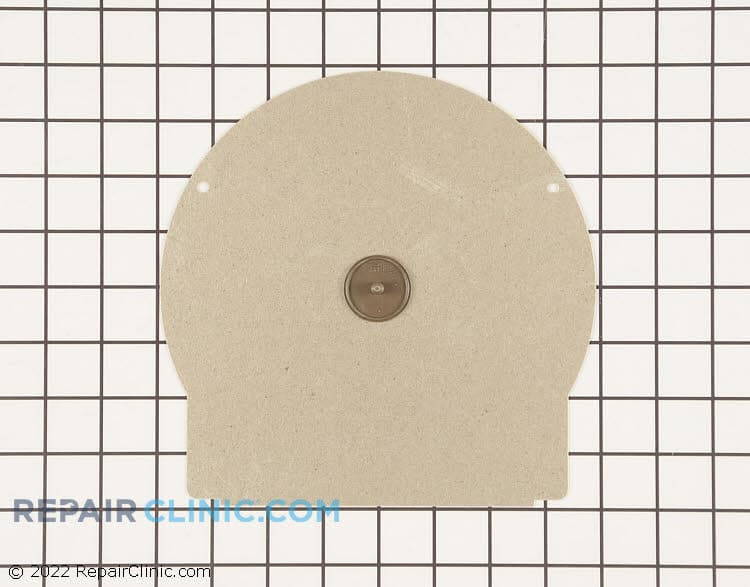
Stirrer fan cover assembly
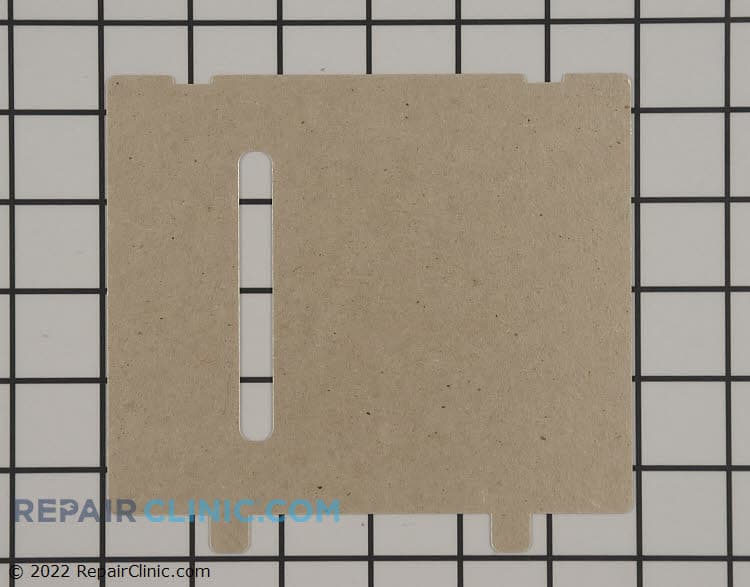
Canopy mica
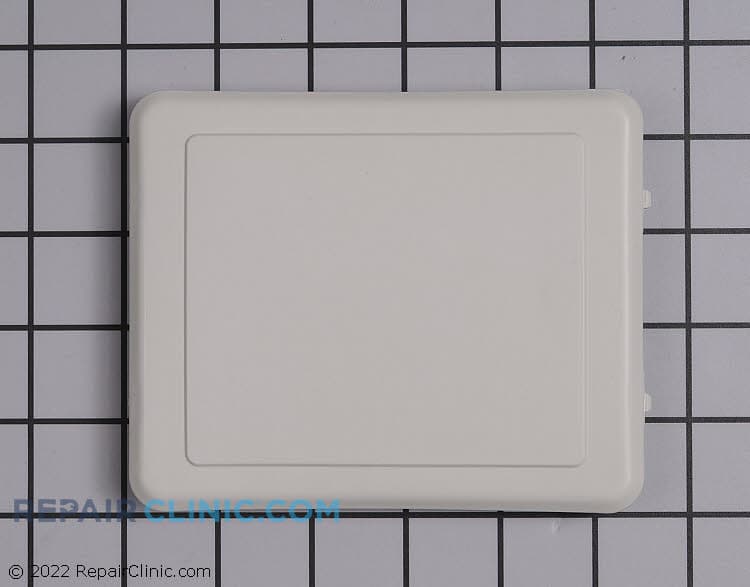
Waveguide Resin Cover
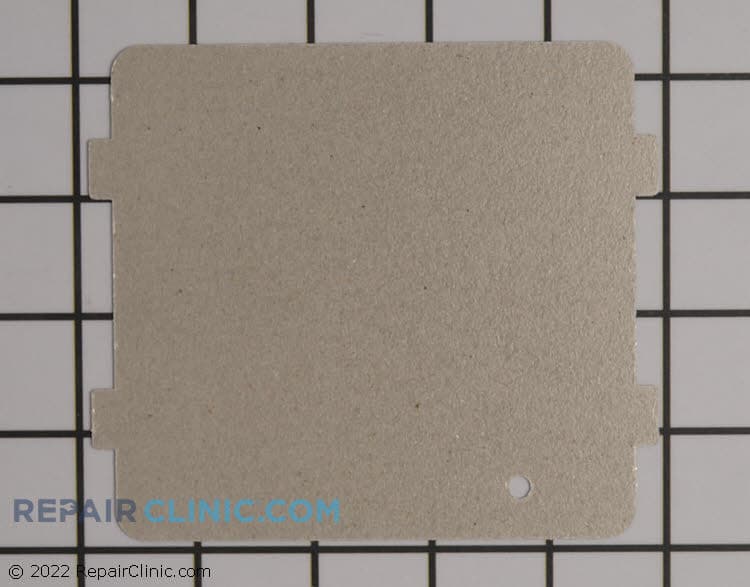
Waveguide cover

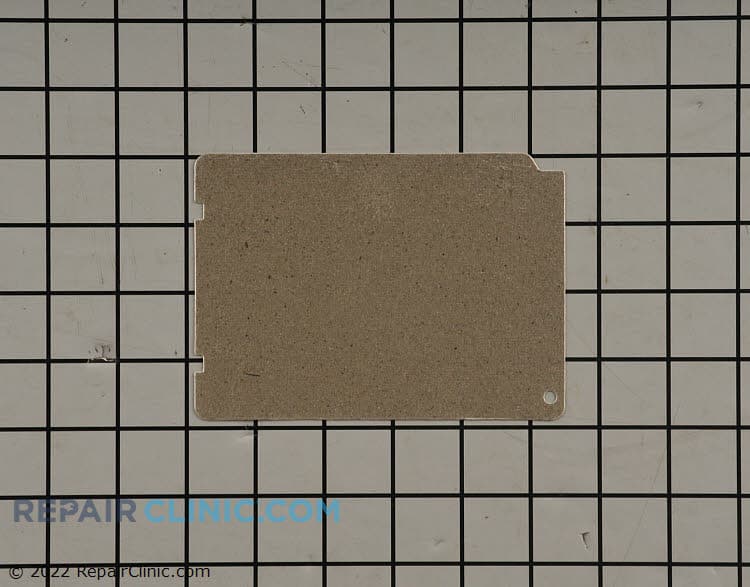
Cover
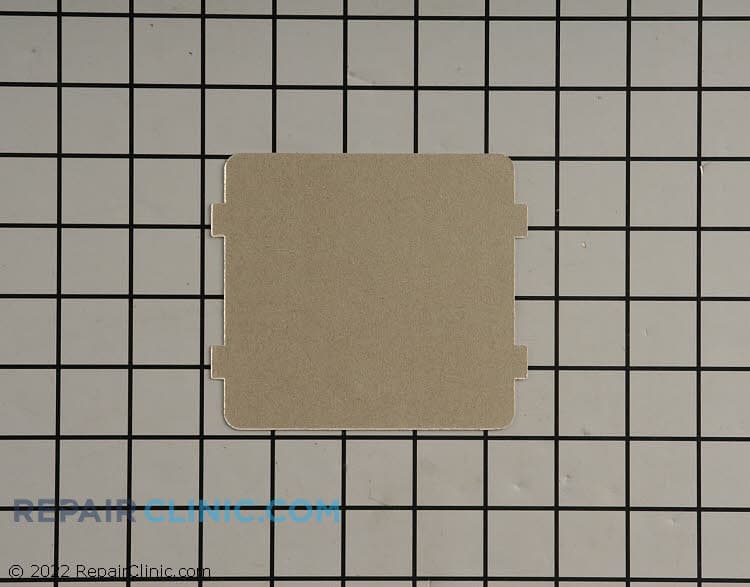
Wave guide cover
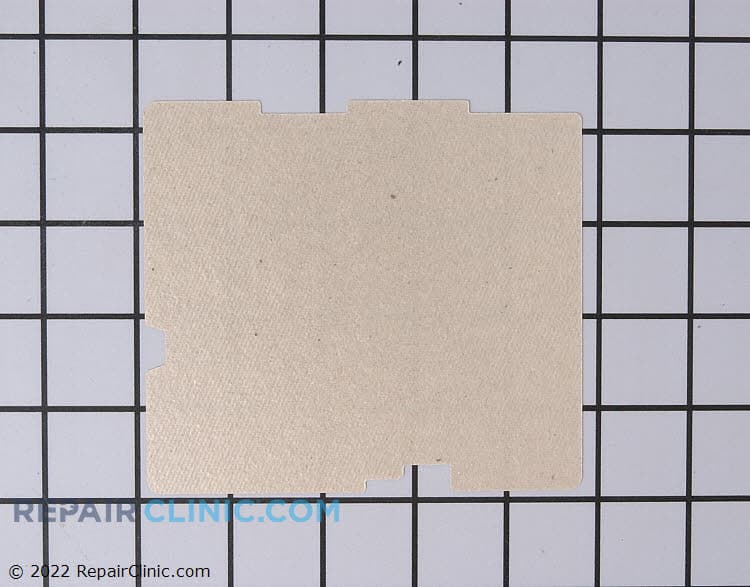
Waveguide cover
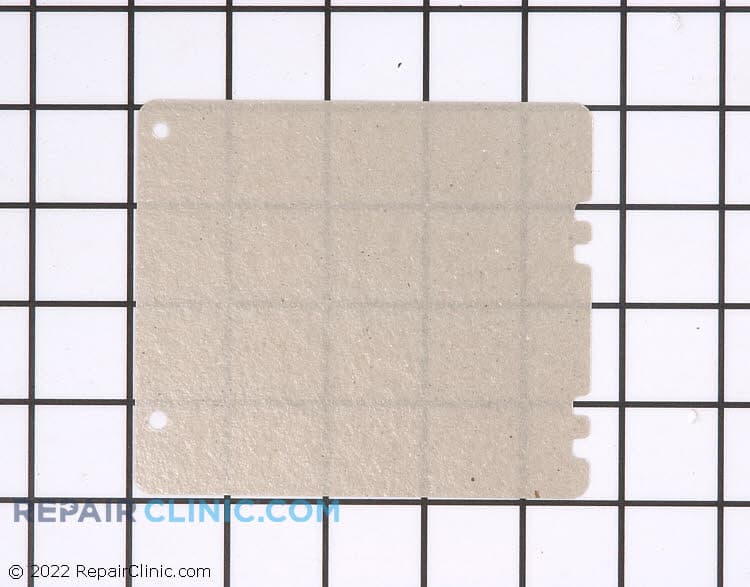
Waveguide cover
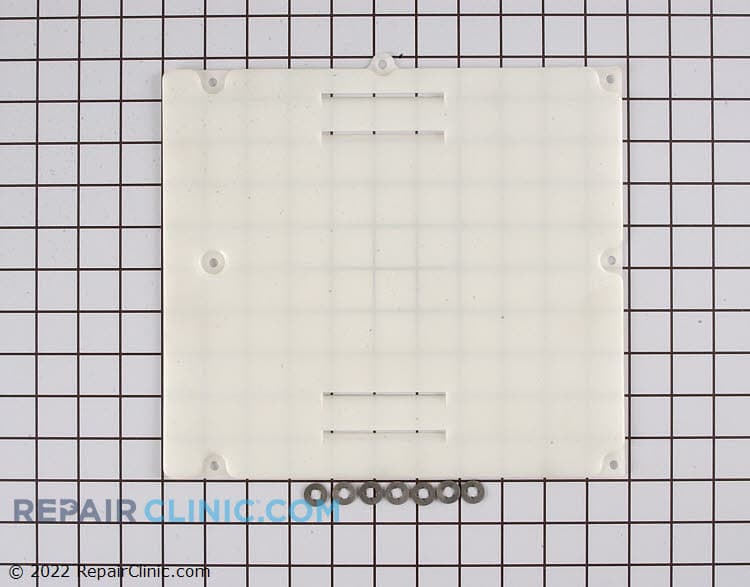
Stirrer cover

Cover stirrer fan
Stirrer cover


GE Microwave Waveguide Cover Parts
The waveguide cover is a thin protective barrier — usually mica or PTFE plastic — that sits directly over the magnetron opening inside your GE microwave. When food splatters or steam reaches it, the cover can burn through or crack, causing arcing and that telltale burning smell. Replacing it is one of the simplest microwave repairs you can do, and it costs a fraction of what a magnetron replacement runs.
Arcing inside the microwave is your signal to stop and replace the waveguide cover. That small $5 to $15 part prevents major damage to the magnetron and keeps your unit safe. We carry exact-fit GE waveguide covers for countertop, over-the-range, and built-in models.
- Arcing or sparking inside the cavity: burning smell coming from the microwave
- Small visible burn mark or hole: in the plastic/mica covering the magnetron
- Microwave runs but heats unevenly: damaged cover affects microwave pattern
- After food splatter burns onto the cover: immediate preventive replacement
- Discoloration or pitting on the cover surface: early stage of failure
Find your GE model number on the serial plate (usually on the back or inside the door frame) and use GE microwave waveguide covers to see the exact part for your unit. Installation takes minutes — no special tools needed.
Find a Replacement GE Microwave Waveguide Cover Online by Model or Part Number
Popular GE Microwave Waveguide Cover Models
GE Microwave Waveguide Cover Repair Questions
What does a waveguide cover do in a GE microwave?
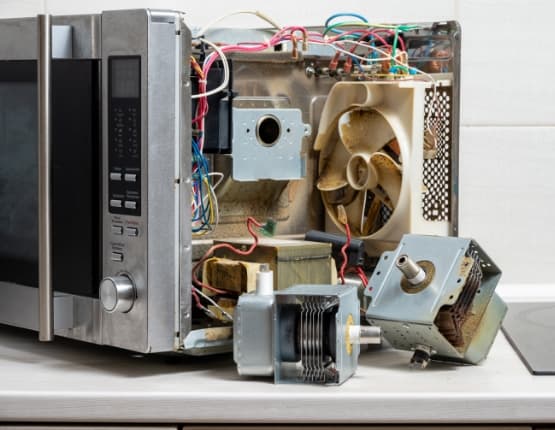
The waveguide cover is a protective cap — usually made of thin mica or PTFE plastic — that shields the magnetron opening from food splatter and steam. The magnetron generates microwave energy; the waveguide directs that energy into the cooking chamber. When the cover gets damaged, microwave energy escapes, causes arcing, and can damage the magnetron itself. Replacing a burnt waveguide cover is far cheaper than replacing the magnetron.
Why is my GE microwave arcing and making a burning smell?
Arcing (sparking) inside the microwave almost always points to a failed or damaged waveguide cover. Food particles, grease, or steam burn through the thin plastic or mica, creating a gap where microwave energy leaks and arcs. Stop using the microwave immediately — continued arcing can damage the magnetron. A new waveguide cover will eliminate the arcing and restore safe operation.
How do I find the right waveguide cover for my GE microwave model?
Locate your GE model number on the serial plate. For most GE models, the plate is on the back exterior or just inside the door frame — look for a sticker with the model number (usually starts with JE, JVM, PVM, or similar). Enter that model number into the parts lookup, and you'll see the exact waveguide cover assembly your microwave needs. GE waveguide covers vary by model, so using the model number ensures you get the correct fit.
Can I replace the waveguide cover myself?
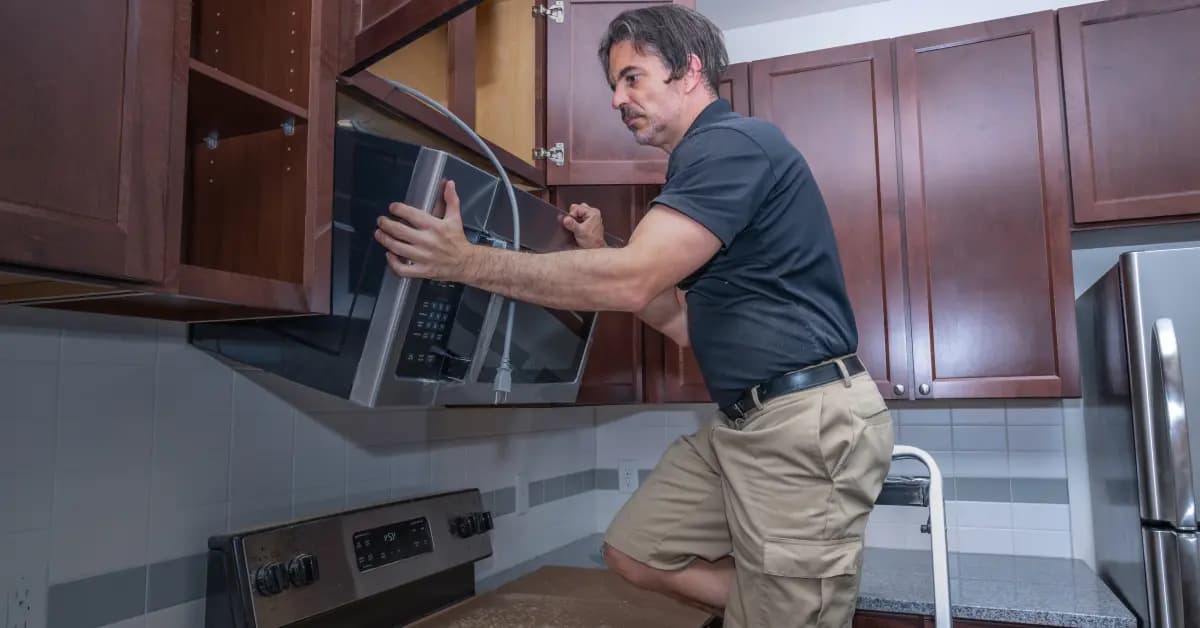
Yes. The waveguide cover is one of the easiest GE microwave repairs. In most models, you remove a few screws holding the interior trim, slide out the old cover, and clip in the new one. No special tools or technical knowledge required. Always unplug the microwave before starting, and allow it to cool if you've just used it. If you're not comfortable opening your microwave, a technician can handle it in about 20 minutes.
Find and Order GE Microwave Waveguide Cover Replacement Parts Online
Keep your GE Microwave functioning optimally with genuine waveguide cover replacement parts from Repair Clinic. A well-maintained waveguide cover is key to prevent food debris from damaging the magnetron and to ensure efficient microwave operation. Easily locate the right part using our model number lookup. Enjoy the convenience of same-day shipping, a No-Hassle 365-Day Returns policy, and our Price Match Guarantee. For support with installation or troubleshooting, visit our Microwave Repair Help page. Support your repair knowledge by browsing related GE Microwave Parts for comprehensive solutions.
Find the Model Number on Your GE Microwave
On GE microwaves, check the back or side cabinet first, then look inside the door frame for the serial plate. The model number is usually printed near the serial number and may begin with letters such as JVM, PVM, or JEB. Enter that model number in the search bar to narrow the complete microwave parts catalog to parts made for your specific unit, including the waveguide cover and other associated parts. Matching the model before ordering helps account for differences between countertop, over-the-range, and built-in GE microwaves. Use the model number lookup to pull up parts matched to your unit, so you can confirm compatibility quickly and avoid ordering a cover that does not fit.

DIY Repair Resources for GE Microwave
Whether you are new to appliance repair or a seasoned technician, GE Microwave repairs go smoother with the right online resources. Troubleshooting videos, common-symptom articles, part testing guides, and wiring diagrams cover the diagnostic and installation steps. Use the model number lookup to confirm the exact OEM part for your unit, then follow the matching video from start to finish.
Related Articles: Microwave Parts
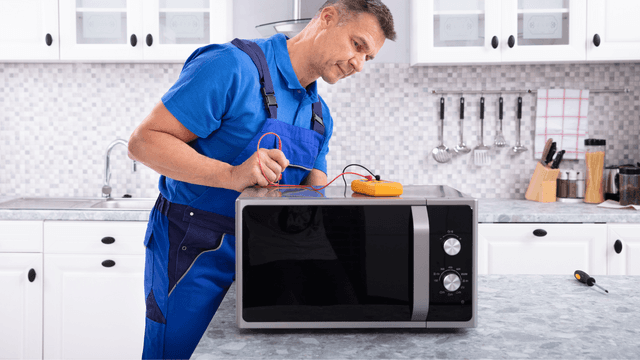
Testing A Microwave Capacitor
Learn how to safely test a microwave capacitor using a multimeter to determine if it's faulty and causing your microwave to malfunction.
7 Probable Causes Of Your Microwave Not Heating
Find the most common reasons your microwave isn't heating, from defective magnetrons to door switch failures, and how to troubleshoot each issue.
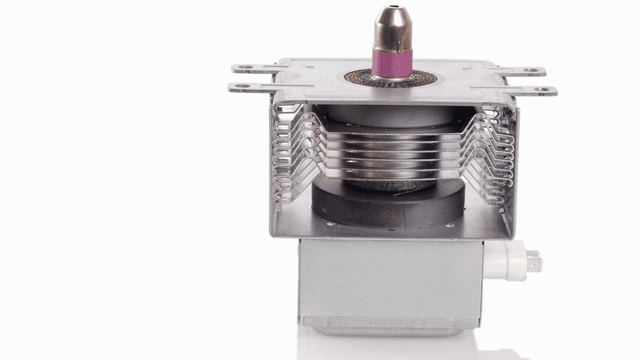
Microwave Magnetron Testing
Find out how to test a microwave magnetron to diagnose heating problems and determine if this crucial part needs to be replaced.




Family-owned and operated since 1912, Burke America Parts Group is the longest-running genuine appliance, HVAC, and outdoor power equipment parts solution in North America. At Repair Clinic, we're proud to be an international brand trusted by the pros as well as the DIY community.
About Repair Clinic