

Price Match Guarantee

In-stock parts ship the same day

365-Day Return Policy
Price Match GuaranteeGET PRO PRICING
Video & Articles: Appliance & Equipment RepairGE Dishwasher Mid Conduit Docking Port Replacement GDF510PSMSS

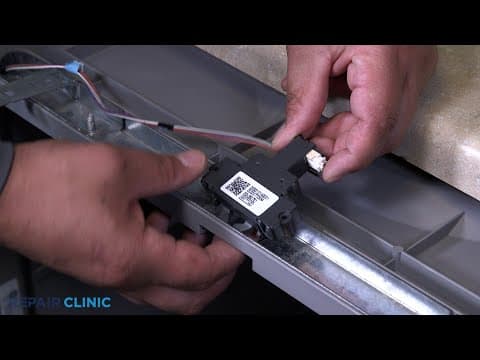
GE Dishwasher Mid Conduit Docking Port Replacement GDF510PSMSS
Skill Level
Total Parts Cost
$6.33Estimated Savings
$112.5002:56
- Description
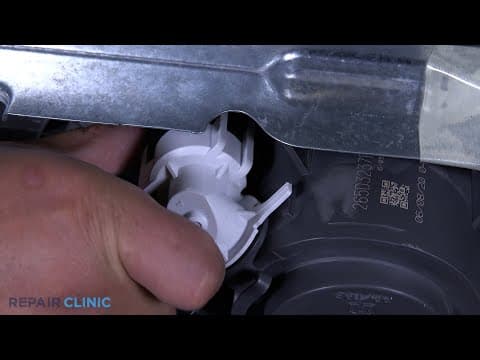
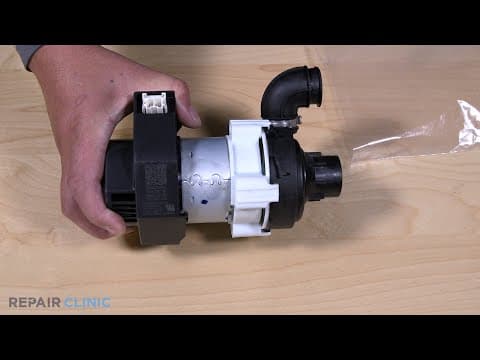
This video provides step-by-step repair instructions for replacing the mid conduit docking port in a GE Dishwasher (Model GDF510PSMSS). The most common reason for replacing this part is if it is damaged or missing.
All of the information for this video is applicable to the following brands: GE
All of the information for this video is applicable to the following brands: GE
Step By Step Instructions
1
To replace the mid conduit docking port in your GE dishwasher…
2
You will need a 1/4” drill driver or nut driver.
3
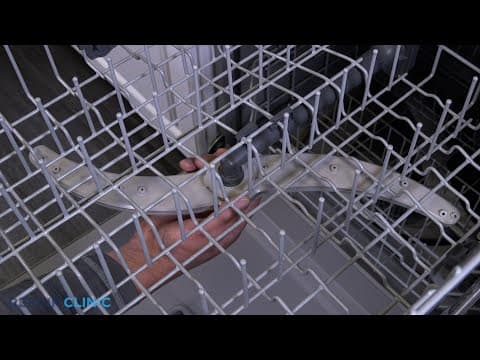
Extend the upper rack.
4
Gently pry the tabs open to release the end caps on the slide rails.
5
Now you can remove the rack.
6
Remove the bottom rack.
7
Unthread the two 1/4” screws from the docking port.
8
Remove the water guide from the diverter.
9
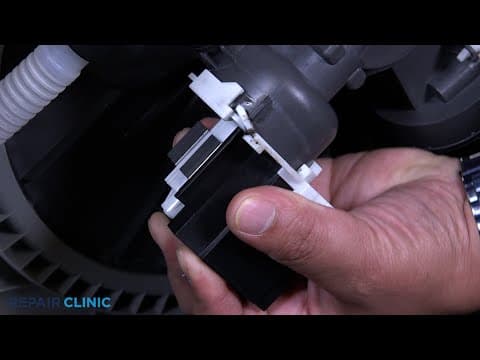
Unclip the docking port from the guide.
10
To install the new docking port…
11
Snap the docking port onto the guide.
12
Insert the water guide back into the diverter.
13
Align the docking port and rethread the two screws.
14
Insert the rails between the rollers to set the rack.
15
Snap the end caps back onto the slide rails.
16
Set the lower rack assembly back into the dishwasher.
17
And the dishwasher should be ready for use.
18
…and your dishwasher should be ready for use.
Description
This video provides step-by-step repair instructions for replacing the mid conduit docking port in a GE Dishwasher (Model GDF510PSMSS). The most common reason for replacing this part is if it is damaged or missing.
All of the information for this video is applicable to the following brands: GE
All of the information for this video is applicable to the following brands: GE
Step-By-Step Instructions
1
To replace the mid conduit docking port in your GE dishwasher…
2
You will need a 1/4” drill driver or nut driver.
3
Extend the upper rack.
4
Gently pry the tabs open to release the end caps on the slide rails.
5
Now you can remove the rack.
6
Remove the bottom rack.
7
Unthread the two 1/4” screws from the docking port.
8
Remove the water guide from the diverter.
9
Unclip the docking port from the guide.
10
To install the new docking port…
11
Snap the docking port onto the guide.
12
Insert the water guide back into the diverter.
13
Align the docking port and rethread the two screws.
14
Insert the rails between the rollers to set the rack.
15
Snap the end caps back onto the slide rails.
16
Set the lower rack assembly back into the dishwasher.
17
And the dishwasher should be ready for use.
18
…and your dishwasher should be ready for use.
Applicable Product Model

Related Articles & Videos




Our Story
Family-owned and operated since 1912, Burke America Parts Group is the longest-running genuine appliance, HVAC, and outdoor power equipment parts solution in North America. At Repair Clinic, we're proud to be an international brand trusted by the pros as well as the DIY community.
About Repair Clinic
© 2026 RepairClinic.com