

Price Match Guarantee

In-stock parts ship the same day

365-Day Return Policy
Price Match GuaranteeGET PRO PRICING
Video & Articles: Appliance & Equipment RepairBosch Dishwasher Push Button Switch Replacement #00424410

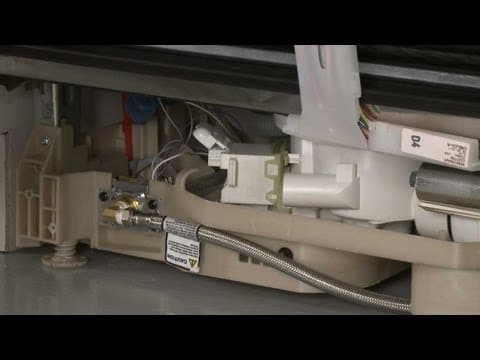
Bosch Dishwasher Push Button Switch Replacement #00424410
Skill Level
Total Parts Cost
$62.67Estimated Savings
$112.5001:56
- Description
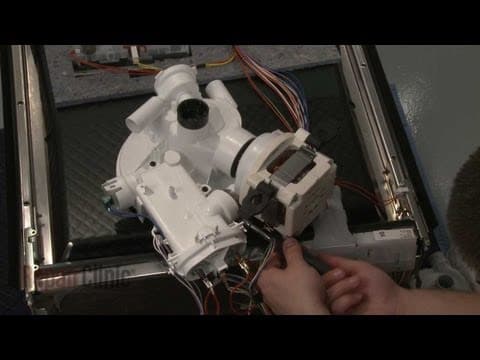
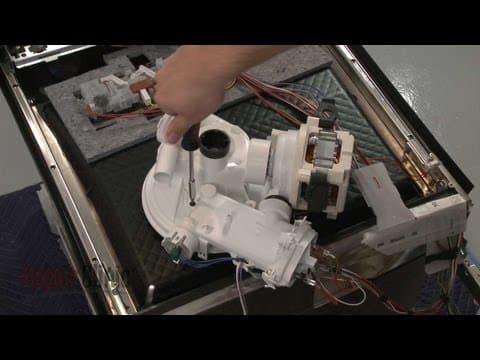
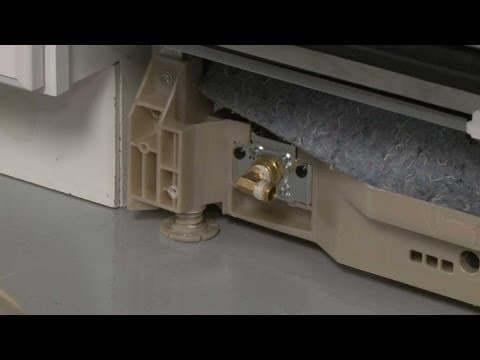
This video provides step-by-step repair instructions for replacing the push button switch (or on/off switch) on a Bosch dishwasher. The most common reason for replacing the push button switch is when the dishwasher won’t start.
All of the information for this push button switch replacement video is applicable to the following brands:
Bosch, Thermador, Gaggenau, Kenmore
All of the information for this push button switch replacement video is applicable to the following brands:
Bosch, Thermador, Gaggenau, Kenmore
Step By Step Instructions
1
As with any repair, be sure to turn off the power to your dishwasher before beginning.
2
Your first step is to open the dishwasher door and remove the screws securing the outer door panel.
3
Close the door securely and pull the outer door panel down to remove.
4
Next, remove the screws on the inner door panel securing the control panel.
5
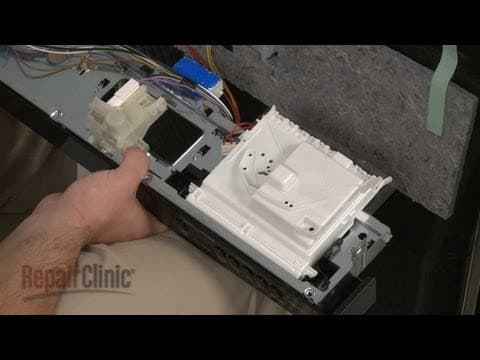
Pull the control panel off and support it as you disconnect the wire harness from the old switch.
6
Push the switch toward the button and pull out to remove.
7
Install the new push button switch by inserting it into the control panel and pushing the switch away from the button to lock it into place.
8
Connect the wire harness to the new switch.
9
Reposition the control panel and replace the screws in the inner door panel to secure.
10
Reinstall the outer door panel by sliding it up into position and replace the screws in the inner panel to secure.
11
You’re now ready to turn the power supply back on and confirm that the dishwasher is functioning properly.
Description
This video provides step-by-step repair instructions for replacing the push button switch (or on/off switch) on a Bosch dishwasher. The most common reason for replacing the push button switch is when the dishwasher won’t start.
All of the information for this push button switch replacement video is applicable to the following brands:
Bosch, Thermador, Gaggenau, Kenmore
All of the information for this push button switch replacement video is applicable to the following brands:
Bosch, Thermador, Gaggenau, Kenmore
Step-By-Step Instructions
1
As with any repair, be sure to turn off the power to your dishwasher before beginning.
2
Your first step is to open the dishwasher door and remove the screws securing the outer door panel.
3
Close the door securely and pull the outer door panel down to remove.
4
Next, remove the screws on the inner door panel securing the control panel.
5
Pull the control panel off and support it as you disconnect the wire harness from the old switch.
6
Push the switch toward the button and pull out to remove.
7
Install the new push button switch by inserting it into the control panel and pushing the switch away from the button to lock it into place.
8
Connect the wire harness to the new switch.
9
Reposition the control panel and replace the screws in the inner door panel to secure.
10
Reinstall the outer door panel by sliding it up into position and replace the screws in the inner panel to secure.
11
You’re now ready to turn the power supply back on and confirm that the dishwasher is functioning properly.
Applicable Product Model
Related Articles & Videos




Our Story
Family-owned and operated since 1912, Burke America Parts Group is the longest-running genuine appliance, HVAC, and outdoor power equipment parts solution in North America. At Repair Clinic, we're proud to be an international brand trusted by the pros as well as the DIY community.
About Repair Clinic
© 2026 RepairClinic.com