

Price Match Guarantee

In-stock parts ship the same day

365-Day Return Policy
Price Match GuaranteeGET PRO PRICING
Video & Articles: Appliance & Equipment RepairGE Dryer Brown Jumper Wire Replacement WE15X25210

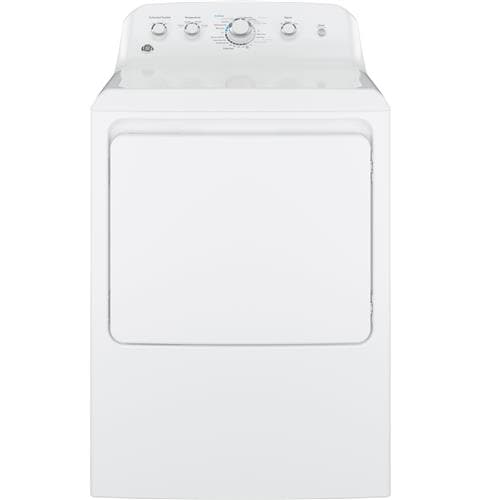
This video provides step-by-step repair instructions for replacing the brown jumper wire in a GE dryer (Model GTD42EASJ2WW). The most common reason for replacing this part is if it's missing or broken.
This replacement video is applicable to the following brands:
GE
Screws affiliated with dryer-
Don't forget to like and comment on this video and subscribe to our channel!
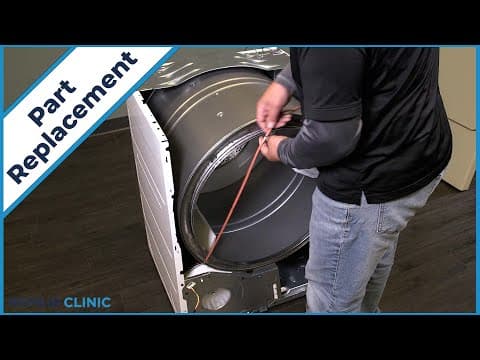
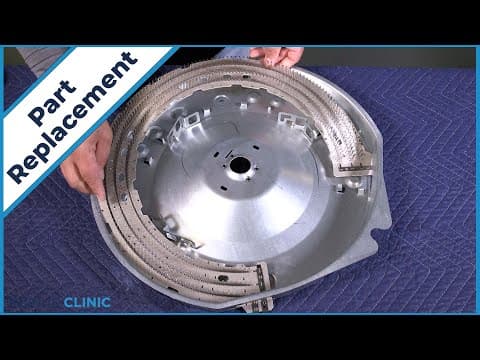
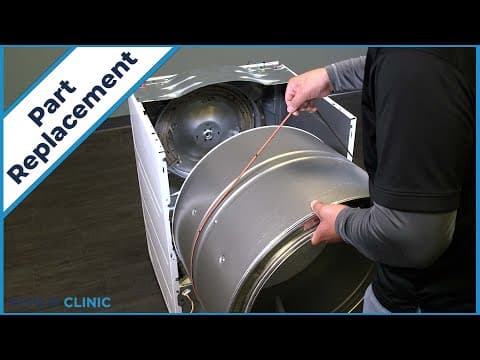
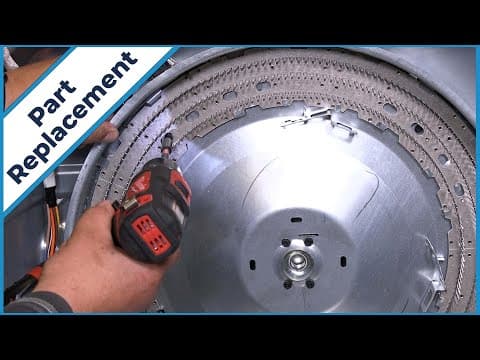
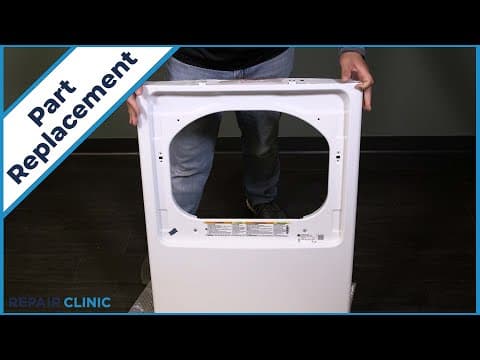
GE Dryer Brown Jumper Wire Replacement WE15X25210
Skill Level
Total Parts Cost
$8.53Estimated Savings
$112.5002:48
- Description
This video provides step-by-step repair instructions for replacing the brown jumper wire in a GE dryer (Model GTD42EASJ2WW). The most common reason for replacing this part is if it's missing or broken.
This replacement video is applicable to the following brands:
GE
Screws affiliated with dryer-
Don't forget to like and comment on this video and subscribe to our channel!
Step By Step Instructions
1
To replace the brown jumper wire in your ge dryer, you will need a drill driver with a 1/4” bit and needlenose pliers.
2
Before you begin the procedure, unplug the power to the appliance.
3
Unthread the five screws on the panel.any missing screws can be ordered through the links in the description below.
4
Pull out and lift the panel from the backsplash.
5
Detatch the ground wire.
6
Remove the brown jumper wire from the timer and extended tumble switch. then remove the purple wire from the brown wire
7
To install the new jumper wire, plug the wire into the extended tumble switch then attach the purple wire to the other end and plug it into the timer switch.
8
Reattach the ground wire to the panel.
9
Insert the panel tabs into the slots on the dryer.
10
Rethread the five screws.
11
Plug in the dryer, and your dryer should be ready for use.
Description
This video provides step-by-step repair instructions for replacing the brown jumper wire in a GE dryer (Model GTD42EASJ2WW). The most common reason for replacing this part is if it's missing or broken.
This replacement video is applicable to the following brands:
GE
Screws affiliated with dryer-
Don't forget to like and comment on this video and subscribe to our channel!
This video provides step-by-step repair instructions for replacing the brown jumper wire in a GE dryer (Model GTD42EASJ2WW). The most common reason for replacing this part is if it's missing or broken.
This replacement video is applicable to the following brands:
GE
Screws affiliated with dryer-
Don't forget to like and comment on this video and subscribe to our channel!
Step-By-Step Instructions
1
To replace the brown jumper wire in your ge dryer, you will need a drill driver with a 1/4” bit and needlenose pliers.
2
Before you begin the procedure, unplug the power to the appliance.
3
Unthread the five screws on the panel.any missing screws can be ordered through the links in the description below.
4
Pull out and lift the panel from the backsplash.
5
Detatch the ground wire.
6
Remove the brown jumper wire from the timer and extended tumble switch. then remove the purple wire from the brown wire
7
To install the new jumper wire, plug the wire into the extended tumble switch then attach the purple wire to the other end and plug it into the timer switch.
8
Reattach the ground wire to the panel.
9
Insert the panel tabs into the slots on the dryer.
10
Rethread the five screws.
11
Plug in the dryer, and your dryer should be ready for use.
Applicable Product Model
Parts Needed
Wire Harness
$8.53
Total$0.00
Related Articles & Videos




Our Story
Family-owned and operated since 1912, Burke America Parts Group is the longest-running genuine appliance, HVAC, and outdoor power equipment parts solution in North America. At Repair Clinic, we're proud to be an international brand trusted by the pros as well as the DIY community.
About Repair Clinic
© 2026 RepairClinic.com