


 Price Match Guarantee
Crosley Range/Stove/Oven Touchpad Parts
Find the right part faster
Multiple models matched. Select your model to confirm fit.




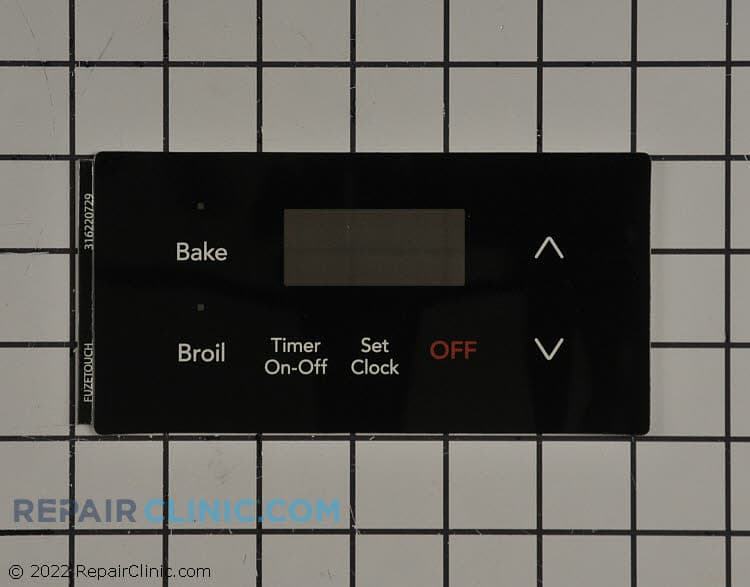
Clock overlay, black. Clock control sold seperately
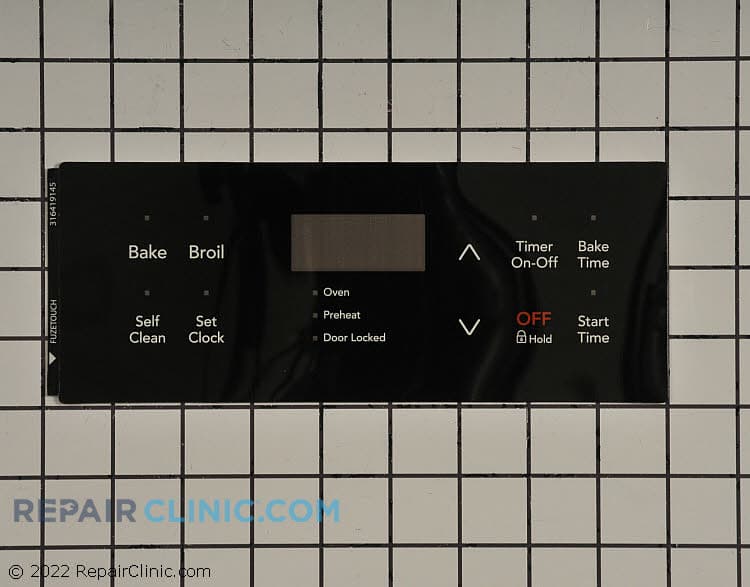
Overlay, black
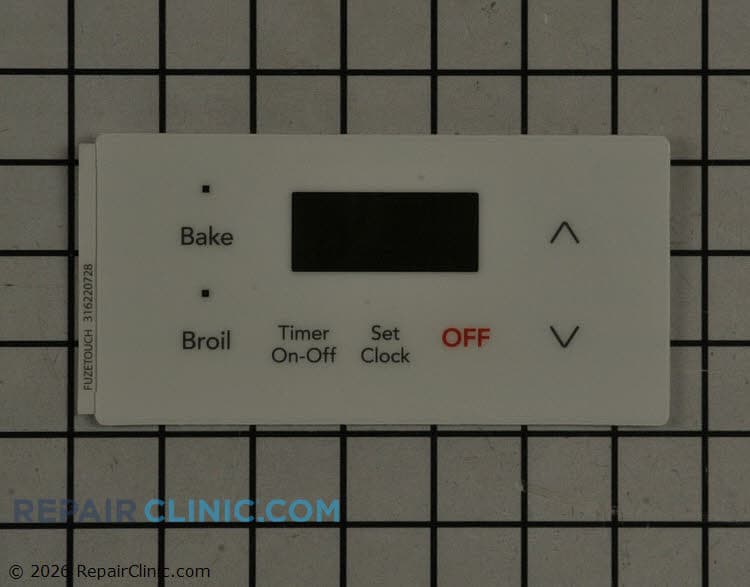
White clock overlay
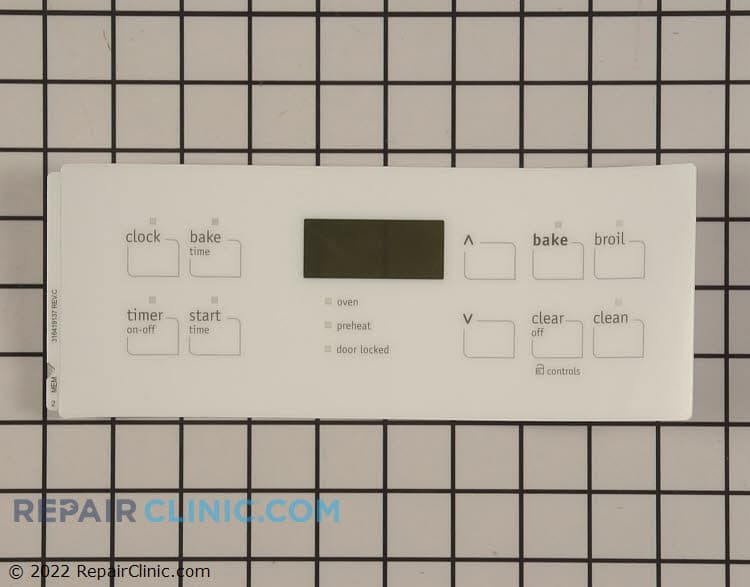
Clock overlay, white
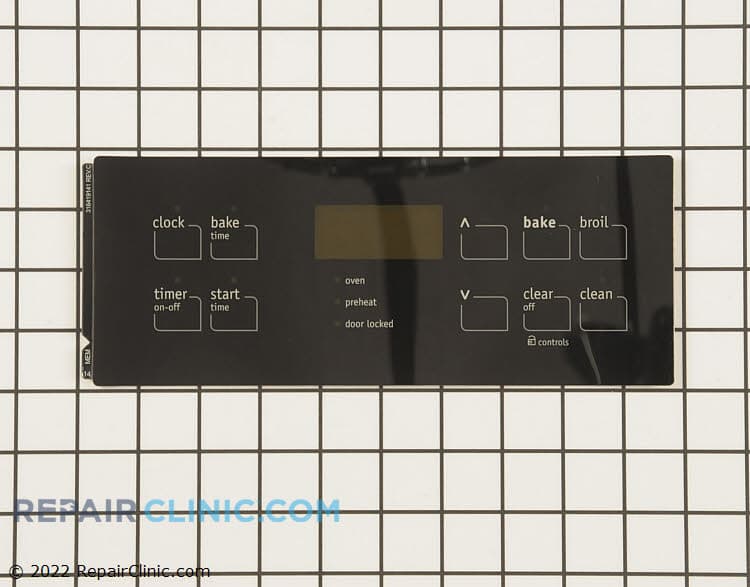
Clock overlay, black
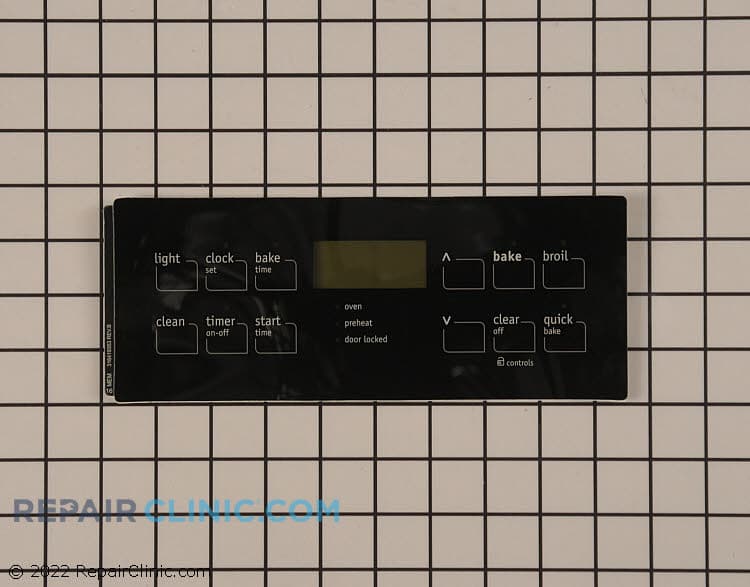
Clock overlay, black
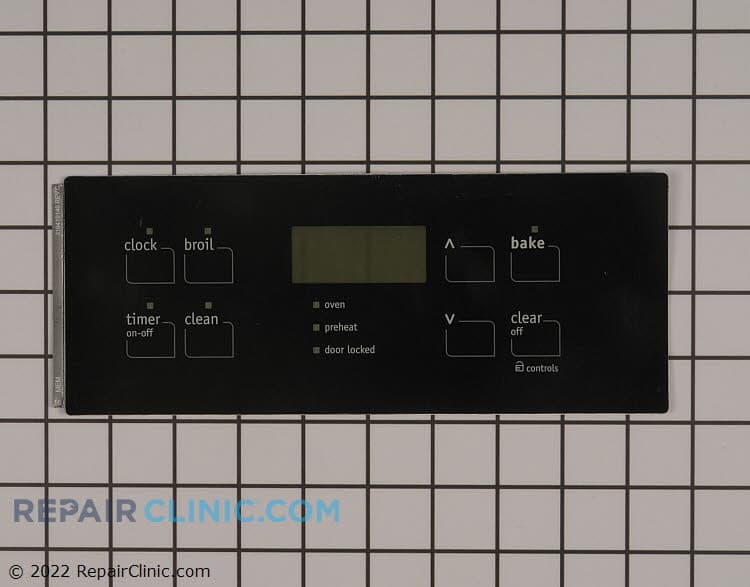
Clock overlay, black
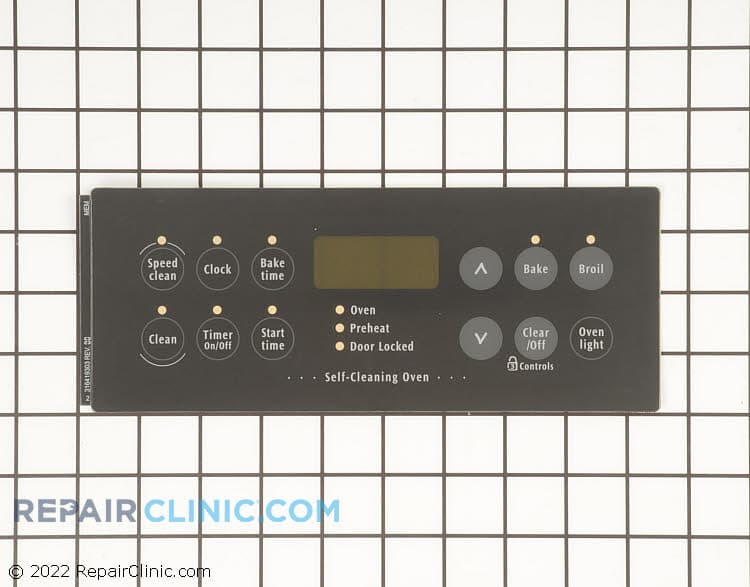
This is a genuine replacement part. Overlay 316419303 Frigidaire touchpad.
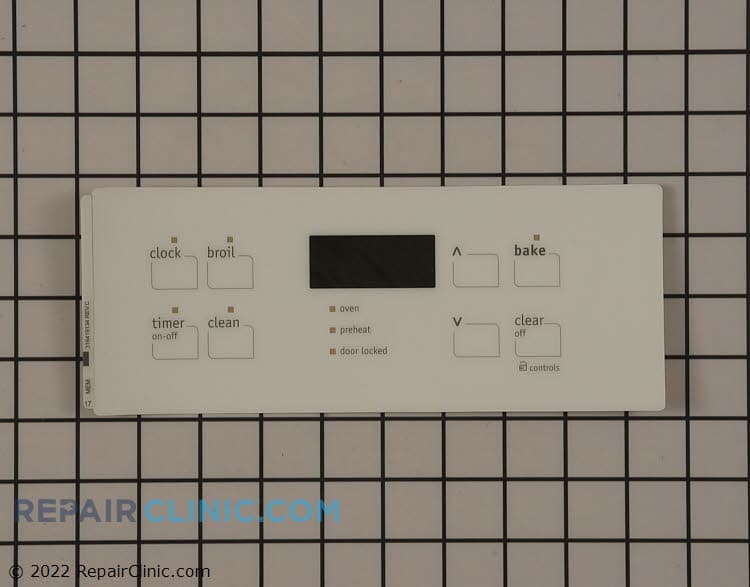
Clock overlay, white
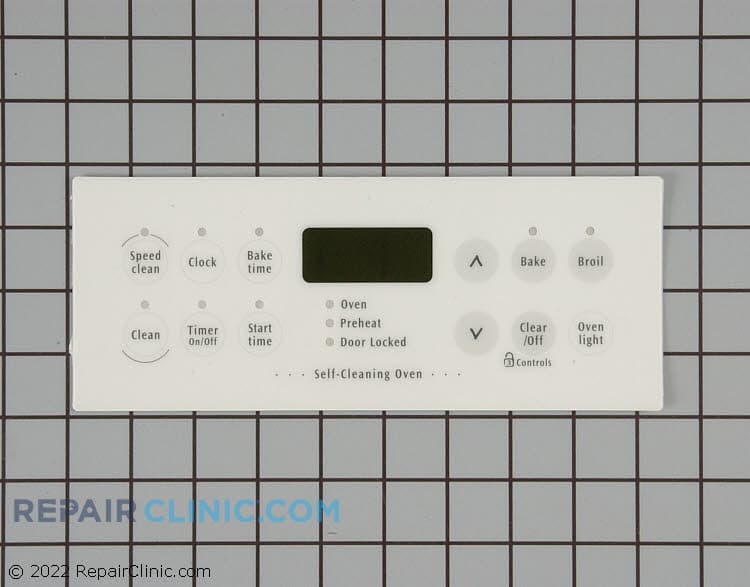
This is a genuine replacement Part, The model number and name for the following item: Frigidaire (FRIGB) 316419304 range/stove/oven - overlay.

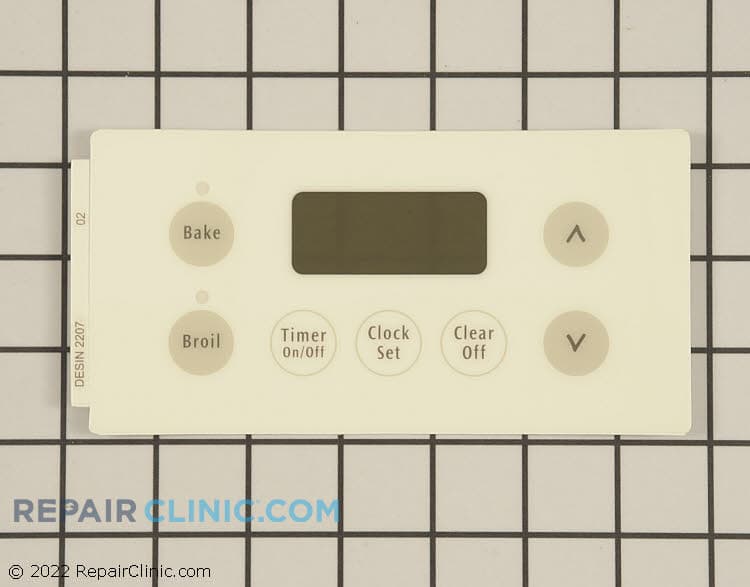
This is a genuine replacement part. Frigidaire (FRIGB) 316220702 Overlay.

Panel- con
Overlay, clock (wht)
Panel- con
Panel- con


Genuine OEM Crosley Oven Touchpad Replacements
Repair Clinic provides a wide selection of genuine OEM Crosley oven touchpad replacements designed to ensure a precise fit and maintain your appliance's warranty. Our Crosley oven parts are crafted to meet the original manufacturer's standards, offering reliable functionality for your oven. If your oven touchpad is unresponsive, it may be time for a replacement to restore full control over your cooking settings. With replacement parts available online, you can order with confidence knowing you're getting top-quality parts.
Common issues like an unresponsive touchpad or intermittent functionality can often be resolved by replacing the part. Repair Clinic offers resources to assist in diagnosing and fixing these issues, ensuring your oven operates smoothly. Explore more options for your Crosley oven at our panel parts page for additional maintenance solutions.
Find Replacement Crosley Range/Stove/Oven Touchpad Parts Online by Model or Part Number
Popular Crosley Range/Stove/Oven Models
Related Crosley Range/Stove/Oven Touchpad Parts
FAQs about Crosley Range/Stove/Oven Touchpad Parts
Touchpad issues in your Crosley range, stove, or oven can disrupt your cooking. Understanding common problems and their solutions can help you get your appliance back in working order quickly. Here are some frequently asked questions to guide you.
How do I replace a faulty Crosley oven touchpad?
First, unplug your oven for safety. Remove the control panel cover to access the touchpad. Disconnect the ribbon cable and unscrew the touchpad from the panel. Install the new touchpad by reversing these steps. Ensure all connections are secure before reassembling.
Why isn't my Crosley oven touchpad responding?
A non-responsive touchpad might be due to a faulty connection or a worn-out touchpad. Check the ribbon cable for secure connections. If the cable is fine, you may need a replacement touchpad from Appliance Parts.
What should I do if my Crosley stove displays an error code?
Error codes often indicate a touchpad or control board issue. Consult your manual for code meanings. Reset the oven by unplugging it for a few minutes. If the issue persists, you may need to replace the touchpad or control board.
For more information on Range, Stove, Oven Heating Element Parts, visit Repair Clinic. Our Price Match Guarantee ensures you get the best deals on genuine OEM parts, and our hassle-free return policy offers peace of mind.
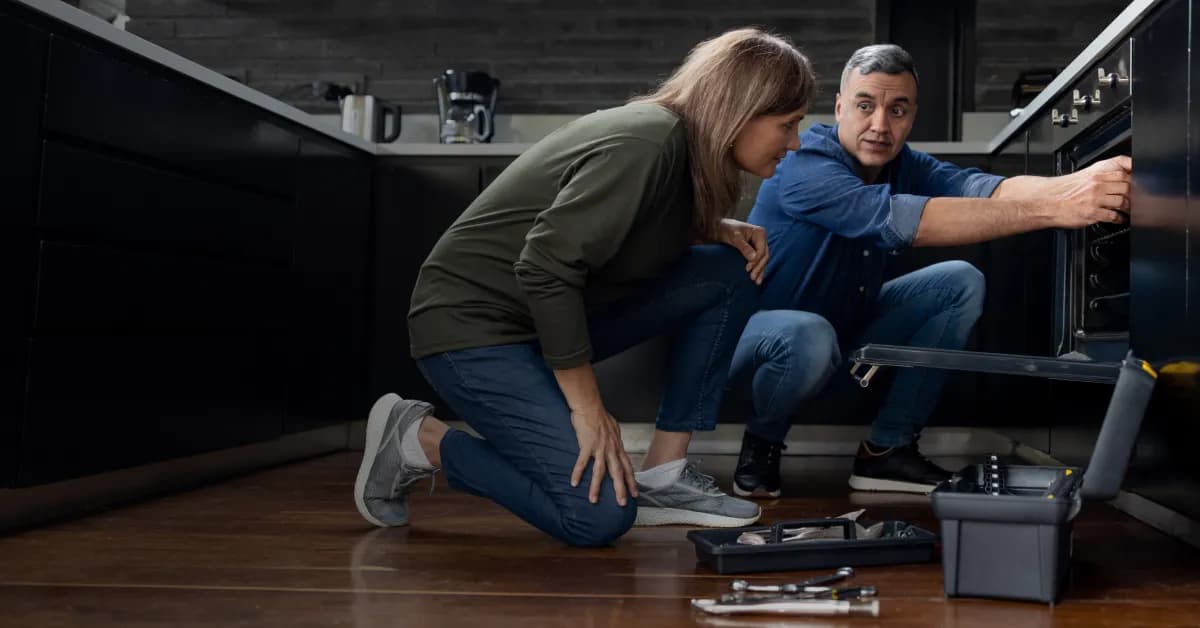
Order Crosley Oven Touchpad Parts Online
Ensure precise control over your Crosley Oven with genuine OEM touchpad parts from Repair Clinic. A functioning touchpad is crucial for inputting cooking settings accurately and efficiently. Use our model number lookup to find the exact touchpad for your Crosley appliance, ensuring a perfect fit. Take advantage of same-day shipping, a No-Hassle 365-Day Return policy, and our Price Match Guarantee for a seamless shopping experience. For help with installation, visit our Oven Repair Help page or explore other Oven Touchpad Parts.
Identifying the Model Number for Oven Touchpad Parts
For efficient oven repairs, knowing the model number is crucial, especially when searching for touchpad replacement parts. The model number can typically be found on a label inside the oven door or on the frame. This number is essential for ensuring compatibility with the touchpad parts you need. Once you have the model number, use it to swiftly find and order the necessary parts online. Whether you're a homeowner or a technician, finding the right oven parts online is streamlined with model number lookup. To ensure your oven touchpad is functioning properly, make sure to replace faulty components promptly. For additional resources, you can explore Range-Stove-Oven Panel Parts for related repair solutions and parts.
Trust Repair Clinic for Crosley Oven Touchpad Assistance
At Repair Clinic, we're dedicated to ensuring your Crosley range, stove, or oven operates at its best. Our expert customer service team is available seven days a week to help you find the right touchpad replacement parts. Whether your oven isn't responding or the touchpad is malfunctioning, our genuine OEM parts and troubleshooting assistance will get you cooking again. Use our convenient model/part number lookup tool to quickly locate the exact part you need. Enjoy peace of mind with our no-hassle 365-day returns and price match guarantee. If you encounter issues such as a non-responsive touchpad, consider inspecting the control board and connections. Our live chat offers quick support to address your concerns, ensuring a smooth online ordering experience. Trust Repair Clinic to provide the parts you need with exceptional service and support. Visit us today to explore our wide selection of Crosley oven touchpad parts and take advantage of our DIY-friendly repair guides and videos.
Related Articles: Stove & Oven Repair
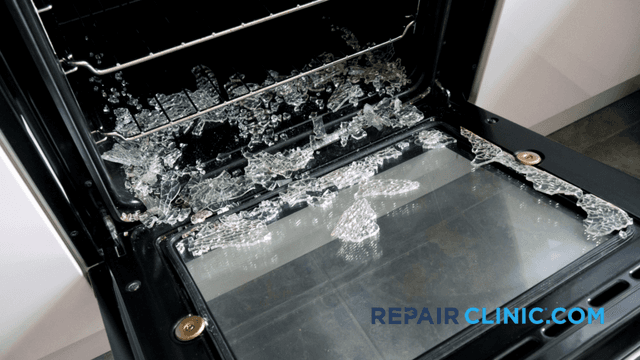
Glass on Oven Door Broke: Reasons, Prevention, and Repair
Glass in oven doors can sometimes break, causing inconvenience and potential safety hazards. In this article, we'll explore the reasons behind oven door glass breakage, preventive measures, and steps for repair if it does occur.
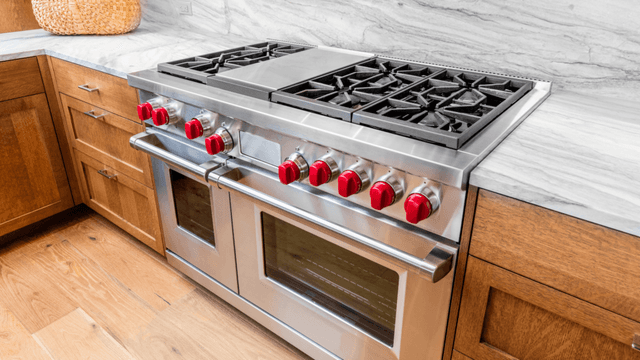
Determine Why Your Gas Oven Isn't Heating Up
Has your gas oven stopped heating up? Repair Clinic has identified the top 6 causes of this common problem that routinely frustrates those of us who are now unable to bake those cookies or broil that roast.
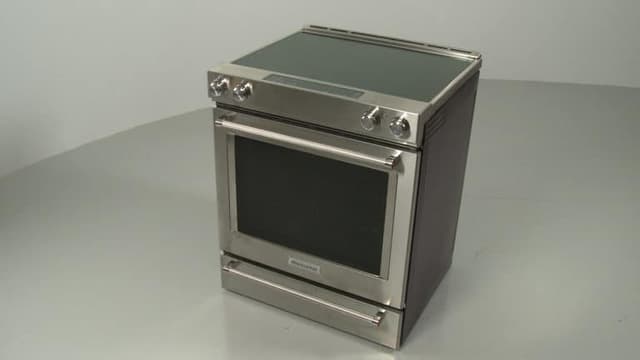
Can I Replace the Heating Element in My Oven?
A burned-out bake or broil heating element is the number one cause for your electric oven failing to heat up. So, if your roast isn't sizzling, your bread isn't rising, or your soufflé isn't soufflé-ing, your first oven troubleshooting step should be testing the bake or broil element to determine if it is defective.




Family-owned and operated since 1912, Burke America Parts Group is the longest-running genuine appliance, HVAC, and outdoor power equipment parts solution in North America. At Repair Clinic, we're proud to be an international brand trusted by the pros as well as the DIY community.
About Repair Clinic