


 Price Match Guarantee
GE Range/Stove/Oven Touchpad Parts
Find the right part faster
Multiple models matched. Select your model to confirm fit.




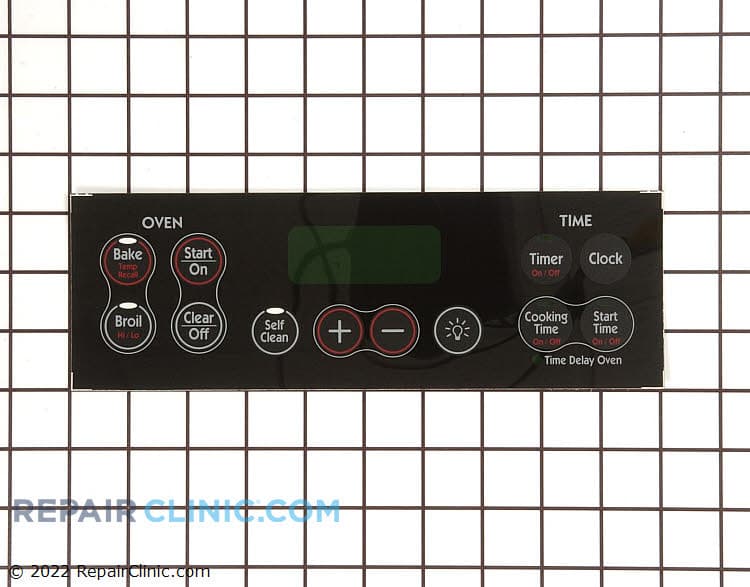
This is a Genuine Replacement Part. General Electric (GENF0) WB27K10118 Range/stove/oven Overlay.
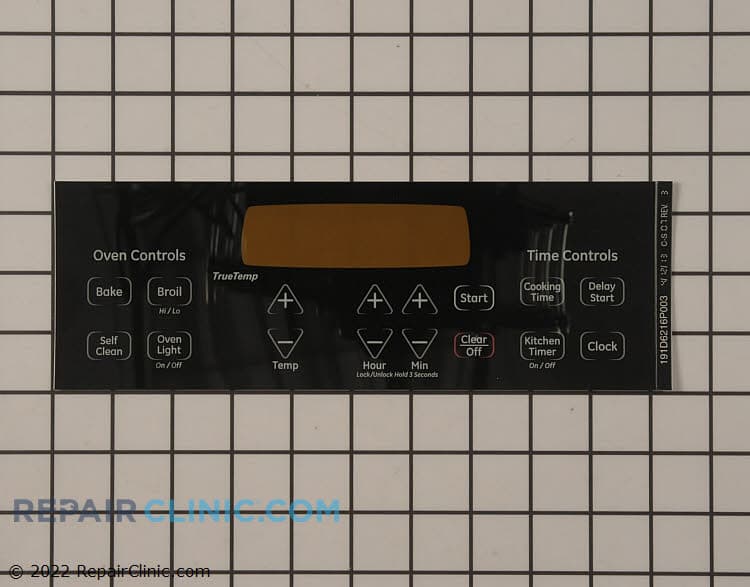
Faceplate for retrofitted models only. To determine if your model is retrofitted, you will need to make sure that your existing overlay is approximately 9.4" across. If it is 17.5", the model is not retrofitted and you will need the related item below.
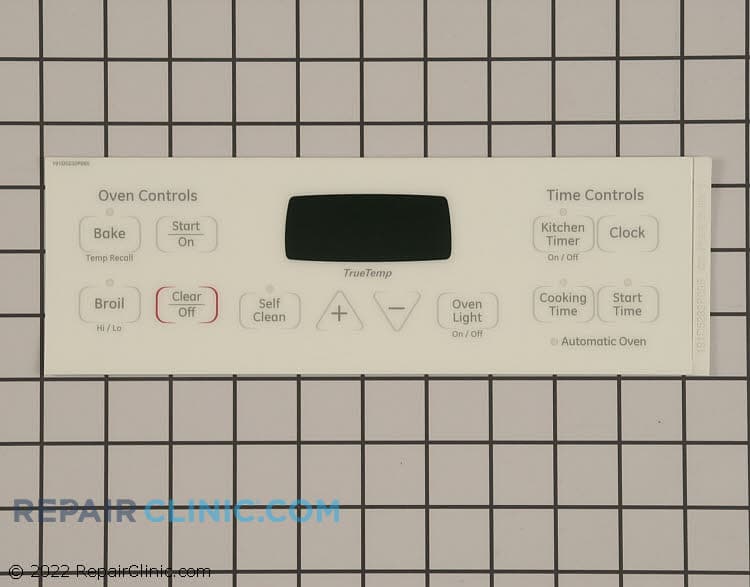
Graphic faceplate, white
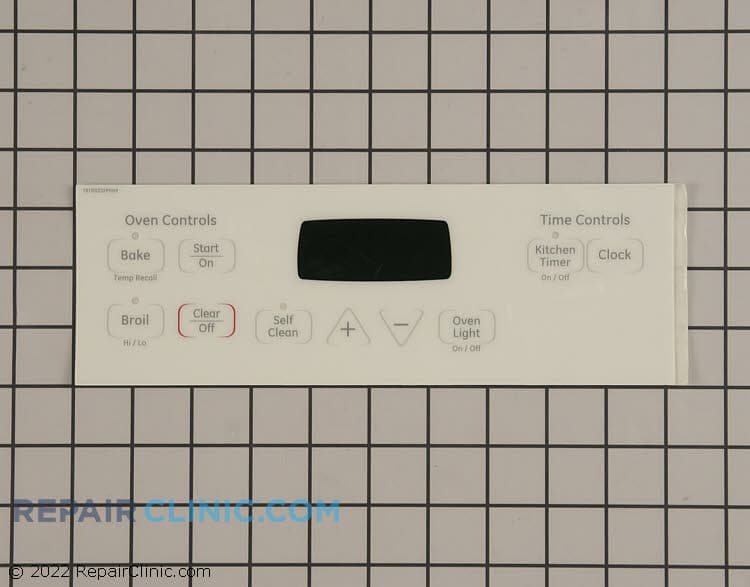
Clock faceplate, white
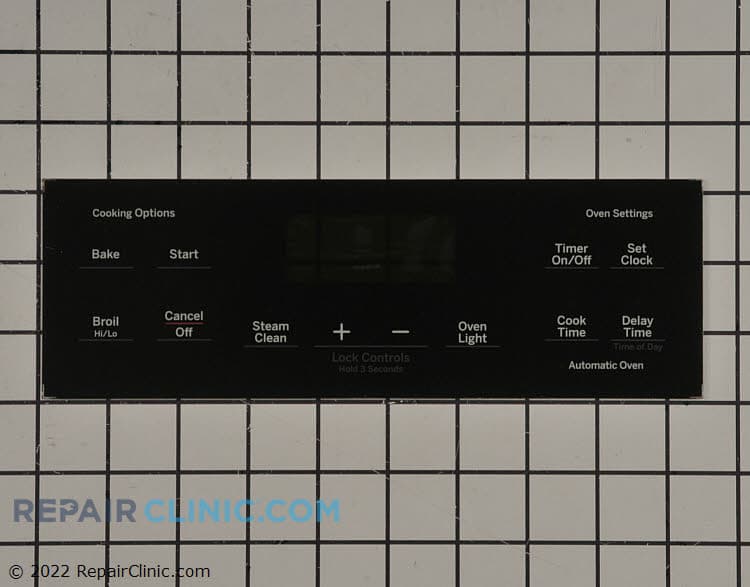
Overlay t09
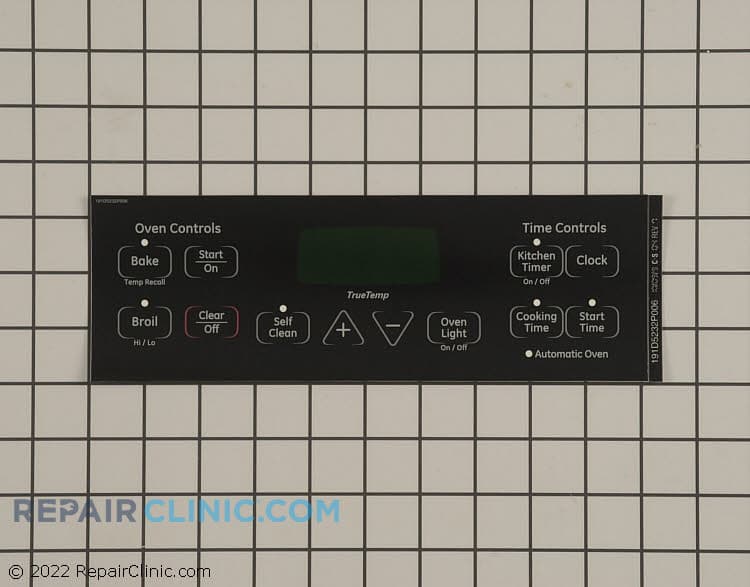
Faceplate overlay, black
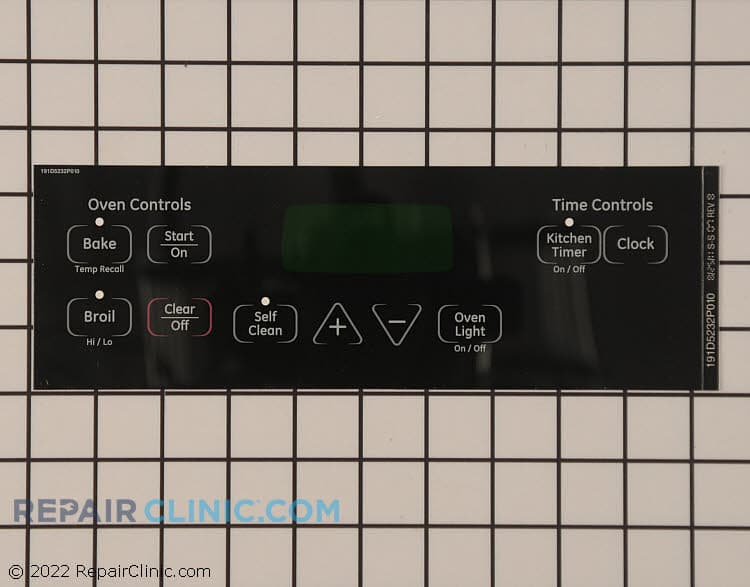
Faceplate graphics
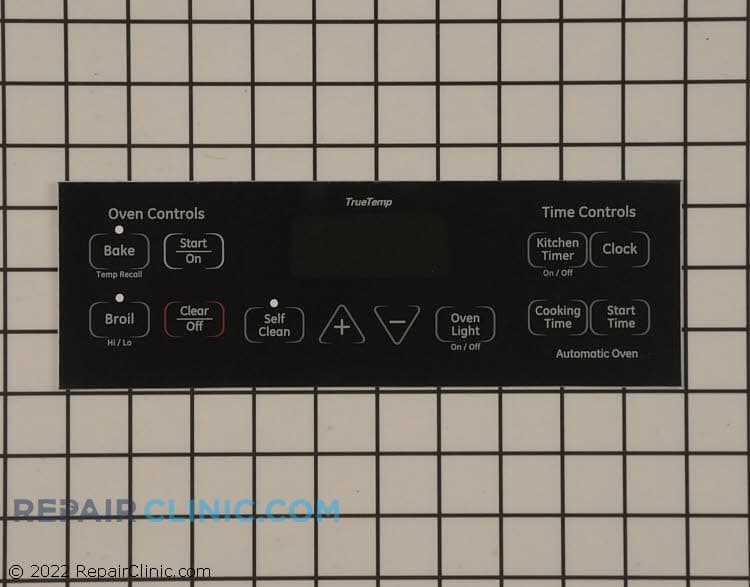
Black Overlay
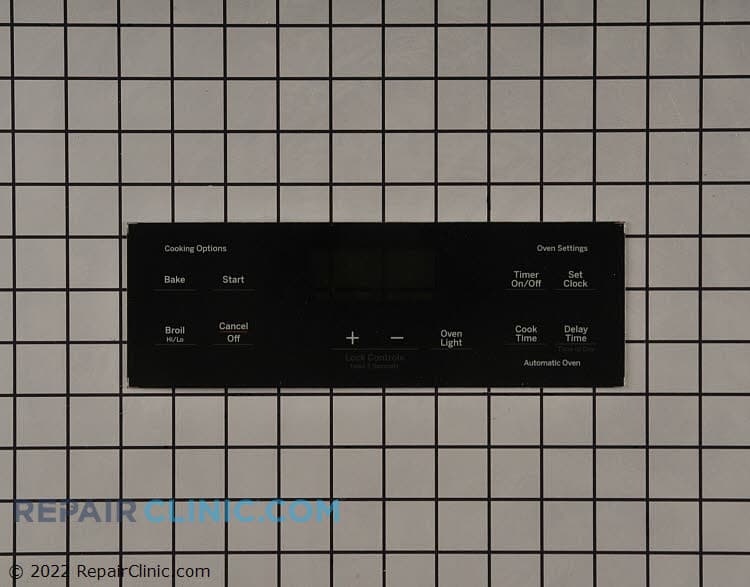
Touchpad overlay
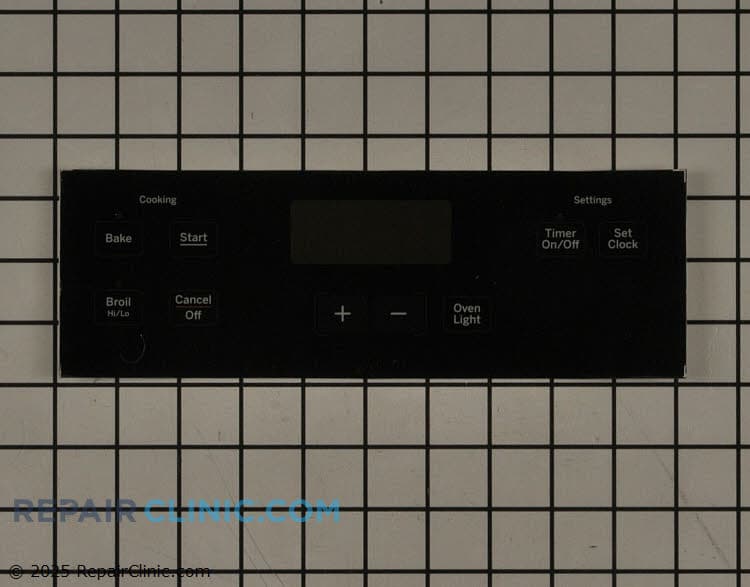
Overlay t09
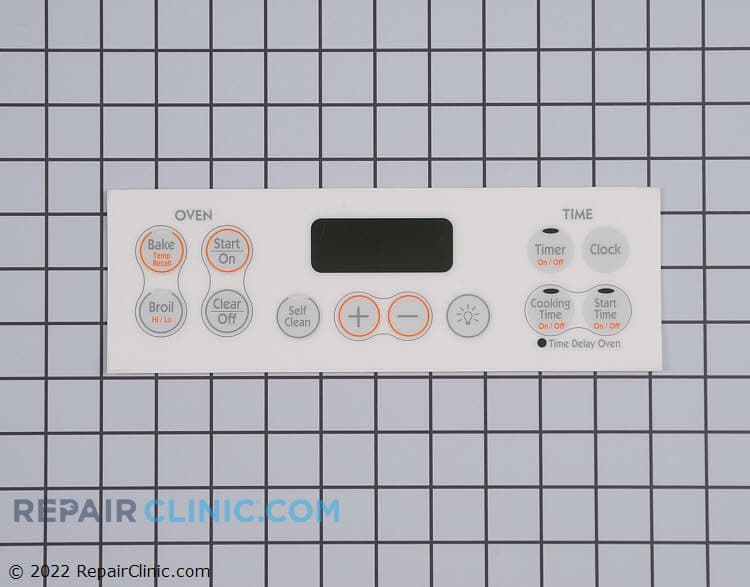
Touchpad overlay, white
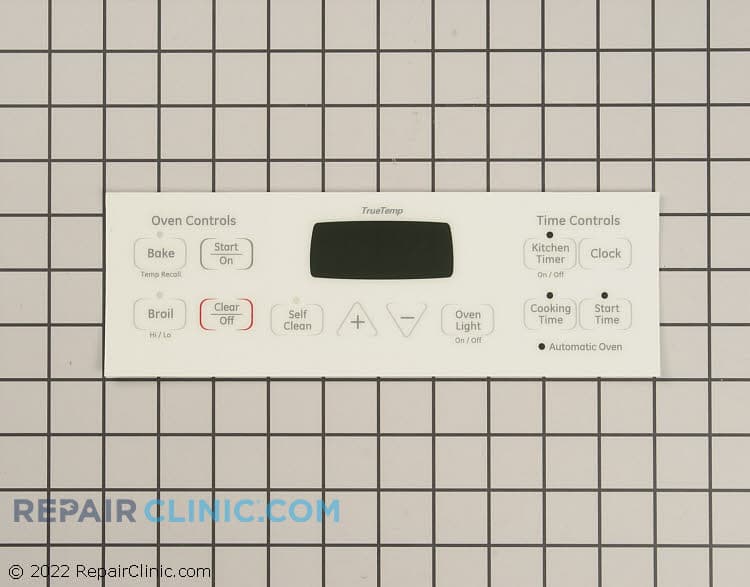
Overlay
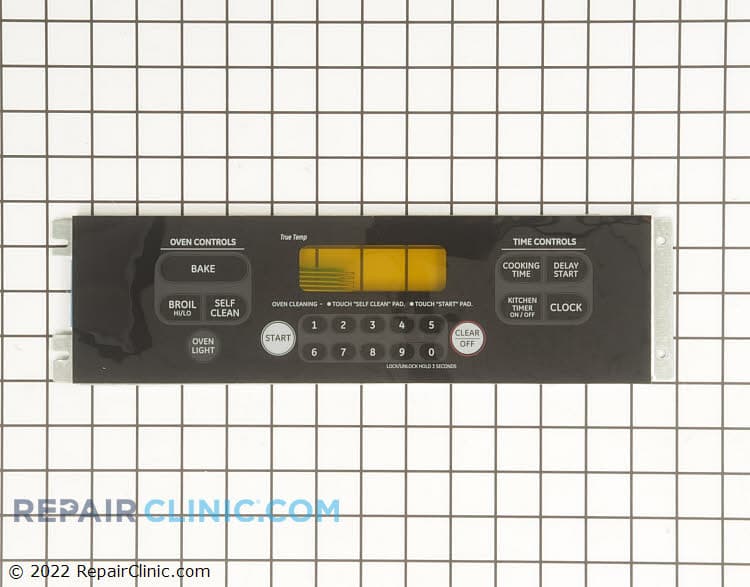
Keypanel supt asm (bk)
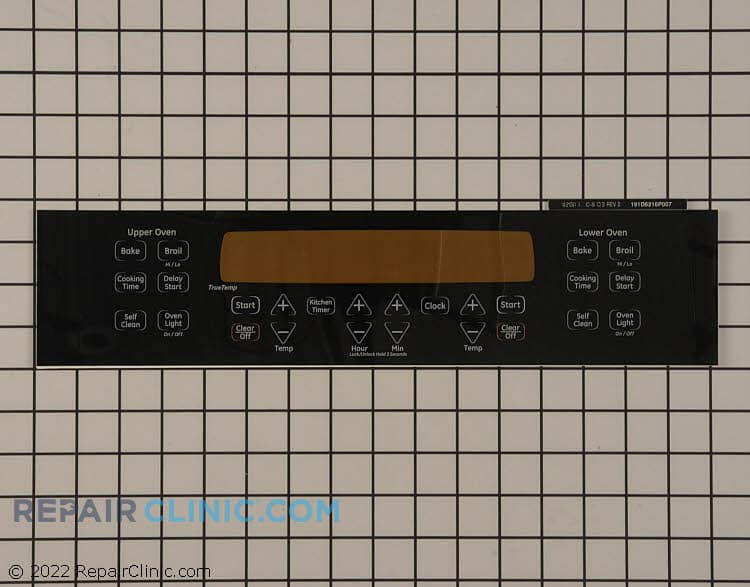
Faceplate
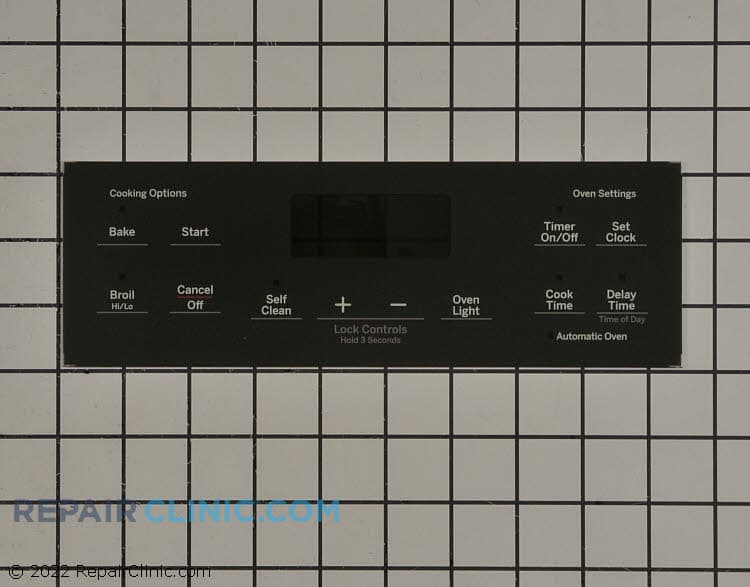
Overlay t09


GE Range Stove Oven Touchpad Parts
A dead or unresponsive touchpad is one of the most frustrating GE range failures — your oven won't preheat, burners won't ignite, and you're stuck without a working cooktop. The touchpad (also called a membrane pad or control panel) is the interface between you and the range's control board. When it quits, the range quits with it.
GE range touchpads vary significantly by model series and year. The Spectra glass-top models, Profile series, and older GEXL44 freestanding ranges all have different touchpad assemblies. Some are single units; others are part of a larger control panel. Always use your exact model number to confirm the right fit — an incorrect touchpad won't mount properly or communicate with your board.
- Unresponsive buttons: Buttons don't register presses; oven won't start or adjust temperature
- Intermittent response: Touchpad works sometimes, then freezes; requires power reset to respond
- Cracked or damaged touchpad: Visible cracks or button separation after spill or impact
- No display or backlighting: Buttons don't light up; control panel is completely dark
- Stuck buttons: One button always reads as pressed; range behaves erratically
Find your GE range touchpad parts using your model number. Most touchpad replacements take under an hour and restore full oven and cooktop control.
Find Replacement GE Range/Stove/Oven Touchpad Parts Online by Model or Part Number
Popular GE Range/Stove/Oven Models
GE Range Touchpad & Control Panel FAQs
How do I know if my GE range touchpad has failed?
A failed touchpad typically shows one or more of these signs: buttons don't register presses, the display is dark or flickering, the oven won't preheat despite button presses, or one burner won't ignite. Sometimes a hard reset (power off for 10 seconds, then back on) temporarily fixes it — that's a clue the touchpad itself is the problem, not the control board. If resetting brings the touchpad back to life but it fails again within hours, replacement is the right move.
Can I clean my GE range touchpad instead of replacing it?
If the touchpad is simply unresponsive due to spills or dried-on food, a gentle wipe with a damp cloth and mild soap may help. Use a soft cloth — never scrub hard or use solvents, which can damage the membrane. Let it dry completely before powering back on. However, if cleaning doesn't restore response within a few button presses, or if there are visible cracks, the touchpad membrane has failed internally and needs replacement. Don't spend more time troubleshooting a clearly damaged panel.
Do GE range touchpads differ between model series?
Yes — significantly. A Spectra glass-top touchpad is different from a Profile range touchpad, which is different from an older GEXL44 model. Touchpad shape, button layout, connector type, and even voltage vary by series and year. This is why model number lookup is essential. Ordering the wrong touchpad won't fit your range's control panel housing and won't communicate with your board. Enter your full GE model number before purchasing.
What's the difference between a touchpad and a control board?
The touchpad is the interface you touch — the buttons and display. The control board (ERC or clock/timer assembly) is the circuit board inside the range that processes those button presses and controls heating cycles, temperature, and safety interlocks. A failed touchpad means buttons don't register; a failed control board means the entire range won't respond or shows error codes. If your touchpad is replaced and the range still doesn't work, the board may also be failing. Test one part at a time.
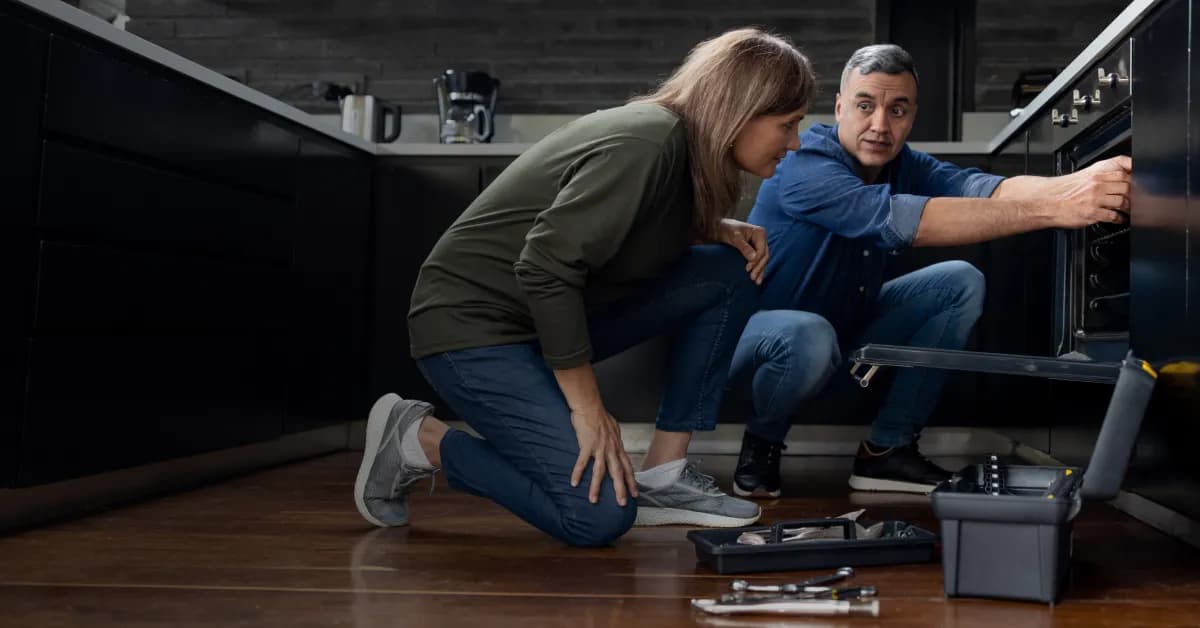

Order GE Range Stove Oven Touchpad Replacement Parts Online
Ordering GE range stove oven touchpad parts online is easy with Repair Clinic. Simply search by your oven's model or part number to find the exact replacement you need. Our full inventory of GE oven control panel, GE oven touchpad replacement, and other parts ensures you get the right parts for your appliance repair.
With our No-Hassle 365-Day Returns, you can return uninstalled parts within one year of purchase for a full refund, supported by model-number lookup and return options when making your purchase. Take advantage of our Price Match Guarantee to help you shop with confidence on genuine OEM GE parts.
Need your parts quickly? We offer same-day shipping on orders placed by 9:00 PM ET, ensuring you receive your replacement parts promptly. Whether you're a homeowner or a professional technician, our online repair library gives you the diagnostics, videos, and step-by-step guides to complete the repair efficiently.
GE Range/Stove/Oven Model Number: Where to Look
GE prints the model number on a label inside the oven door frame, along the front of the storage drawer opening, or on the back of the range. Open the door or drawer and check the surrounding frame first, then pull the appliance forward only if needed to inspect the rear label. Record the complete model number, including any letters at the end, since GE ranges with similar names can use different parts across series and production years. Punch it into the search bar to sort the catalog down to your model's parts. This filters the full GE range, stove, and oven selection, not just touchpad parts, so you can match every associated part to your exact appliance. That means fewer wrong orders and a faster repair.

GE Range Stove Oven Online Repair Guides, Videos, and Diagrams
Diagnosing a GE Range Stove Oven problem is easier when you have the right online reference material. Repair Clinic's video library, written repair guides, symptom articles, part testing walkthroughs, and exploded-view diagrams work together to guide you from the symptom to the correct part. Model number lookup confirms the exact OEM replacement so you order right the first time.
Related Articles: Oven Parts
How To Test An Oven Temperature Control Thermostat
Learn how to test your oven's temperature control thermostat with a multimeter to diagnose heating issues. Follow step-by-step instructions to determine if a faulty thermostat is preventing your oven from maintaining the right temperature.

Range Has Persistent Gas Odor? Important Troubleshooting Tips
If your gas range has a lingering gas odor, it could indicate a leak or faulty part. Learn key troubleshooting steps to identify the source and ensure your kitchen stays safe.
6 Reasons Why Your Electric Oven Is Failing To Self-Clean
If your electric oven won't self-clean, common culprits include faulty door locks, thermostats, or control boards. Find six possible reasons and how to fix them for a fully functional self-cleaning cycle.




Family-owned and operated since 1912, Burke America Parts Group is the longest-running genuine appliance, HVAC, and outdoor power equipment parts solution in North America. At Repair Clinic, we're proud to be an international brand trusted by the pros as well as the DIY community.
About Repair Clinic