


 Price Match Guarantee
Panasonic Vacuum Cleaner Screen Replacement
Find the right part faster
Multiple models matched. Select your model to confirm fit.




Screen


Premium Panasonic Vacuum Cleaner Screen Replacement
Keep your Panasonic vacuum performing flawlessly with genuine screen replacements from Repair Clinic. Using genuine OEM Panasonic vacuum cleaner parts ensures a perfect fit and helps retain your device's warranty. This precision ensures the vacuum performs at optimal levels, allowing for effective dust and debris filtration. If your vacuum's screen is showing signs of wear or obstruction, it may lead to reduced suction or overheating. A well-functioning screen protects the motor and enhances suction, ensuring smooth operation. Discover replacement parts with ease and enjoy same-day shipping for quicker repair. Visit the main replacement parts page to order Electrolux vacuum cleaner circuit board timer parts and more. Count on Repair Clinic for all your vacuum cleaner parts online needs, ensuring long-lasting performance.
FAQs about Panasonic Vacuum Cleaner Screen Replacement
Panasonic vacuum cleaners are known for their reliability, but screens can occasionally need replacement. Below, you'll find answers to some common questions regarding screen replacements for these models.
How do I replace the screen on my Panasonic vacuum cleaner?
To replace the screen on your Panasonic vacuum, first, ensure the device is unplugged. Remove the front panel to access the screen. Take out the old screen by loosening the screws and then installing the new one by securing it with the same screws. For more detailed instructions, refer to your vacuum's manual.
Can a damaged screen affect the vacuum's performance?
Yes, a damaged screen can reduce suction and allow debris to enter the vacuum's motor, leading to more serious issues. Replacing the screen can help keep your Panasonic vacuum working efficiently. If you're experiencing reduced suction, check out our Vacuum Cleaner parts page for other potential fixes.
Where can I buy replacement screens for my Panasonic vacuum cleaner?
Purchase replacement screens for your Panasonic vacuum from trusted online retailers like Repair Clinic. We offer genuine OEM parts with a price match to ensure you're getting the best deal. Check our Whirlpool Vacuum Cleaner Fastener Parts page for related accessories.

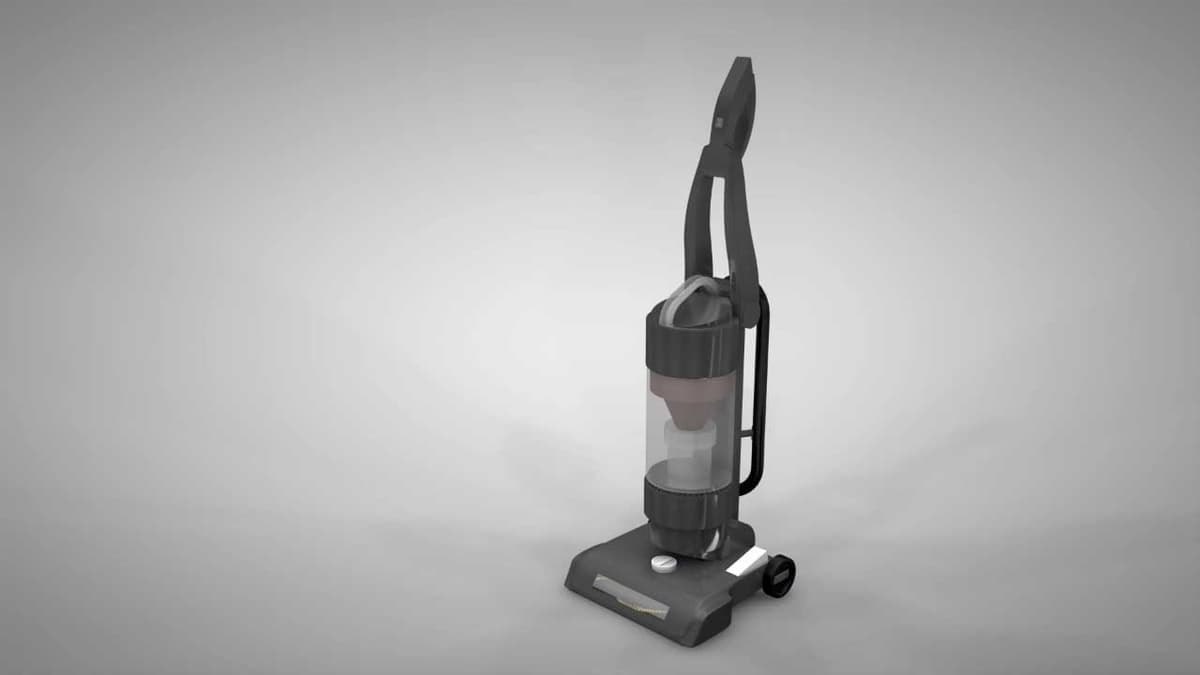
Shop Panasonic Vacuum Cleaner Screen Replacement Online
Need a Panasonic vacuum cleaner screen replacement? Discover the ease of ordering high-quality replacement screens online, ensuring a snug fit and reliable performance for your vacuum. Use our model or part number lookup to quickly locate the perfect match for your machine. Simplify your shopping experience with our same-day shipping, and rest easy with our no-hassle 365-day returns and price match guarantee. Whether you're a homeowner or a professional technician, our comprehensive selection of Panasonic vacuum parts makes repairs a breeze. Don't let a damaged screen compromise your vacuum's performance. Learn more about vacuum cleaner repairs and troubleshooting.
Identifying Vacuum Cleaner Model Numbers for Proper Parts Replacement
To ensure efficient repair and maintenance, it's essential for homeowners and professional technicians to accurately identify the model number when sourcing replacement parts for vacuum cleaners such as screens. The model number is typically found on a metal plate or sticker on the bottom or back of the appliance. Armed with this information, users can conveniently browse for Panasonic vacuum cleaner screen replacement options at various outlets, using the model number for precision in ordering. Entering the model or part number online simplifies the process at sites like Repair Clinic, enabling quick access to a wide selection of genuine parts. Explore more Panasonic vacuum cleaner parts here: Panasonic Parts.

Expert Customer Service for Vacuum Cleaner Repairs and Orders
At Repair Clinic, our team is dedicated to providing top-notch support for all your vacuum cleaner parts needs, including Panasonic screen replacements. We make it easy to order genuine OEM parts online with our user-friendly model/part number lookup tool. Experiencing issues like a non-working vacuum motor or a belt that keeps breaking? Our expert troubleshooting assistance is available seven days a week. We promise a price match and offer no-hassle 365-day returns for uninstalled parts. Enjoy easy ordering, expert advice, and extensive repair resources on our website. For dedicated support, reach out via our Contact Us page.
Related Articles: Vacuum Cleaner Repair
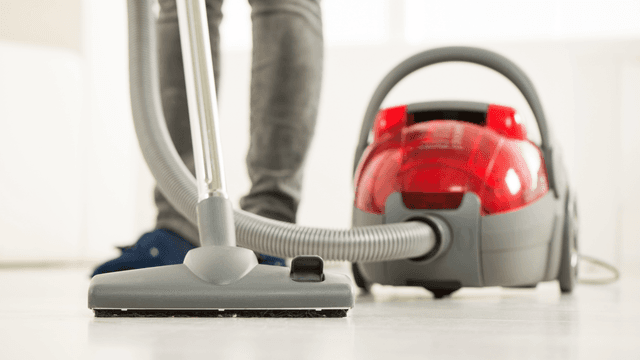
How It Works: Vacuum Cleaner
Learn how a vacuum cleaner creates suction using a motor-driven fan to draw air and debris through filters or bags and into a canister or bag for collection based on fundamental pressure differences and airflow design.

5 Reasons Why Your Vacuum Cleaner Has Lost Its Suction
Find out the five most common causes of lost suction in your vacuum cleaner and how to troubleshoot each from clogged filters and full bags to blockages, fan obstructions, or a failing blower motor.
Three Reasons Why Your Vacuum Cleaner’s Motor Isn’t Working
Find out three common reasons why your vacuum cleaner motor is not working—seized bearings in the suction or brushroll motor, or damaged motor brushes—and how to check and address each issue.




Family-owned and operated since 1912, Burke America Parts Group is the longest-running genuine appliance, HVAC, and outdoor power equipment parts solution in North America. At Repair Clinic, we're proud to be an international brand trusted by the pros as well as the DIY community.
About Repair Clinic