Price Match Guarantee
Kirby Heritage Ii Vacuum Cleaner Screw Replacement
Find the right part faster
Multiple models matched. Select your model to confirm fit.



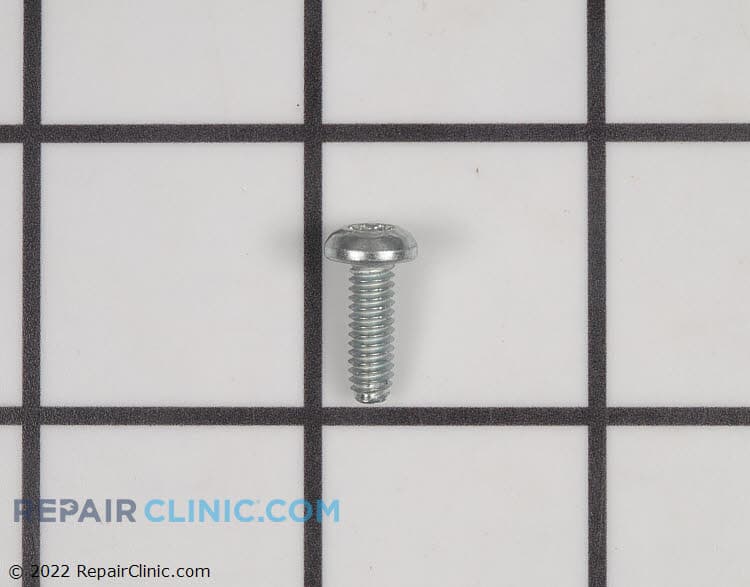
Tx screw
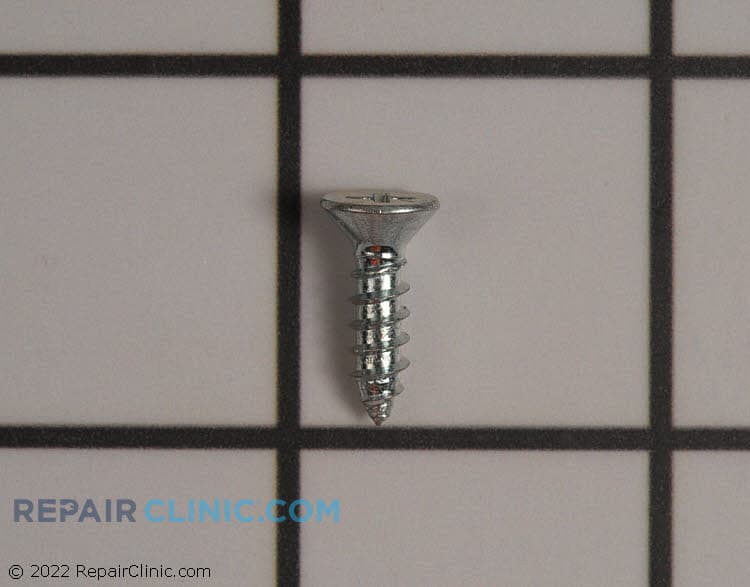
Screw for foot switch
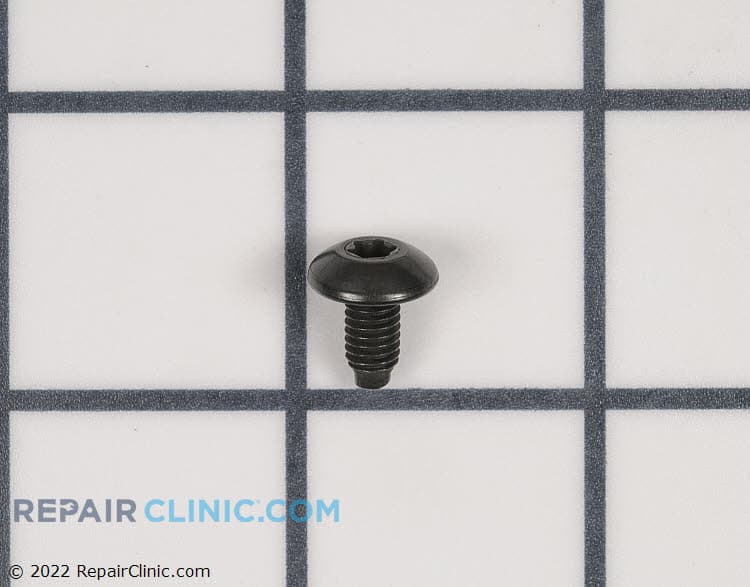
Torx screw

Foot switch bottom screw
Belt lifter screw
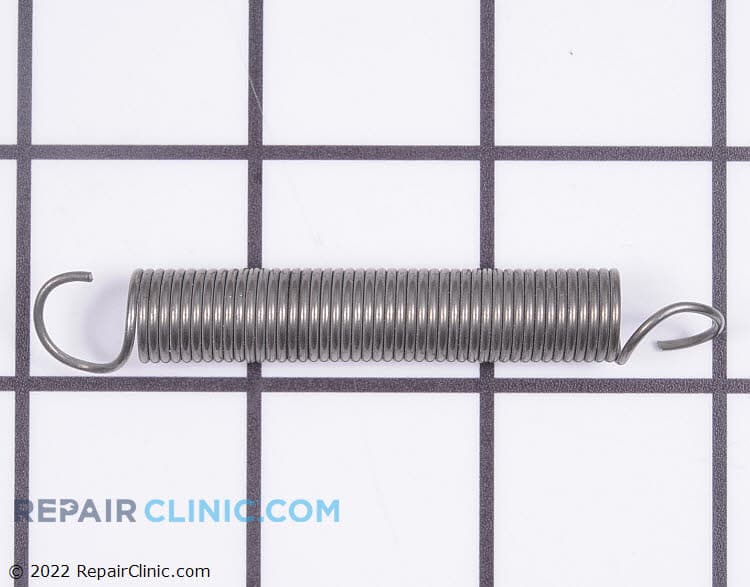
Metal screw for handle fork rear cover


Kirby Heritage II Vacuum Cleaner Screw Replacement
Ensuring your Kirby Heritage II Vacuum Cleaner performs optimally involves regular maintenance and replacements of worn parts like screws. At Repair Clinic, we provide genuine OEM vacuum parts specifically designed for your model. Worn screws could lead to loose assemblies and increased wear on other components. Perfectly fitting replacement screws are essential for the stability and integrity of your vacuum cleaner. By using original spare parts, you maintain the manufacturer’s warranty while ensuring a precise fit and reliable function. Explore our catalog of vacuum cleaner parts online to keep your Kirby in top shape. For additional Kirby vacuum components, visit Kirby Vacuum Cleaner Fastener Parts. Trust Repair Clinic for your replacement parts online needs.
FAQs about Kirby Heritage II Vacuum Cleaner Screw Replacement
Learn more about replacing screws in your Kirby Heritage II Vacuum Cleaner to keep it in perfect working order.
How do I identify the right screw for replacement in my Kirby Heritage II vacuum cleaner?
To find the correct screw for your Kirby Heritage II, refer to your vacuum cleaner's manual for part numbers or visit Repair Clinic's Vacuum Cleaner Parts section for assistance. The model number of your vacuum cleaner is usually found on a label underneath the unit or inside the cord rewind compartment.
What tools are needed to replace a screw in my Kirby vacuum cleaner?
You will typically need a screwdriver that matches the screw head type—Phillips, flathead, or Torx. Ensure you have the right size to avoid damaging the screw slot.
Can I use any type of screw to replace a missing one in my Kirby vacuum cleaner?
It is crucial to use original spare parts, as using the wrong type of screw can damage the vacuum cleaner or affect its performance. Repair Clinic offers original spare parts for Kirby and other brands, ensuring quality and compatibility. Plus, enjoy a price match on genuine OEM parts with quick shipping!
Order Kirby Heritage II Vacuum Cleaner Screw Replacement Online
Ensure your Kirby Heritage II vacuum functions smoothly with genuine screw replacements available for online ordering. Finding the correct screws for your vacuum cleaner is easy with our model and part number lookup tools. Our user-friendly website helps you swiftly identify and purchase the components required for efficient vacuum cleaner repair. Enjoy peace of mind with our no-hassle 365-day returns and price match promise, ensuring you get quality parts at competitive prices. Orders placed ship the same day, guaranteeing prompt delivery. If you need help fixing your Kirby vacuum, consult our Vacuum Cleaner Repair Help section for DIY tips. For more detailed Kirby vacuum repairs, explore the vast range of vacuum repair parts available for your specific model. Whether you're a homeowner or professional, ensure your vacuum's longevity by investing in the right replacement parts today.
How to Find Your Vacuum Cleaner Model Number
Knowing the model number of your vacuum cleaner is vital when ordering replacement parts like screws. Start by checking labels, usually on the back or bottom of the cleaner, or inside the dust bag compartment. For Kirby Heritage II vacuum cleaners, inspect the handle or motor housing for engraved numbers. Once you have the model number, you can easily find and order original spare parts online. Make sure to use a trusted source like Repair Clinic for genuine Kirby vacuum cleaner parts, and remember, we offer a price match!
For more Kirby Heritage II parts, check out our Kenmore Vacuum Cleaner Cap, Lid, and Cover Parts page.

Expert Customer Service for Vacuum Cleaner Repairs and Orders
When it comes to finding the right vacuum cleaner parts online, our expert customer support is here to help. Whether you're replacing a screw for your Kirby Heritage II Vacuum Cleaner or dealing with any other issue, our service team is available seven days a week. We offer a convenient model and part number lookup feature to help you quickly locate the specific replacement parts you need. If you run into any difficulties, our live chat and dedicated support team are ready to assist you every step of the way. We only provide genuine OEM parts and offer a price match on any competitor’s price. With our no-hassle 365-day returns and DIY-friendly repair guides, you can confidently maintain and repair your vacuum cleaner. For more assistance or any other inquiries, don't hesitate to reach out via our Contact Us page.
Related Articles: Vacuum Cleaner Repair
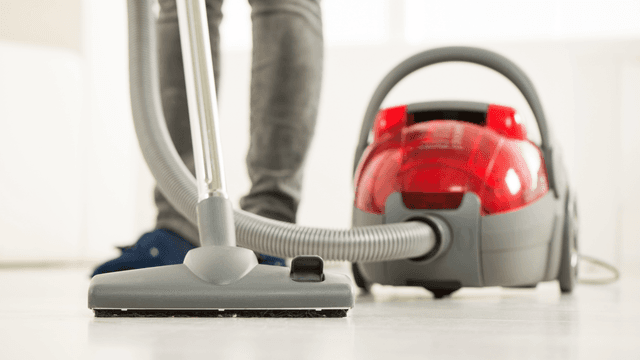
How It Works: Vacuum Cleaner
Learn how a vacuum cleaner creates suction using a motor-driven fan to draw air and debris through filters or bags and into a canister or bag for collection based on fundamental pressure differences and airflow design.

5 Reasons Why Your Vacuum Cleaner Has Lost Its Suction
Find out the five most common causes of lost suction in your vacuum cleaner and how to troubleshoot each from clogged filters and full bags to blockages, fan obstructions, or a failing blower motor.
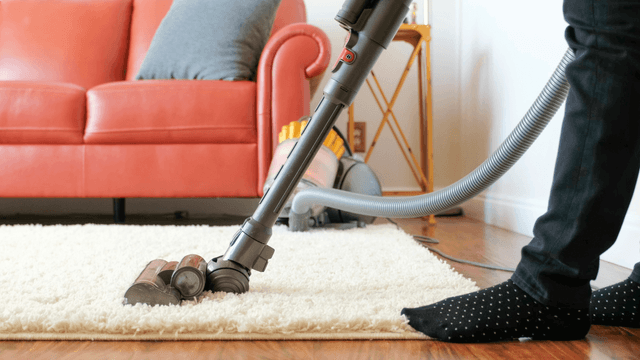
Three Reasons Why Your Vacuum Cleaner’s Motor Isn’t Working
Find out three common reasons why your vacuum cleaner motor is not working—seized bearings in the suction or brushroll motor, or damaged motor brushes—and how to check and address each issue.




Family-owned and operated since 1912, Burke America Parts Group is the longest-running genuine appliance, HVAC, and outdoor power equipment parts solution in North America. At Repair Clinic, we're proud to be an international brand trusted by the pros as well as the DIY community.
About Repair Clinic