Price Match Guarantee
Kenmore Vacuum Cleaner Decal
Find the right part faster
Multiple models matched. Select your model to confirm fit.


Decal


Decal
Decal
Decal
Decal
Decal
Decal
Decal
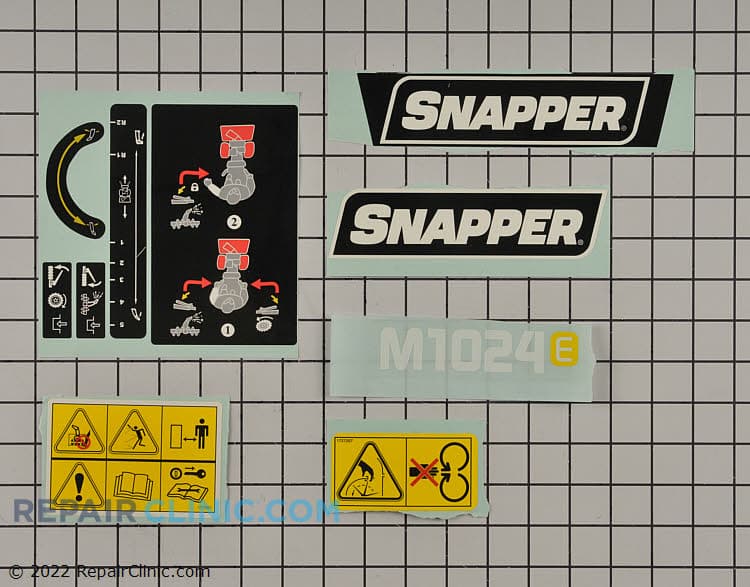
Kit-decal
Decal
Decal
Decal, hsg, 1529md
Decal, top, 922 exd
Decal, model spx2548
Decal, model vzt2548


Kenmore Vacuum Cleaner Decal - Genuine OEM Parts
Enhance your Kenmore vacuum’s performance with genuine OEM decal parts available at Repair Clinic. Whether you're replacing a worn-out label or upgrading your appliance’s appearance, our Kenmore vacuum cleaner decal replacements ensure that you maintain the manufacturer's warranty and precise fit. With a comprehensive inventory, we provide original spare parts for vacuum repairs, saving both time and money. Explore our replacement repair parts section to find exactly what you need. For complementary parts, check out our Kenmore vacuum cleaner chassis parts to keep your appliance running like new.
Popular Kenmore Vacuum Cleaner Decal Models
FAQs About Kenmore Vacuum Cleaner Decals
Looking to replace or repair Kenmore vacuum cleaner decals? Here are some frequently asked questions to help guide your purchase and repair process.
How do I install a replacement decal on my Kenmore vacuum cleaner?
Installing a replacement decal is straightforward. Start by cleaning the surface with a mild detergent and water to remove any dirt or residue. Once the surface is dry, peel the backing from the new decal and carefully align it with the base of your vacuum cleaner. Press down firmly to secure it in place, ensuring no air bubbles form.
Where can I find original replacement decals for Kenmore vacuum cleaners?
You can purchase genuine Kenmore vacuum cleaner parts online from authorized retailers like Repair Clinic. They offer a wide range of original parts, including decals, and provide a price match service to ensure you get the best value. Their stock includes various components for vacuum cleaner repair, helping you maintain optimal performance.
Can I replace the decals myself, or should I contact a professional?
Replacing decals on your Kenmore vacuum cleaner is a simple DIY task. However, if you're unsure or uncomfortable doing it yourself, consulting a professional technician is advisable. For other parts, consider visiting Repair Clinic for guidance on vacuum cleaner repair and replacement parts.
Order Kenmore Vacuum Cleaner Decal Parts Online
Enhance the appearance and functionality of your Kenmore vacuum cleaner by ordering genuine decal parts online. Our comprehensive selection ensures compatibility with various Kenmore models, allowing both homeowners and professional technicians to maintain their appliances seamlessly. Utilize our model or part number lookup tool to quickly identify the exact decal you need. Benefit from our convenient same-day shipping, ensuring you receive your parts promptly. Plus, enjoy the security of our No-Hassle 365-Day Return policy and price match on all orders. Don't let faded or missing decals compromise your vacuum's efficiency—repairing it with original spare parts can help restore its optimal performance. For further assistance with vacuum cleaner repair, visit our Vacuum Cleaner Repair Help section for easy-to-follow guides and videos.
How to Find Your Vacuum Cleaner Model Number
Identifying your vacuum cleaner model number is essential for obtaining the correct replacement parts, including decals. Model numbers are typically found on a label or plate on the vacuum's body, often near the base, rear, or inside the dust cup. For homeowners and technicians seeking Kenmore vacuum cleaner parts, ensuring you have the accurate model number simplifies the process of finding compatible parts online. Utilize Repair Clinic's part number lookup for efficient ordering and price matching. If you have any issues with the vacuum, such as a non-functioning motor, consider examining the on-off switch or drive motor. For more precise decal replacements for your Kenmore vacuum, explore these Kenmore Control Cable Parts and order genuine spares easily online. Access comprehensive repair resources to address common vacuum problems and ensure long-lasting performance.

Get Help Finding the Right Vacuum Cleaner Replacement Parts
At Repair Clinic, our customer support team is dedicated to helping you find the perfect vacuum cleaner parts online, including Kenmore decals. Our expert support is available seven days a week, ensuring you have all the assistance needed for trouble-free ordering. Through our convenient model/part number lookup, quickly locate genuine OEM parts. For issues like a vacuum cleaner belt that keeps breaking or when your brush roll doesn't spin, our easy-to-follow guides will help diagnose and solve the problem. Enjoy our price match, no-hassle 365-day returns, and access expert troubleshooting when needed. Whether you're dealing with a clogged filter or worn belts, we're here to assist. Visit Contact Us for any questions or support needs.
Related Articles: Vacuum Cleaner Repair

5 Reasons Why Your Vacuum Cleaner Has Lost Its Suction
Find out the five most common causes of lost suction in your vacuum cleaner and how to troubleshoot each from clogged filters and full bags to blockages, fan obstructions, or a failing blower motor.
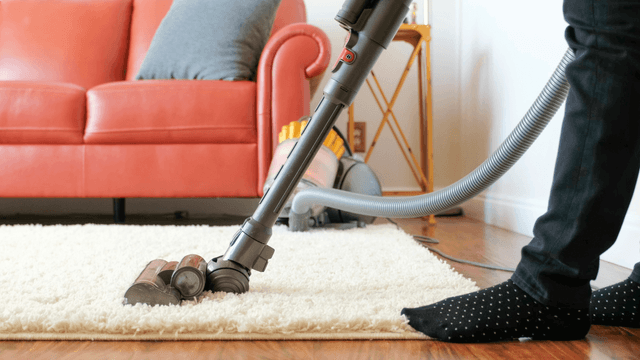
Three Reasons Why Your Vacuum Cleaner’s Motor Isn’t Working
Find out three common reasons why your vacuum cleaner motor is not working—seized bearings in the suction or brushroll motor, or damaged motor brushes—and how to check and address each issue.
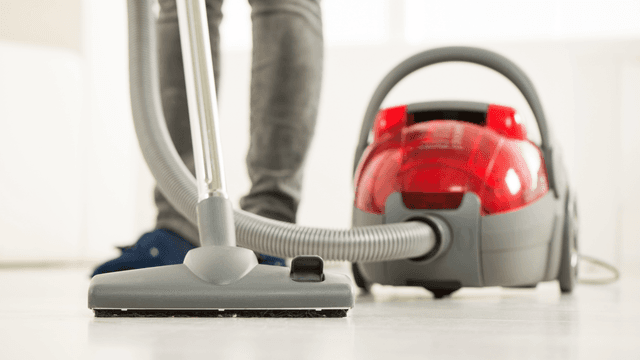
How It Works: Vacuum Cleaner
Learn how a vacuum cleaner creates suction using a motor-driven fan to draw air and debris through filters or bags and into a canister or bag for collection based on fundamental pressure differences and airflow design.




Family-owned and operated since 1912, Burke America Parts Group is the longest-running genuine appliance, HVAC, and outdoor power equipment parts solution in North America. At Repair Clinic, we're proud to be an international brand trusted by the pros as well as the DIY community.
About Repair Clinic