


 Price Match Guarantee
Panasonic Bath Fan Lighting & Light Bulb Parts
Find the right part faster
Multiple models matched. Select your model to confirm fit.


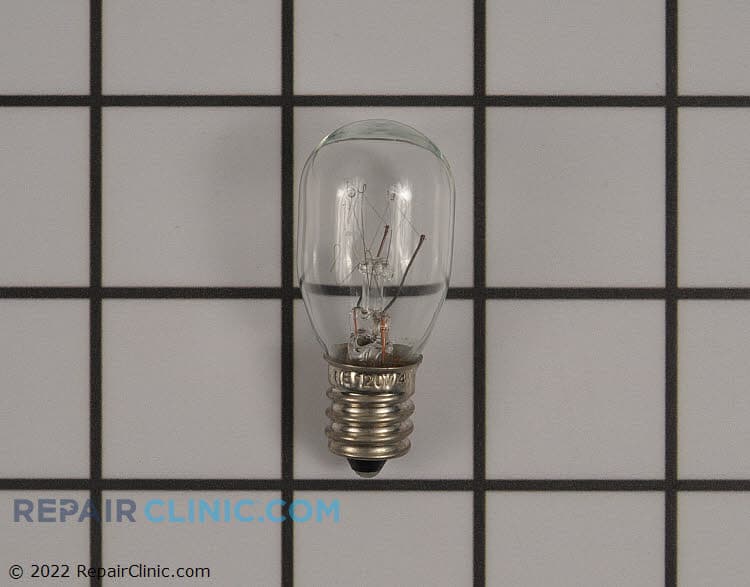
Lamp

Light cover

Light socket


Nite-Glo LED night light module

Light Assembly


Cover

Light cover

Light lens cover

Lamp

Light lens cover


Panasonic Bath Fan Light Bulb and Lighting Parts
Panasonic bath fan light kits are built to last, and when a bulb burns out or a ballast fails, finding the right OEM replacement keeps your exhaust fan running quietly and your bathroom well-lit. Panasonic FV series fans use specific bulb types and fixtures — fluorescent ballasts, LED assemblies, and socket housings all vary by model year. A burnt-out bulb is a quick fix; a failed ballast or socket requires the exact OEM part to avoid compatibility issues.
Browse Panasonic bath fan lighting parts by model number to find bulbs, sockets, ballasts, and fixture assemblies. If your Panasonic fan light won't turn on or flickers, check the bulb first — then move to the ballast or control circuit. Enter your Panasonic bath fan model number to confirm the exact bulb wattage and base type for a compatible fit.
- Fluorescent bulb burnout: Dim light, flickering, or complete darkness — a U-shaped or circular CFL bulb replacement restores brightness
- Ballast failure: Light won't turn on even with a new bulb — the ballast controls power to the fluorescent lamp
- LED module failure: No light from LED kits; newer Panasonic models use solid-state LED boards instead of bulbs
- Light socket corrosion: Loose connection or pitted contacts prevent bulb from lighting — socket replacement may be needed
- Control board light circuit: Bulb and ballast both good but light is dead — the main fan control board's light relay may have failed
Find Replacement Panasonic Bath Fan Lighting & Light Bulb Parts Online by Model or Part Number
Popular Panasonic Bath Fan Models
Related Panasonic Bath Fan Lighting & Light Bulb Parts
Panasonic Bath Fan Light Parts — Frequently Asked Questions
What type of bulb does my Panasonic bath fan use?
Panasonic FV series fans typically use either a 2-pin or 4-pin CFL (compact fluorescent lamp), or a dedicated LED module on newer models. Check your current bulb or your model number to confirm the exact type. Most Panasonic fans from the 2000s-2010s use U-shaped CFLs; newer models (2015+) often switch to integrated LED panels. The wattage is critical — mismatch can cause flickering or ballast failure.
How do I replace the bulb in a Panasonic FV bath fan?
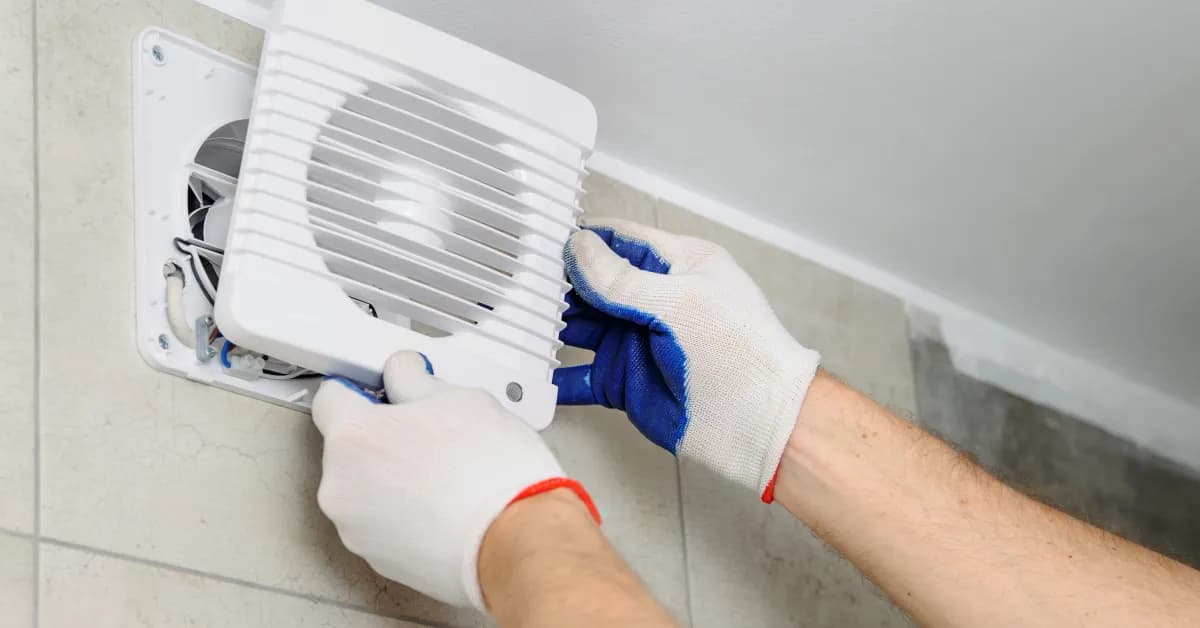
Turn off power at the breaker. Remove the fan grille by loosening the mounting clips or springs. The bulb socket or LED module will be visible in the center of the fan housing. For CFL bulbs, twist counter-clockwise to remove, then twist the new bulb clockwise until snug — do not force. For LED modules, carefully disconnect the wire connector and note the orientation before installing the replacement. Always use OEM Panasonic bulbs or LED modules; aftermarket versions may not fit the socket or ballast properly.
What does it mean if my Panasonic fan light flickers or won't stay on?
Flickering usually means a loose bulb, a failing ballast, or aged wiring. First, remove and reinsert the bulb firmly. If it still flickers, try a new OEM bulb — cheap or non-OEM bulbs cause compatibility problems with Panasonic ballasts. If a new bulb doesn't fix it, the ballast has likely failed and needs replacement. Do not use dimmer switches on Panasonic fan lights unless the ballast is specifically rated for dimming.
How do I find my Panasonic bath fan model number for the correct light bulb?
Look for a label on the fan housing or mounting bracket — usually stamped or stickered inside the fan frame or on the ductwork. It will read something like "FV-0511VQ1" or "FV-2211VQ1." Once you have the model number, enter it in Repair Clinic's lookup tool to see compatible light bulbs, ballasts, and LED modules. If you can't locate the label, a photo of the fan grille and housing sent to support will help identify the right parts.

Order Panasonic Bath Fan Lighting & Light Bulb Parts Online
Two essential parts, lighting and light bulbs, greatly improve your Panasonic Bath Fan's functionality. Whether your fan's light bulb has burnt out or the lighting assembly needs replacement, finding genuine parts online is quick and easy. Compatible with several models, our selection of Bath Fan lighting parts ensures your bathroom's illumination is as effective as its ventilation. Each replacement part is designed to meet Panasonic's high standards, ensuring reliable operation. Take advantage of same-day shipping to get your order faster. Utilize the model number/part number lookup for accurate parts matching, backed by a No-Hassle 365-Day Returns policy. Benefit from our Price Match Guarantee on genuine parts to ensure you get the best price available. Find solutions like replacing a worn light bulb or repairing a defective light socket to keep your fan fully functional. For more help, check our Bath Fan Repair Help page.
Panasonic Bath Fan Model Number: Where to Look
Before ordering, check the fan housing or mounting bracket for your Panasonic bath fan model number. You may need to remove the grille to see the label inside the fan frame, near the motor, or along the ductwork. Panasonic model numbers often begin with "FV" and may include letters and numbers, so copy every character exactly as shown. Type it into our model number lookup and the catalog narrows to parts made for your unit. This filters the full selection for your entire bath fan, including lighting, bulbs, motors, and other associated parts. With the correct model entered, you can compare compatible options quickly and avoid ordering a part that does not fit.

Replacement Bulbs for Panasonic
Interior and indicator light bulbs are a straightforward swap that keeps your Panasonic fully functional. Repair Clinic stocks OEM-spec replacement bulbs along with installation videos for the harder-to-reach spots. Use the model number lookup to confirm the exact bulb specification and heat rating for your unit before you order.
Related Articles: Bathroom Fans Repair

Bathroom Fan Replacement Guide
Find out why your bathroom fan is not working and how to troubleshoot common issues such as a tripped breaker dirty fan blades or a burned out motor using simple steps and maintenance tips.

Top 4 Causes Of Your Bath Fan Not Venting
Find the four most common reasons your bath fan is not venting properly and how to troubleshoot issues like a faulty motor, airflow blockages, a stuck blower wheel, or a loose fan blade.

Preventing Your Appliances From Becoming An Electrical Hazard
"Find 17 practical expert tips to keep your household appliances safe and help prevent electrical hazards like fires in your home.




Family-owned and operated since 1912, Burke America Parts Group is the longest-running genuine appliance, HVAC, and outdoor power equipment parts solution in North America. At Repair Clinic, we're proud to be an international brand trusted by the pros as well as the DIY community.
About Repair Clinic