


 Price Match Guarantee
Find the right part faster
Multiple models matched. Select your model to confirm fit.




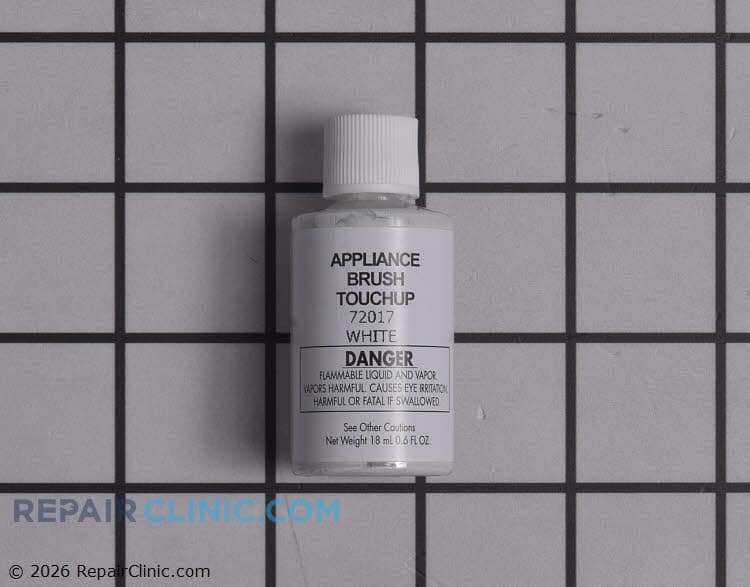
White Touch Up Paint
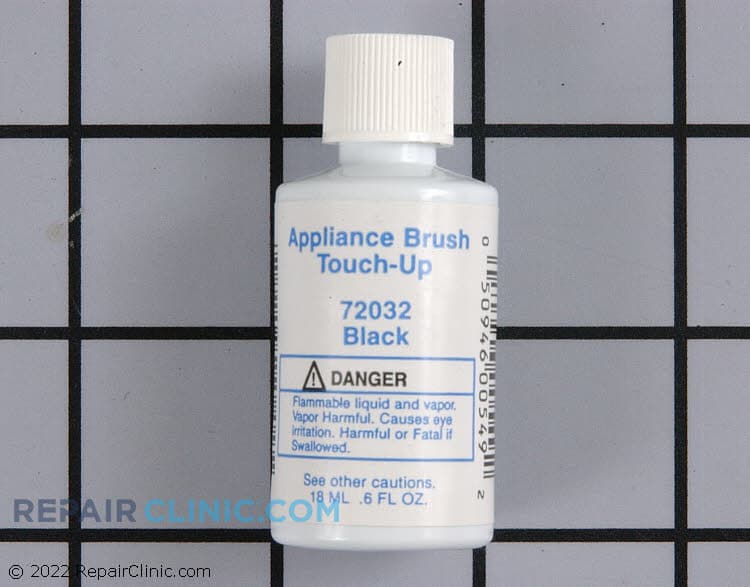
Black Touch-up Paint
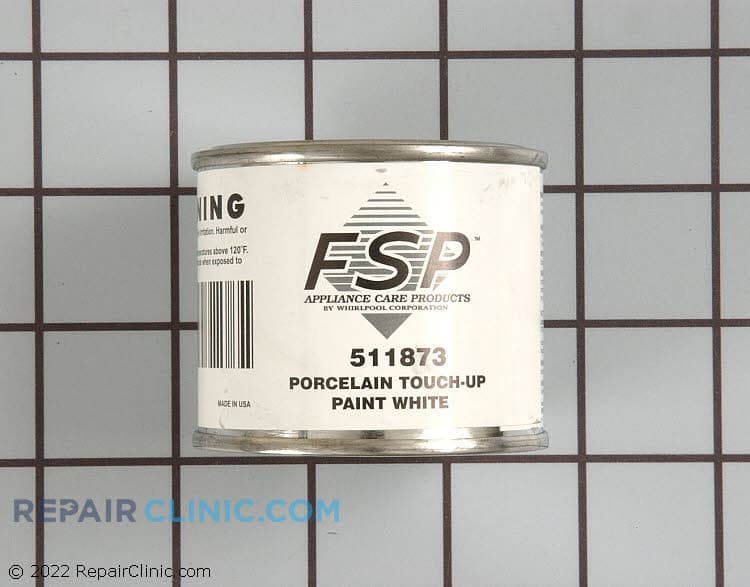
White porcelain touch-up, 2 ounces


Paint, bulk (1 qt.) (ebony


Authentic Admiral Microwave Touch-Up Paint Solutions
Repair Clinic offers genuine OEM Admiral Microwave touch-up paint, ensuring a perfect match and a precise fit for your appliance. Whether you're addressing minor scratches or significant wear, our replacement Microwave parts are designed to maintain the manufacturer's warranty. By using our touch-up paint, you can seamlessly restore your microwave's original appearance and protect it from further damage. For DIY enthusiasts and appliance technicians, ordering replacement parts online from Repair Clinic is both efficient and convenient. Our extensive selection of replacement parts includes everything you need for successful repairs. If your microwave door is not opening or closing properly, inspect the door hinges and seals. For additional help with your microwave, consider checking out our selection of Microwave parts. Trust Repair Clinic to empower you with the parts and knowledge to maintain and repair your appliances.
Popular Admiral Microwave Touch-Up Paint Models
FAQs about Admiral Microwave Touch-Up Paint
Looking to maintain the pristine appearance of your Admiral microwave? Here are some frequently asked questions about touch-up paint to help you restore your appliance's finish.
How do I apply touch-up paint to my Admiral microwave?
Clean the area thoroughly, removing any grease or dirt. Use a fine-grit sandpaper to smooth the surface, then apply the paint with a small brush or applicator. Allow it to dry completely before using the microwave.
What is the cost of Admiral microwave touch-up paint?
The cost of Admiral touch-up paint varies, but you can expect to pay between $10 and $20. For the best deals, check online retailers like Repair Clinic.
Can I use touch-up paint on the microwave's interior?
No, touch-up paint is intended for exterior use only. Using it inside the microwave can cause safety hazards.
How do I find the model number of my Admiral microwave?
The model number is typically located on the back or inside the door of your microwave. Consult your user manual if you're having trouble locating it.
Where can I purchase Admiral microwave touch-up paint?
Appliance Parts Online retailers like Repair Clinic offer a wide selection of touch-up paints for Admiral microwaves.
For more microwave parts, visit our Microwave Parts page for a comprehensive selection.
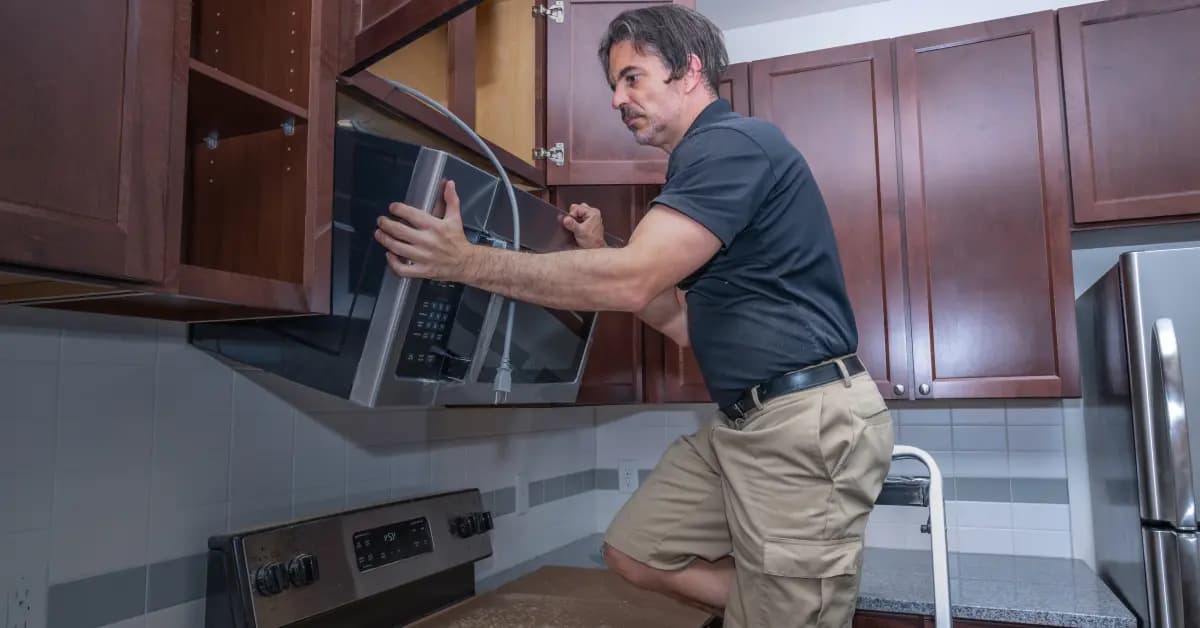
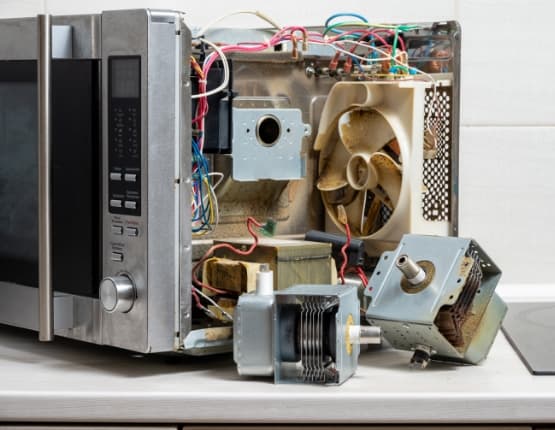
Order Admiral Microwave Touch-Up Paint Parts Online
Enhance and maintain the appearance of your Admiral Microwave with our genuine OEM touch-up paint. It's the perfect solution for covering scratches or blemishes on your microwave's exterior. Utilize our model number lookup tool for a seamless order experience, ensuring you find the precise paint match for your appliance. Benefit from same-day shipping, a No-Hassle 365-Day Return policy, and our Price Match Guarantee for a smooth shopping process. For comprehensive repair guidance, visit our Microwave Repair Help section. Explore additional resources like Microwave Parts to keep your appliance in top condition.
Finding Your Microwave's Model Number
Locating the model number is crucial for ordering the correct replacement parts for your microwave, such as touch-up paint. This number is typically found on a label inside the microwave door, on the back, or inside the appliance. Once you have this number, you can easily order the right microwave parts online. If you're looking to cover scratches or wear, using microwave touch-up paint can restore your appliance's appearance. For easy ordering, enter your microwave's model or part number, and enjoy benefits like a price match guarantee and a 365-day return policy. For other microwave repair needs, explore various microwave parts to keep your appliance in top condition. Remember, Repair Clinic empowers both DIYers and professionals with genuine parts and repair resources, ensuring confidence in every repair.

Get Expert Help for Your Microwave Parts Needs
At Repair Clinic, we're here to ensure you find the right replacement parts for your microwave. Whether you're dealing with a malfunctioning touchpad, broken door, or any other issue, our customer service team is available seven days a week to assist you. We offer a model/part number lookup to help you quickly find the exact part you need, with a price match guarantee and no-hassle 365-day returns. Our genuine OEM parts come with easy-to-follow repair guides, making it simple for DIYers and professionals alike. If your microwave buttons aren't working, check for stuck buttons or faults in the control board. For a display not working, inspect the board or fuse. Remember, Repair Clinic is dedicated to helping you save time and money on repairs. Explore our extensive selection of parts and contact us for any support you need.
Related Articles: Microwave Parts
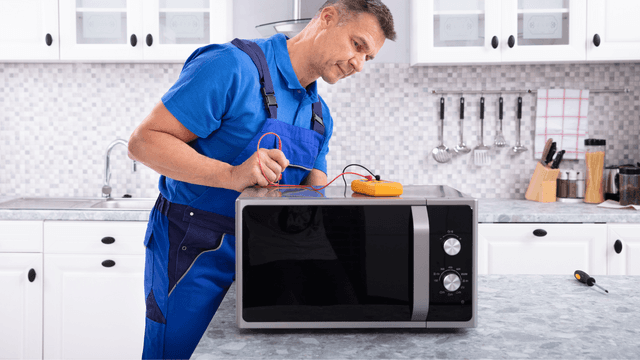
Testing A Microwave Capacitor
Learn how to safely test a microwave capacitor using a multimeter to determine if it's faulty and causing your microwave to malfunction.
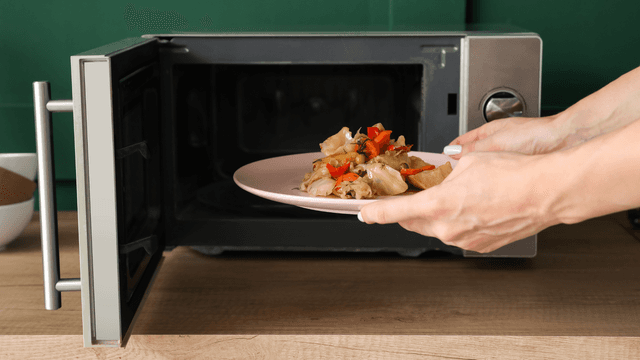
7 Probable Causes Of Your Microwave Not Heating
Explore the most common reasons your microwave isn't heating, from defective magnetrons to door switch failures, and how to troubleshoot each issue.
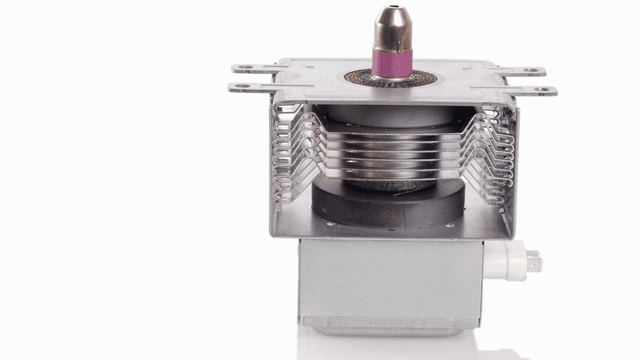
Microwave Magnetron Testing
Find out how to test a microwave magnetron to diagnose heating problems and determine if this crucial component needs to be replaced.




Family-owned and operated since 1912, Burke America Parts Group is the longest-running genuine appliance, HVAC, and outdoor power equipment parts solution in North America. At Repair Clinic, we're proud to be an international brand trusted by the pros as well as the DIY community.
About Repair Clinic