


 Price Match Guarantee
Find the right part faster
Multiple models matched. Select your model to confirm fit.


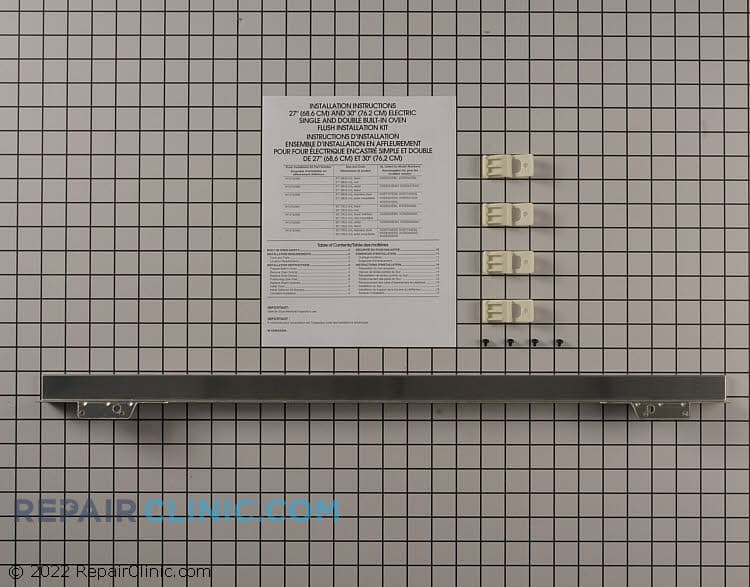
Flush mount trim kit, stainless, for single or double ovens, 27 and 30 inches


Authentic Admiral Microwave Trim Kit Components
Ensure your Admiral Microwave stays in top condition with genuine OEM trim kit parts from Repair Clinic. These precision-engineered replacements are designed to maintain the manufacturer's warranty and provide a perfect fit for your specific model. Whether you are a DIY enthusiast or an appliance technician, our extensive inventory of Microwave parts ensures that you find the right components to keep your appliance functioning optimally. From addressing issues like a wobbling framework to securing loose panels, our replacement parts help resolve common problems efficiently. For those seeking other essential components, explore our variety of offerings, such as Microwave door parts. Trust Repair Clinic for quick shipping and expert resources that empower you to handle repairs confidently.
Find a Replacement Admiral Microwave Trim Kit Online by Model or Part Number
Popular Admiral Microwave Trim Kit Models
FAQs about Admiral Microwave Trim Kit Replacement
Explore common questions regarding the replacement of Admiral microwave trim kits. Whether you're a DIY enthusiast or a professional technician, these FAQs provide valuable insights to assist with your microwave repair needs.
How do I replace an Admiral microwave trim kit?
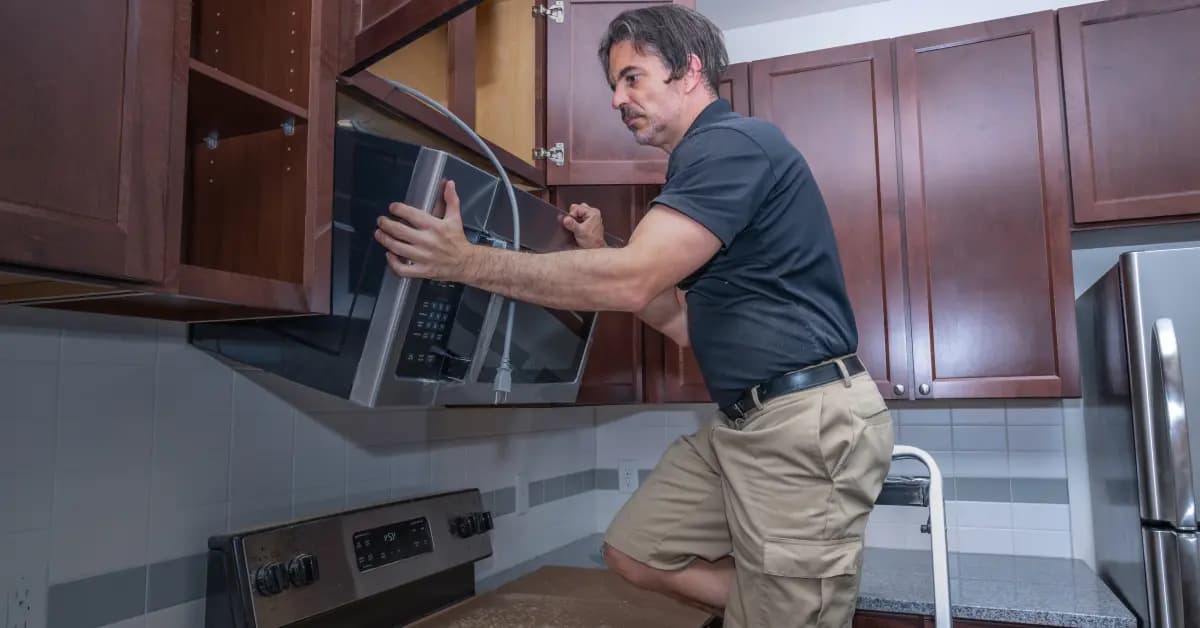
To replace an Admiral microwave trim kit, first unplug the microwave. Remove the existing trim by unscrewing the mounting screws and gently pulling it away from the wall. Align the new trim kit and secure it with screws, ensuring a snug fit.
What is the cost of replacing an Admiral microwave trim kit?
The cost of replacing an Admiral microwave trim kit varies based on model and retailer. Generally, prices range from $50 to $150. It's best to compare prices online to find a competitive deal.
How do I find the right trim kit for my Admiral microwave?
To find the correct trim kit, check your microwave's model number, usually located inside the door or on the back. Use this number when searching for parts to ensure compatibility.
Can I install a trim kit myself?
Yes, replacing a trim kit is a straightforward process suitable for most DIYers. Follow the manufacturer's instructions and use proper tools for a safe installation.
Where can I purchase replacement parts for my Admiral microwave?
Visit Repair Clinic Appliance Parts for a wide selection of genuine appliance parts, including Admiral microwave trim kits. Enjoy benefits like same-day shipping and a 365-day return policy.
For more information on microwave parts, visit our Microwave Parts page.
Order Admiral Microwave Trim Kit Replacement Parts Online
Enhance your Admiral Microwave's appearance and functionality with genuine OEM trim kit replacement parts from Repair Clinic. A well-fitted trim kit ensures a seamless look and properly secures your microwave within its allocated space. Utilize our model number lookup to find the perfect trim kit for your specific Admiral Microwave model. Benefit from our same-day shipping, No-Hassle 365-Day Returns, and Price Match Guarantee for a convenient shopping experience. For further assistance, visit our Microwave Repair Help page or consider exploring other related options like Microwave Parts for additional solutions.
Locating Your Microwave Model Number
Determining the model number of your microwave is essential for ordering the correct replacement parts, such as a trim kit. Typically, you can find the model number inside the microwave's door or on the back of the unit. Look for a label or sticker with a series of numbers and letters. Once identified, use this model number to efficiently search for the precise trim kit you need online. By entering your microwave's model number during your search, you can quickly find the right replacement parts to ensure a perfect fit and finish for your appliance. For other microwave components like duct venting parts, model number lookup remains crucial for accurate ordering, allowing for hassle-free repairs and maintenance.

Expert Assistance for Your Microwave Needs
Facing issues with your Admiral Microwave? Whether it's a faulty trim kit or any other part, our dedicated customer support team is here to help. Repair Clinic offers genuine OEM replacement parts with a price match guarantee and a no-hassle 365-day return policy. Our expert troubleshooting assistance is available seven days a week to guide you through common issues like buttons not working, display problems, or door hinge troubles. Quickly find the right parts using our model/part number lookup feature. For those who prefer DIY repairs, access our comprehensive guides and videos in the Microwave Repair Help section. Repair Clinic is committed to making your repair process easy and affordable.
Related Articles: Microwave Parts
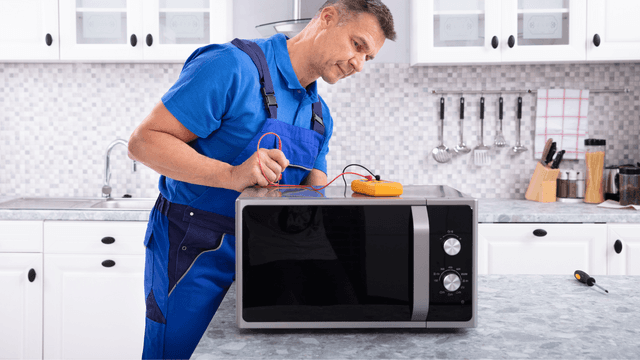
Testing A Microwave Capacitor
Learn how to safely test a microwave capacitor using a multimeter to determine if it's faulty and causing your microwave to malfunction.
7 Probable Causes Of Your Microwave Not Heating
Explore the most common reasons your microwave isn't heating, from defective magnetrons to door switch failures, and how to troubleshoot each issue.
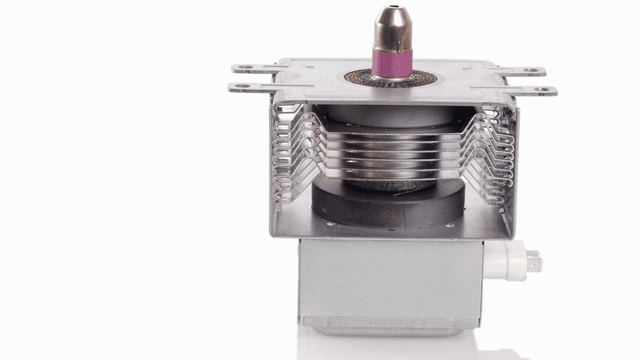
Microwave Magnetron Testing
Find out how to test a microwave magnetron to diagnose heating problems and determine if this crucial component needs to be replaced.




Family-owned and operated since 1912, Burke America Parts Group is the longest-running genuine appliance, HVAC, and outdoor power equipment parts solution in North America. At Repair Clinic, we're proud to be an international brand trusted by the pros as well as the DIY community.
About Repair Clinic