


 Price Match Guarantee
Find the right part faster
Multiple models matched. Select your model to confirm fit.




Hex nut


Premium Magic Chef Microwave Hex Nut Replacements
When it comes to Magic Chef Microwave hex nut replacements, choosing genuine OEM Microwave parts from Repair Clinic ensures compatibility and preserves your manufacturer's warranty. These hex nuts are crucial for securing various internal components, maintaining your microwave's structural integrity. To prevent issues such as a noisy microwave or components becoming loose, replace worn-out hex nuts with precision-fitted parts available replacement parts online. If your microwave is making unusual sounds or components seem misaligned, it might be time to inspect these small yet essential parts. For a wide range of related Microwave Heating Element parts, Repair Clinic provides extensive inventory, same-day shipping, and expert repair resources to support DIY repairs.
Find a Replacement Magic Chef Microwave Hex Nut Online by Model or Part Number
Popular Magic Chef Microwave Hex Nut Models
FAQs about Magic Chef Microwave Hex Nut Replacement
Finding the right replacement parts for your Magic Chef microwave can be challenging. Below are some frequently asked questions to help you with hex nut replacements and other common microwave issues.
How do I replace the hex nut in my Magic Chef microwave?
To replace the hex nut, first, unplug the microwave. Remove the outer cover and locate the hex nut. Use a suitable wrench to unscrew the old nut and replace it with a new one, ensuring it is tightened securely.
How can I find the model number on my Magic Chef microwave?
The model number is usually found on a label inside the door or on the back of the microwave. This number is essential for ordering the correct replacement parts.
Where can I purchase Magic Chef microwave replacement parts?
Visit Repair Clinic Appliance Parts for a wide selection of Magic Chef microwave parts. They offer genuine OEM parts with a price match guarantee.
What is the cost of replacing a hex nut in a microwave?
The cost of a replacement hex nut is typically low, but prices vary depending on the supplier. Always ensure you're purchasing the correct part for your specific model.
Why is my Magic Chef microwave making noise?
Unusual noises may be due to loose parts like the hex nut. Inspect and tighten any loose components. If the noise persists, further inspection of the motor or fan may be needed.
Explore more Microwave Parts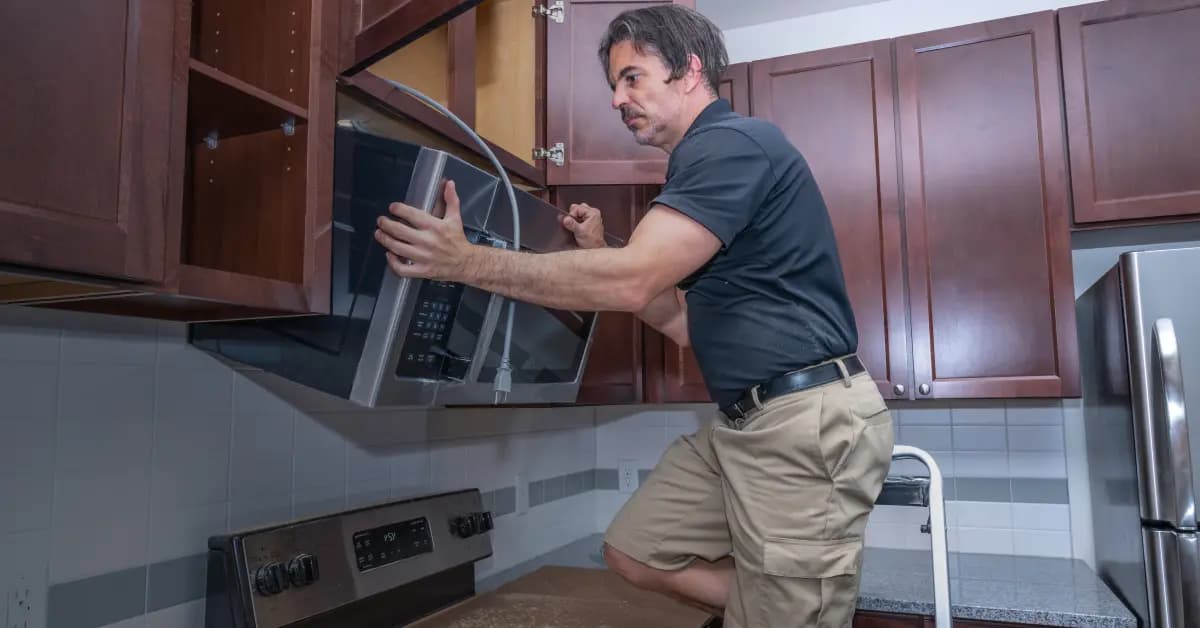
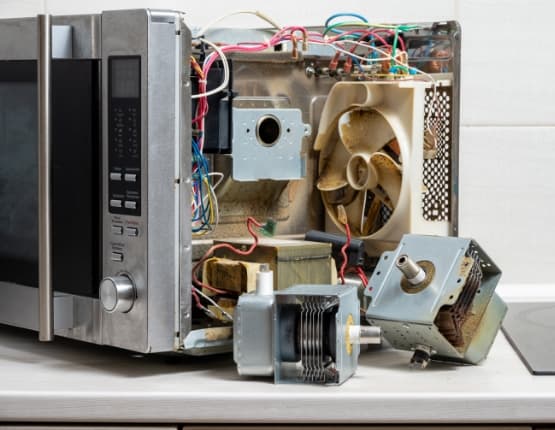
Order Magic Chef Microwave Hex Nut Replacement Parts Online
Securely fasten your Magic Chef microwave components with genuine OEM hex nut replacement parts from Repair Clinic. Properly functioning hex nuts are crucial for maintaining the stability and performance of your microwave. Easily find the right hex nut for your model using our model number lookup tool, ensuring a perfect fit. Enjoy the convenience of same-day shipping, backed by our Price Match Guarantee and No-Hassle 365-Day Returns. For additional guidance on your microwave repair, visit our Microwave Repair Help section or explore related options like Microwave Wire Connector Parts for comprehensive support.
How to Find the Model Number for Microwave Parts
Locating your microwave's model number is essential when searching for replacement parts like the Magic Chef Microwave Hex Nut. The model number can usually be found on the inside of the microwave door, on the back panel, or inside the appliance cavity. Accurate model numbers ensure you find the correct replacement parts, making it easier to order online. If your microwave is experiencing issues such as not heating properly, sparking, or making unusual noises, replacing components like the hex nut might be necessary. By entering your model number on parts supplier websites, you can quickly access a wide selection of genuine OEM replacement parts and take advantage of same-day shipping. For additional help with other microwave components, explore Microwave Switch Parts to expand your repair toolkit. Remember, with Repair Clinic, you also benefit from a 365-day return policy and a price match guarantee, ensuring the best value for your microwave repairs.

Expert Support for Your Microwave Part Needs
At Repair Clinic, we're dedicated to assisting you in finding the perfect Microwave replacement parts. Our customer service team is available seven days a week to ensure you have the support you need. Whether you're dealing with a Magic Chef Microwave Hex Nut or any other part, our live chat and phone support make the process seamless. Call us anytime for expert guidance with troubleshooting or to place an order. We offer genuine OEM parts with a price match guarantee, no-hassle 365-day returns, and DIY-friendly resources to empower your repair journey. Utilize our model/part number lookup to find the exact part you need quickly. Common issues like buttons not working or the microwave not heating can be solved with confidence using our resources. Repair Clinic is committed to helping you save time and money, ensuring you get the best price and the right part for your repair. Reach out to us with any questions or for support, and explore our Microwave Repair Help section for easy-to-follow guides.
Related Articles: Microwave Parts

Testing A Microwave Capacitor
Learn how to safely test a microwave capacitor using a multimeter to determine if it's faulty and causing your microwave to malfunction.
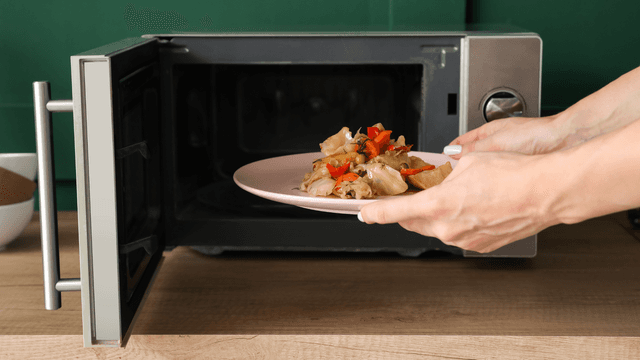
7 Probable Causes Of Your Microwave Not Heating
Explore the most common reasons your microwave isn't heating, from defective magnetrons to door switch failures, and how to troubleshoot each issue.

Microwave Magnetron Testing
Find out how to test a microwave magnetron to diagnose heating problems and determine if this crucial component needs to be replaced.




Family-owned and operated since 1912, Burke America Parts Group is the longest-running genuine appliance, HVAC, and outdoor power equipment parts solution in North America. At Repair Clinic, we're proud to be an international brand trusted by the pros as well as the DIY community.
About Repair Clinic