


 Price Match Guarantee
Find the right part faster
Multiple models matched. Select your model to confirm fit.




Bumper


Authentic Electrolux Microwave Bumper Replacements
Maintaining your Electrolux microwave with genuine OEM replacement parts ensures longevity and performance. At Repair Clinic, we provide authentic Electrolux Microwave Bumper replacements designed to fit perfectly and maintain your appliance's warranty. These bumpers are essential for protecting your microwave's door from damage and ensuring smooth operation. If your microwave door doesn't open or close properly, inspect the bumpers for wear or misalignment. Repair Clinic offers a wide range of replacement parts online, allowing you to order replacement parts with ease. For related components such as microwave door parts, visit our microwave door parts page. Trust Repair Clinic's expertise to empower you with the highest quality microwave repair parts available.
Find a Replacement Electrolux Microwave Bumper Online by Model or Part Number
Popular Electrolux Microwave Bumper Models
FAQs about Electrolux Microwave Bumper Replacement
Explore these frequently asked questions about replacing the bumper on your Electrolux microwave. Ensure smooth operation by addressing common concerns and repair tips.
How do I replace the bumper on my Electrolux microwave?
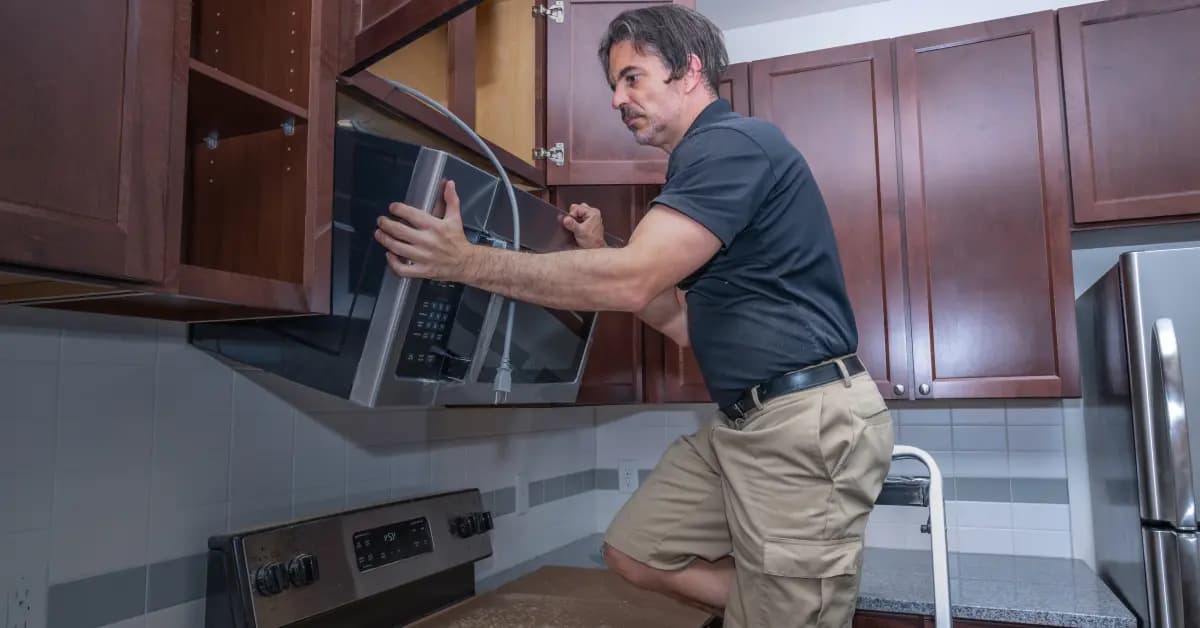
To replace the bumper, first unplug the microwave. Remove the outer casing, locate the bumper, and detach it by unscrewing any fasteners. Install the new bumper and reassemble.
Where can I find the model number for my Electrolux microwave?
The model number can usually be found on a label inside the microwave door, on the back, or on the side of the unit.
How much does a replacement bumper for an Electrolux microwave cost?
The cost of a replacement bumper varies depending on the model, but typically ranges from $15 to $30. Check Repair Clinic for competitive pricing.
Is it safe to replace microwave parts myself?
Yes, but ensure the microwave is unplugged and follow the manufacturer's instructions carefully. If unsure, consult a professional technician.
What are common signs that my microwave bumper needs replacement?
Visible damage, such as cracks or deformation, and difficulty closing the microwave door can indicate a need for replacement.
For other Appliance Parts, visit our vast selection. Explore more on Sharp Microwave Parts for further assistance.
Convenient Online Ordering for Electrolux Microwave Bumper Replacement
Maintain the integrity and safety of your Electrolux Microwave with our genuine OEM bumper replacement parts. These essential components help protect your microwave's interior and ensure smooth operation. Easily find the right bumper for your model using our part number lookup tool. Enjoy the convenience of same-day shipping, No-Hassle 365-Day Returns, and our Price Match Guarantee, making it easier and faster to get your microwave back in action. Need guidance on installation? Visit our Microwave Repair Help page for step-by-step instructions or explore other options like Microwave Latch Parts to complete your repair.
How to Locate Your Microwave Model Number
Finding the model number is essential for sourcing the correct Electrolux Microwave Bumper Replacement. Typically, the model number is located on the inside of the microwave door, on the back panel, or on the side of the unit. Once you have the model number, you can easily order Electrolux microwave parts online. This ensures compatibility and simplifies the repair process. If your microwave's door doesn't open or close properly, inspect the hinges and seals for wear. A faulty bumper can contribute to these issues and should be replaced promptly. For further guidance on microwave repair, visit our Microwave Touchpad Parts page. Repair Clinic offers a vast selection of genuine replacement parts, a price match guarantee, and a no-hassle 365-day return policy to help you repair your microwave efficiently and affordably.

Expert Guidance for Microwave Part Selection and Replacement
Repair Clinic is committed to helping you find the perfect replacement parts for your Electrolux microwave. Our customer service team is available seven days a week to assist you with model or part number lookups, ensuring you receive genuine OEM parts quickly and efficiently. Whether you're a homeowner or a professional technician, our easy-to-follow guides and expert troubleshooting assistance will empower you to tackle any repair confidently. Take advantage of our no-hassle 365-day returns and price match guarantee to order with peace of mind. Common issues like microwave buttons not working or the display malfunctioning can be resolved with our expert help. Remember, Repair Clinic is your trusted online resource for appliance parts, offering same-day shipping and a comprehensive selection of repair tools and resources.
Related Articles: Microwave Parts
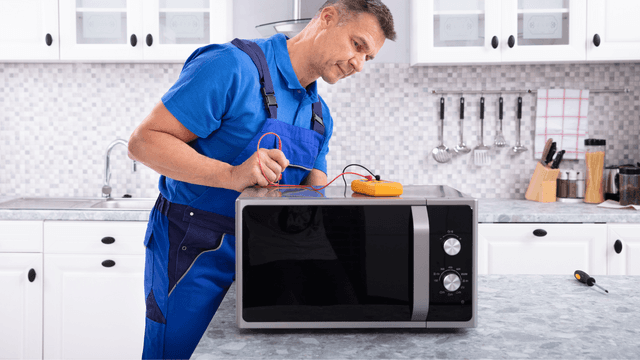
Testing A Microwave Capacitor
Learn how to safely test a microwave capacitor using a multimeter to determine if it's faulty and causing your microwave to malfunction.
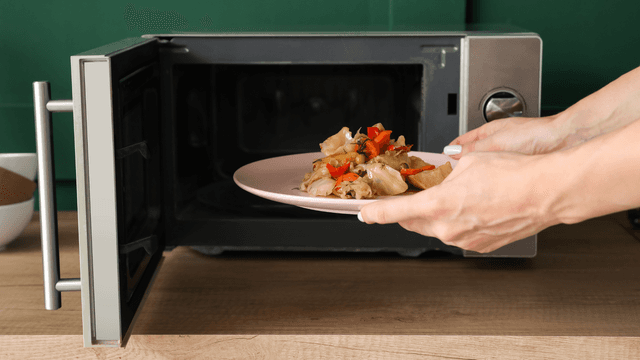
7 Probable Causes Of Your Microwave Not Heating
Explore the most common reasons your microwave isn't heating, from defective magnetrons to door switch failures, and how to troubleshoot each issue.
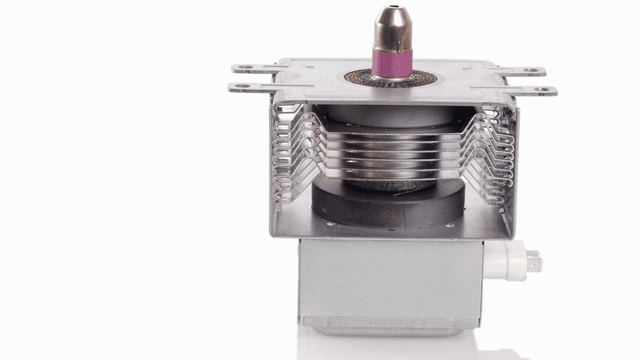
Microwave Magnetron Testing
Find out how to test a microwave magnetron to diagnose heating problems and determine if this crucial component needs to be replaced.




Family-owned and operated since 1912, Burke America Parts Group is the longest-running genuine appliance, HVAC, and outdoor power equipment parts solution in North America. At Repair Clinic, we're proud to be an international brand trusted by the pros as well as the DIY community.
About Repair Clinic