


 Price Match Guarantee
Find the right part faster
Multiple models matched. Select your model to confirm fit.




Pcba, user interface
User control and display board

User Control
Display


Genuine OEM KitchenAid Microwave Control Board Replacements
Repair Clinic provides genuine OEM control board replacements for your KitchenAid microwave, ensuring compatibility and reliable performance. A malfunctioning user control board or display can hinder your microwave's operations, making it essential to secure a precise fit with our genuine parts. From inspecting the control board for faults to checking the touchpad and ensuring uninterrupted power supply, our Microwave Touchpad Parts can guide your repair efforts. If your microwave's buttons aren't responding or if the display is blank, it might be time to order replacement parts online. With Repair Clinic's extensive inventory, you can find the right replacement repair parts for your needs. Trust in Repair Clinic to provide expert repair resources, allowing DIY enthusiasts and technicians to efficiently restore their appliances.
Find a Replacement KitchenAid Microwave User Control and Display Board Online by Model or Part Number
Popular KitchenAid Microwave User Control and Display Board Models
FAQs about KitchenAid Microwave User Control and Display Board Replacement
When your KitchenAid microwave's user control and display board malfunctions, you need a reliable source for replacement parts. Here are some frequently asked questions about repairing and replacing these parts.
How do I replace the user control board in my KitchenAid microwave?
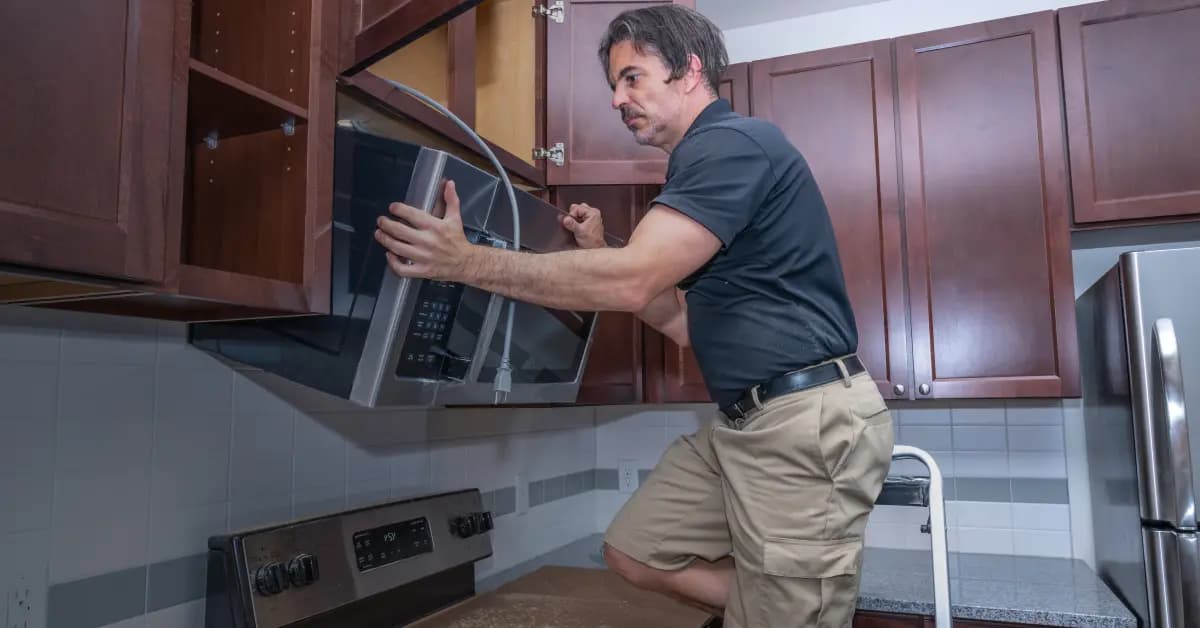
First, ensure the microwave is unplugged. Remove the outer cover to access the control board. Disconnect the wires, unscrew the board, and replace it with the new one, securing all connections.
Where can I find genuine KitchenAid replacement parts?
You can find genuine KitchenAid replacement parts at Repair Clinic Appliance Parts, which offers a price match guarantee and a 365-day return policy.
Why is my microwave display not working?
The issue could be a faulty display board. Inspect for visible damage, and consider replacing the board if necessary.
How much does it cost to replace a KitchenAid microwave display board?
Replacement costs can vary but typically range from $50 to $200, depending on the model and retailer.
Can I install the new control board myself?
Yes, with basic tools and following proper safety precautions, homeowners can replace the control board themselves. However, professional assistance is recommended if you're unsure.
For more information on microwave parts, visit Microwave Parts.
Order KitchenAid Microwave User Control and Display Board Replacement Parts Online
Improve your KitchenAid Microwave's functionality with genuine user control and display board replacement parts from Repair Clinic. A properly functioning control board is essential for setting cooking times and power levels accurately. Use our model number lookup tool to find the exact control board part you need, ensuring compatibility and precision. Enjoy the convenience of same-day shipping, a No-Hassle 365-Day Returns policy, and our Price Match Guarantee for the best value. For troubleshooting tips and installation guides, visit our Microwave Repair Help page. Additionally, browse related Microwave Circuit Board Parts for comprehensive repair solutions.
KitchenAid Microwave Model Number: Where to Look
On KitchenAid microwaves, look for the model number on the inside of the door frame, on the back, or along the side cabinet. Check the label carefully and copy the full model number, including letters and any numbers after it. This identifies the entire microwave, not just its control board or another part. Type it into our model number lookup and the catalog narrows to parts made for your unit. Using the complete model helps match the full parts selection accurately, so you avoid compatibility guesswork and order with confidence knowing the fit is right.

Repair Resources for KitchenAid Microwave Owners
Repair Clinic backs KitchenAid Microwave owners with a full online repair library. Troubleshooting videos, common-symptom articles, part testing walkthroughs, exploded-view diagrams, and step-by-step installation guides cover the diagnostic and repair work for the most common problems. Confirm your part with the model number lookup, follow the video, and complete the repair the first time.
Related Articles: Microwave Parts

Testing A Microwave Capacitor
Learn how to safely test a microwave capacitor using a multimeter to determine if it's faulty and causing your microwave to malfunction.
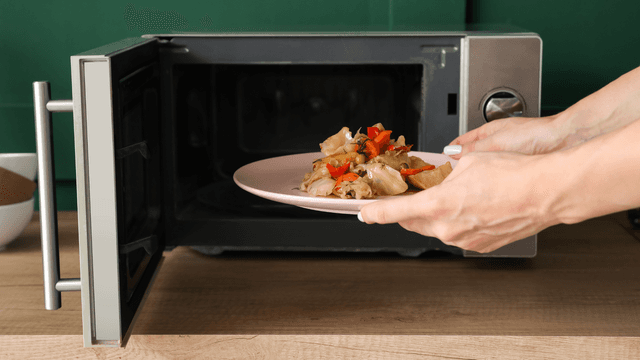
7 Probable Causes Of Your Microwave Not Heating
Browse the most common reasons your microwave isn't heating, from defective magnetrons to door switch failures, and how to troubleshoot each issue.

Microwave Magnetron Testing
Find out how to test a microwave magnetron to diagnose heating problems and determine if this crucial part needs to be replaced.




Family-owned and operated since 1912, Burke America Parts Group is the longest-running genuine appliance, HVAC, and outdoor power equipment parts solution in North America. At Repair Clinic, we're proud to be an international brand trusted by the pros as well as the DIY community.
About Repair Clinic