


 Price Match Guarantee
Find the right part faster
Multiple models matched. Select your model to confirm fit.




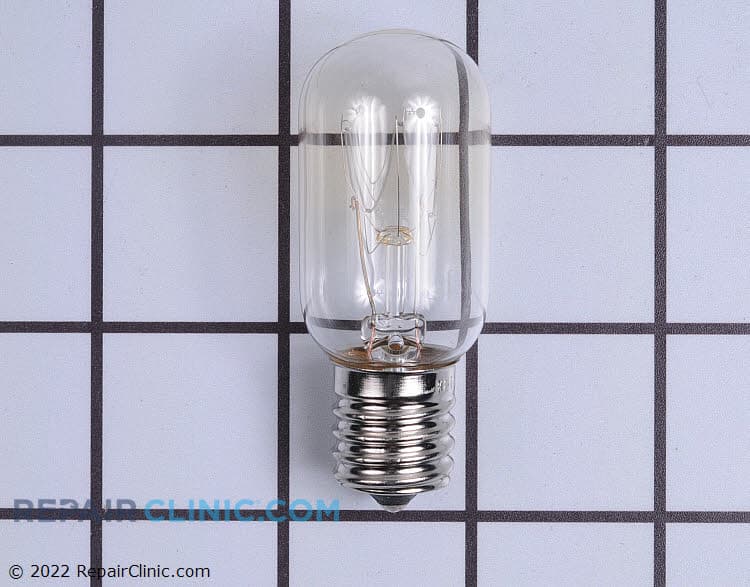
Microwave light bulb. The bulb operates on 120 volts and uses 30 watts.
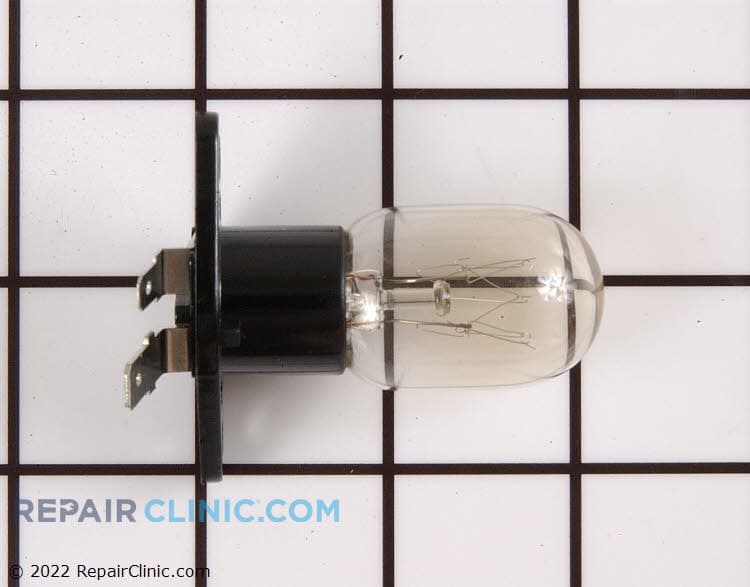
Microwave light bulb with base, 20 watts.

Lamp

Lamp with base

Lamp

Light bulb, 20 watt, 110 volt

Light lens


Bulb
Led

Oven lamp
Cover,lamp
Light bulb socket for over the range light


Panasonic Microwave Light Bulb & Lighting Parts
When the light inside your Panasonic microwave burns out, you lose visibility into what's cooking — and more importantly, you lose a safety feature that lets you monitor your food. Panasonic microwaves use specific bulb types depending on the model: halogen bulbs for countertop units, or LED assemblies for newer models. Getting the exact OEM bulb keeps your light bright and your microwave working as designed.
Beyond the bulb itself, the light socket, wiring harness, and the light cover all play a role. If your light flickers, won't turn on, or stays on when the door closes, the issue might be the bulb — but it could also be the door switch, socket, or control board. Our Panasonic microwave lighting parts guide walks you through identifying which part needs replacing.
- Light won't turn on: bulb burned out, loose socket connection, or faulty door switch
- Light stays on constantly: door switch not working; the microwave thinks the door is always open
- Flickering or dim light: bulb end-of-life, socket corrosion, or wiring issue
- Halogen bulb discolored or blackened: normal wear; replace with OEM halogen type
- LED light assembly won't illuminate: LED module failure; replace the entire light assembly
Find Replacement Panasonic Microwave Lighting & Light Bulb Parts Online by Model or Part Number
Popular Panasonic Microwave Models
Related Panasonic Microwave Lighting & Light Bulb Parts
Panasonic Microwave Light Bulb & Lighting Parts FAQ
What type of light bulb does my Panasonic microwave use?
Panasonic countertop microwaves typically use 20-watt halogen bulbs or 40-watt incandescent bulbs, depending on model year and series. Newer Panasonic models may use LED light assemblies instead. Always check your model number on the rating plate (usually inside the microwave cavity or on the back) to confirm the exact bulb type. Over-the-range (OTR) Panasonic microwaves sometimes use different bulb configurations — your model number lookup will show the correct bulb wattage and base type.
Can I use a generic or aftermarket light bulb instead of OEM?
A standard halogen or incandescent bulb from a hardware store might fit physically, but it may not provide the correct light output or heat tolerance for your microwave cavity. Panasonic light bulbs are designed to withstand the heat environment inside a microwave and fit the socket precisely. Using an incorrect bulb can reduce visibility, create a safety hazard if it overheats, and may not last as long. OEM Panasonic bulbs cost just a few dollars more and are always the safer choice.
How do I know if it's the bulb or the door switch causing the light problem?
If your light won't turn on when you open the door, start by replacing the bulb — it's the cheapest fix and the most common failure. If the new bulb still doesn't light, the door switch is likely the culprit. The door switch tells the microwave that the door has opened, which triggers the light. If the light stays on all the time (even when the door closes), the door switch has definitely failed. Test the door switch by listening for a click when you close the door — no click = switch failure.
Do I need to unplug my microwave to replace the light bulb?
Yes — always unplug your microwave before removing or replacing any internal parts, including the light bulb. Even though the light bulb itself carries low voltage, the microwave contains high-voltage capacitors that store dangerous charge even when unplugged. Let the microwave sit for a few minutes after unplugging to allow capacitors to discharge. Once unplugged, locate the light socket (usually at the top or side of the cavity), gently remove the old bulb, and insert the new OEM bulb. Enter your model number on Repair Clinic to find the exact bulb type and socket configuration for your unit.
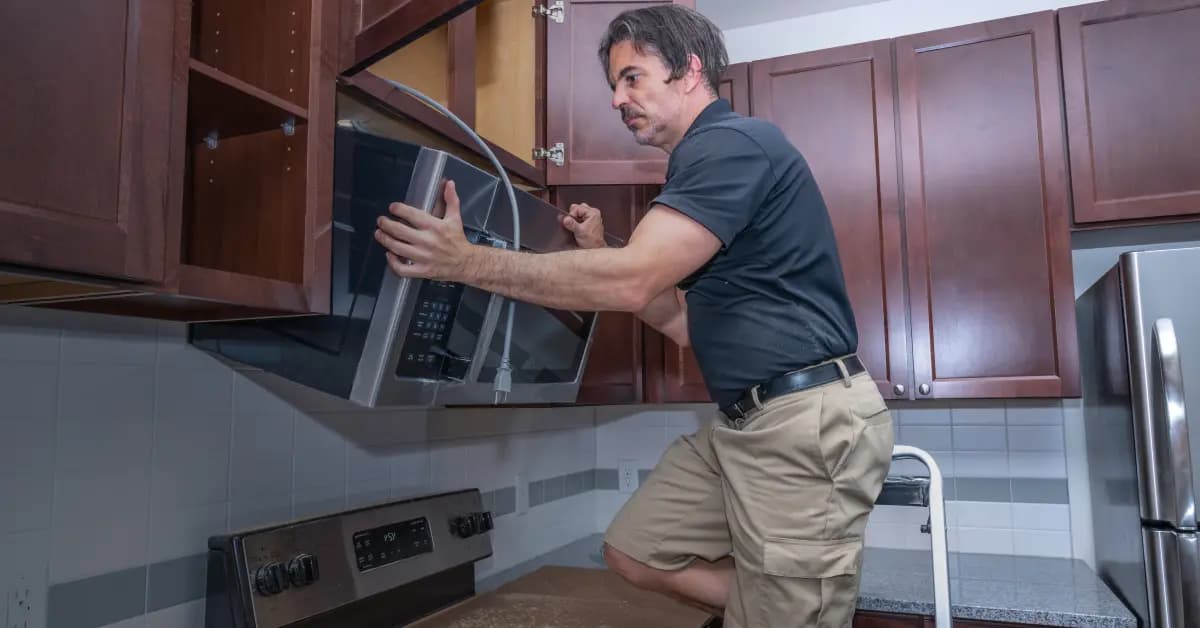
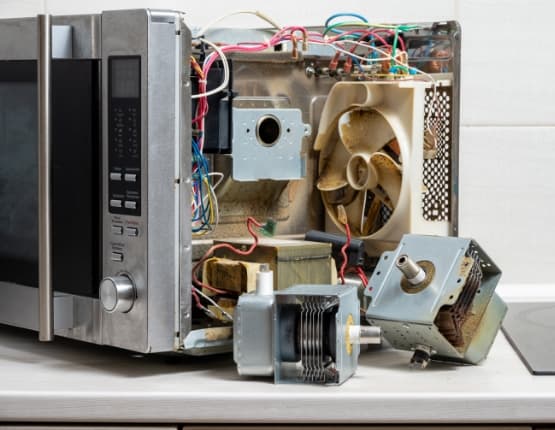
Order Panasonic Microwave Lighting Light Bulb Replacement Online
Keep your Panasonic microwave running efficiently by replacing a faulty lighting light bulb promptly. With same-day shipping on most in-stock items, you'll have your replacement part fast, minimizing downtime. Our model/part number lookup finds the exact OEM part for your unit, and every order is backed by our 365-day return policy and price-match guarantee. If your Panasonic microwave lighting light bulb is failing — showing symptoms like reduced performance, unusual noise, or complete non-operation — replacement is typically the fastest fix. Browse our full library of Panasonic repair resources for troubleshooting guides and installation videos.
Panasonic Microwave Model Number: Where to Look
On Panasonic microwaves, look for the model number on the label inside the door frame, along the side or top of the cavity, or on the back cabinet. For over-the-range units, check the side or rear panel if the label is not visible when the door is open. Copy the complete model number, including letters, numbers, and any hyphens, then type it into our model number lookup. The catalog will narrow to parts made for your entire microwave, including lighting parts and other associated parts. Matching by model helps you avoid confusing similar Panasonic units and gives you a faster, more accurate path to the parts you need.

Replacement Bulbs for Panasonic Microwave
Interior and indicator light bulbs are a straightforward swap that keeps your Panasonic Microwave fully functional. Repair Clinic stocks OEM-spec replacement bulbs along with installation videos for the harder-to-reach spots. Use the model number lookup to confirm the exact bulb specification and heat rating for your unit before you order.
Related Articles: Microwave Parts

Testing A Microwave Capacitor
Learn how to safely test a microwave capacitor using a multimeter to determine if it's faulty and causing your microwave to malfunction.
7 Probable Causes Of Your Microwave Not Heating
Find the most common reasons your microwave isn't heating, from defective magnetrons to door switch failures, and how to troubleshoot each issue.

Microwave Magnetron Testing
Find out how to test a microwave magnetron to diagnose heating problems and determine if this crucial part needs to be replaced.




Family-owned and operated since 1912, Burke America Parts Group is the longest-running genuine appliance, HVAC, and outdoor power equipment parts solution in North America. At Repair Clinic, we're proud to be an international brand trusted by the pros as well as the DIY community.
About Repair Clinic