


 Price Match Guarantee
Find the right part faster
Multiple models matched. Select your model to confirm fit.




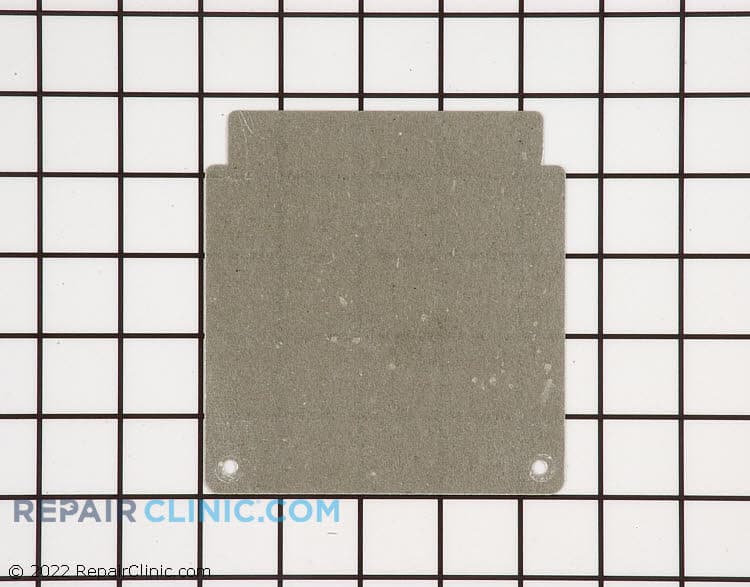
Wave guide cover

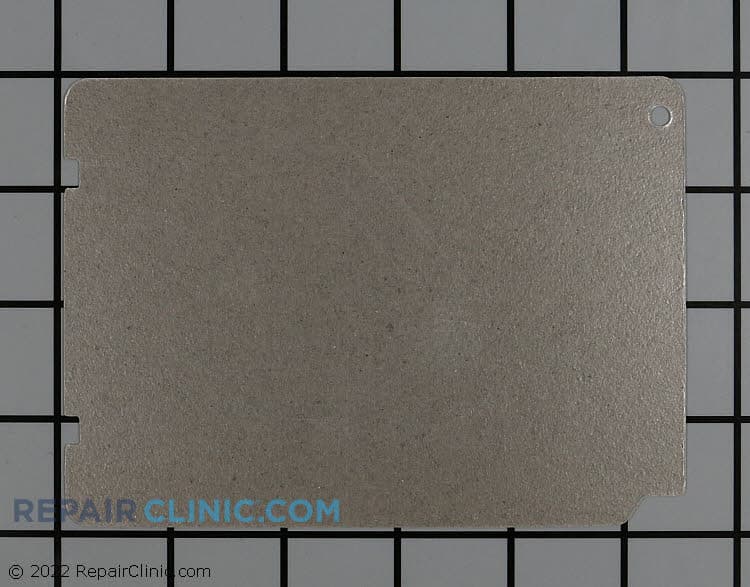
Waveguide cover


Factory-Certified Samsung Microwave Waveguide Cover Replacements
Ensure optimal functionality and safety of your Samsung microwave with genuine OEM waveguide cover replacements from Repair Clinic. The waveguide cover is a crucial part that protects the microwave's magnetron from food splatters and debris, ensuring efficient performance. If your microwave is sparking or arcing, it's often due to a damaged waveguide cover. At Repair Clinic, we offer a comprehensive selection of replacement Microwave parts built to fit your specific model, helping support proper fit and performance and delivering a precise fit. Browse our extensive inventory of microwave duct venting parts to further support your appliance's performance. For all your microwave repair needs, order replacement parts online and benefit from our same-day shipping. Trust Repair Clinic to empower both DIY enthusiasts and professionals in maintaining and repairing their appliances with ease.
Find a Replacement Samsung Microwave Waveguide Cover Online by Model or Part Number
Popular Samsung Microwave Waveguide Cover Models
FAQs about Samsung Microwave Waveguide Cover Replacement
Waveguide covers play a crucial role in protecting the microwave's internal parts. If you're dealing with issues related to your Samsung microwave waveguide cover, these FAQs can help guide you through replacement and repair.
How do I know if my waveguide cover needs replacing?
If you notice sparking or arcing inside the microwave, a damaged waveguide cover could be the cause. Regular inspection for burns or tears is advisable.
How do I replace a Samsung microwave waveguide cover?
To replace, first unplug the microwave. Remove the screws or clips holding the cover in place, and replace it with a new one, ensuring a snug fit.
Where can I purchase a replacement Samsung microwave waveguide cover?
Replacement covers can be purchased from Microwave Parts section, which offers genuine OEM parts with a price match guarantee.
Can I use my microwave without the waveguide cover?
No, operating a microwave without this cover can cause damage to the appliance and pose a safety risk.
Why is my microwave sparking?
Sparking can occur due to a damaged or dirty waveguide cover. Ensure the cover is intact and clean.
For more information on microwave repairs, visit Microwave Heating Element Parts for solutions.
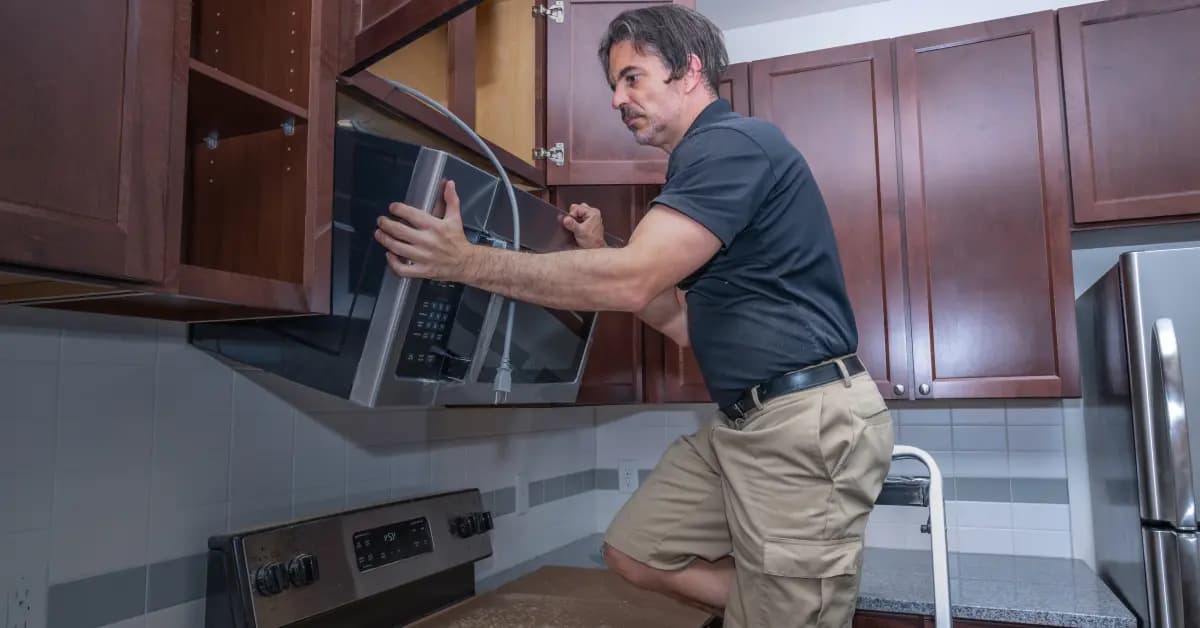
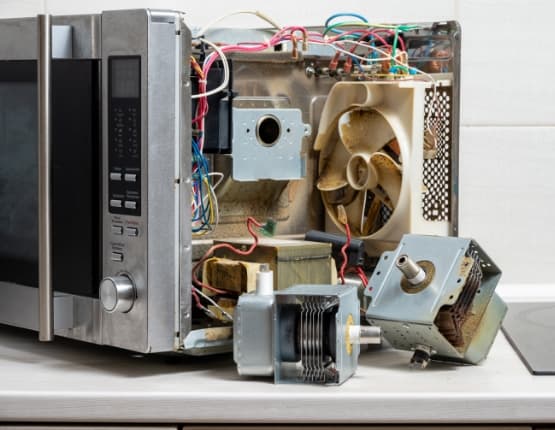
Order Samsung Microwave Waveguide Cover Replacement Parts Online
Ensure your Samsung Microwave operates efficiently with genuine waveguide cover replacement parts from Repair Clinic. A properly functioning waveguide cover helps direct microwave energy into the cooking area, preventing sparking and maintaining performance. Locate the exact part for your model using our part lookup tool. Enjoy the convenience of same-day shipping, No-Hassle 365-Day Returns, and our Price Match Guarantee. For troubleshooting and repair tips, visit our Microwave Repair Help page. Also, browse Microwave Duct Venting Parts for additional maintenance solutions.
Samsung Microwave Model Number: Where to Look
On Samsung microwaves, check the inside of the door frame first, then look on the back or side cabinet if the label is not there. The model number is printed with other identifying information, so copy it exactly, including letters, numbers, and any slash marks. Enter that number in our model number search to pull up the parts matched to your entire microwave, not just one part. Matching the model before you order narrows the catalog to compatible parts and helps prevent confusion between similar Samsung units. You order with confidence knowing the fit is right.

Fix Your Samsung Microwave with Online Repair Help
The online repair library at Repair Clinic covers Samsung Microwave diagnostics, part testing, and installation from start to finish. Symptom-based articles narrow the failing component, and matching repair videos or step-by-step written guides walk you through the fix. Use the model number lookup to confirm the exact OEM part before you order, then follow the exploded-view diagrams for a clean reassembly.
Related Articles: Microwave Parts
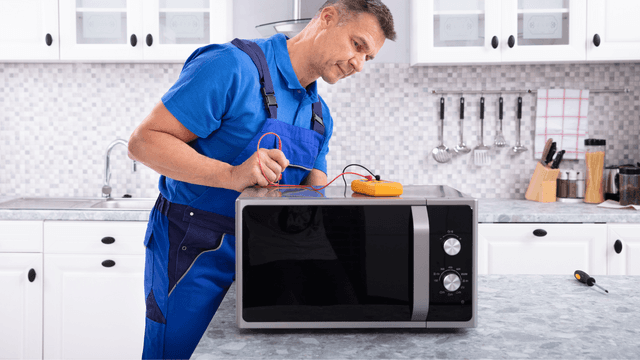
Testing A Microwave Capacitor
Learn how to safely test a microwave capacitor using a multimeter to determine if it's faulty and causing your microwave to malfunction.
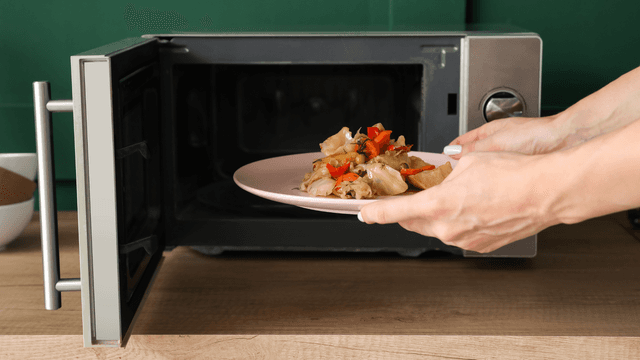
7 Probable Causes Of Your Microwave Not Heating
Browse the most common reasons your microwave isn't heating, from defective magnetrons to door switch failures, and how to troubleshoot each issue.
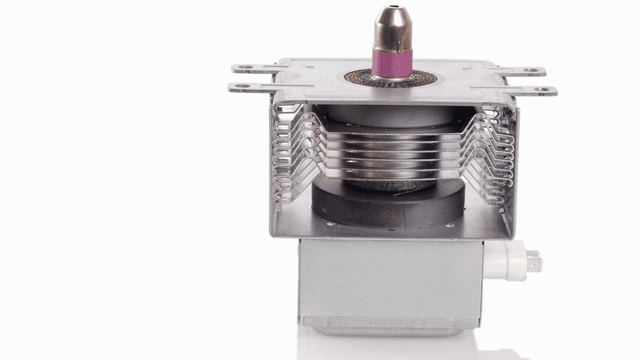
Microwave Magnetron Testing
Find out how to test a microwave magnetron to diagnose heating problems and determine if this crucial part needs to be replaced.




Family-owned and operated since 1912, Burke America Parts Group is the longest-running genuine appliance, HVAC, and outdoor power equipment parts solution in North America. At Repair Clinic, we're proud to be an international brand trusted by the pros as well as the DIY community.
About Repair Clinic