


 Price Match Guarantee
Find the right part faster
Multiple models matched. Select your model to confirm fit.





Support

Glass tray coupler

Rotating ring assembly
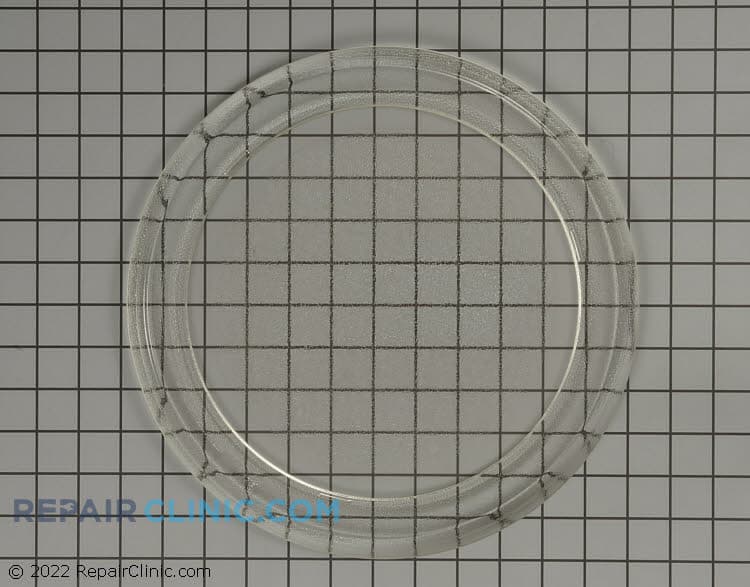
Glass tray

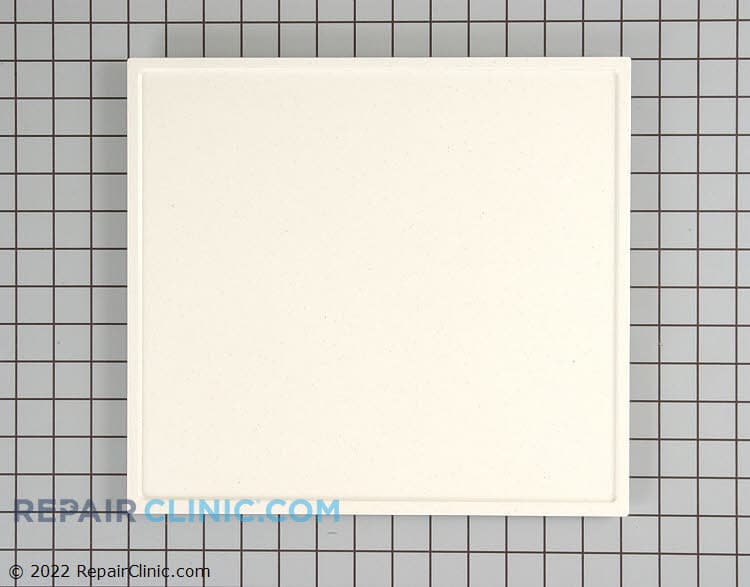
Kit- tray


Premium Crosley Microwave Glass Tray and Support Parts
When it comes to maintaining your Crosley microwave's efficiency, genuine OEM glass tray, coupler, and support roller parts are essential. These replacement Microwave parts ensure a precise fit, helping to retain the manufacturer's warranty. Common issues, such as the microwave turntable not turning, can often be resolved by inspecting the turntable motor and coupler for damage. For any replacement needs, visit Repair Clinic's Microwave Motor Parts section to find the perfect match for your model. Additionally, Repair Clinic provides an extensive inventory of replacement parts online, ensuring quick and easy access to the parts you need. Trust Repair Clinic to empower both DIY enthusiasts and professionals with high-quality replacement appliance parts delivered with expert support and same-day shipping.
Find Replacement Crosley Microwave Glass Tray, Coupler & Support Roller Parts Online by Model or Part Number
Popular Crosley Microwave Models
Related Crosley Microwave Glass Tray, Coupler & Support Roller Parts
FAQs about Crosley Microwave Glass Tray, Coupler & Support Roller Parts
Find answers to commonly asked questions about Crosley microwave glass tray, coupler, and support roller parts. From identifying the right parts to understanding replacement processes, this guide provides valuable insights.
How do I find the correct glass tray for my Crosley microwave?
Check the model number of your Crosley microwave, usually found on the inside door frame, and search for compatible glass trays using this information. Ensure the size and shape match your specific model.
What causes the glass tray in my microwave to not rotate?
A non-rotating tray could be due to a faulty coupler or support rollers. Inspect these parts for damage or wear and replace them if necessary. Ensure they are seated correctly in the microwave cavity.
How can I replace a broken coupler in my microwave?
First, unplug the microwave. Remove the glass tray and gently lift out the coupler. Replace it with a new one, ensuring it fits snugly over the motor spindle. Reassemble the tray and test the rotation.
Where can I purchase genuine Crosley microwave replacement parts?
Repair Clinic offers a wide range of genuine Crosley microwave parts. With our price match guarantee, you can confidently shop for Appliance Parts online.
Can I replace the support rollers myself?
Yes, replacing support rollers is a straightforward DIY task. Make sure to disconnect the microwave, remove the tray, and carefully replace the worn rollers with new ones.
For further support, visit our GE Microwave Parts page for additional resources and parts.
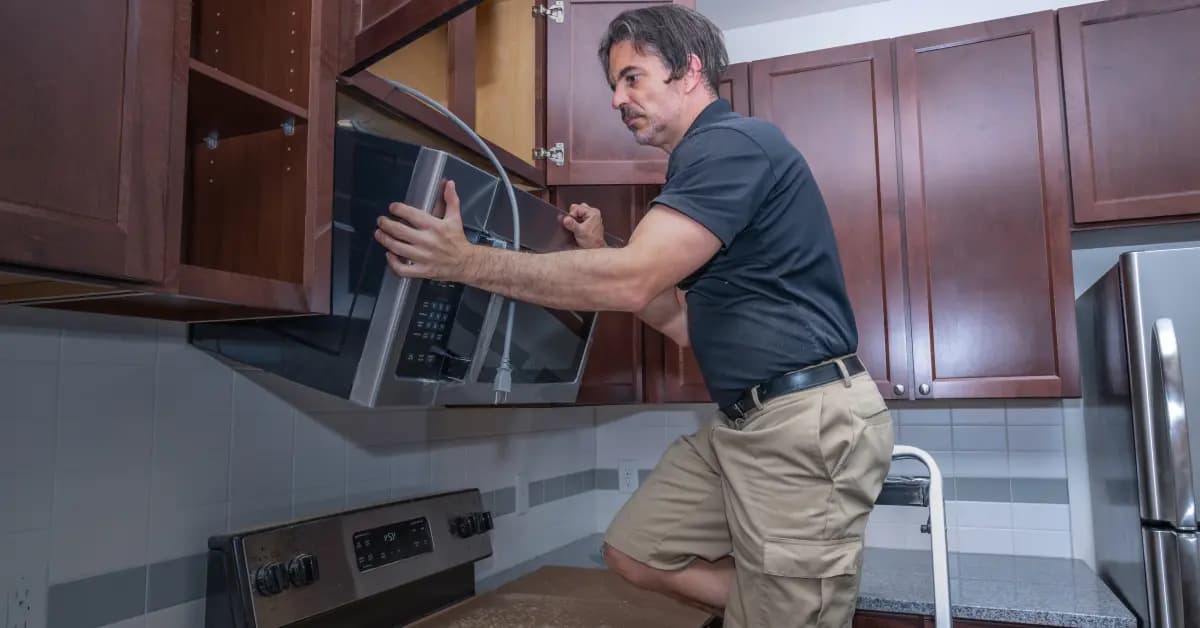
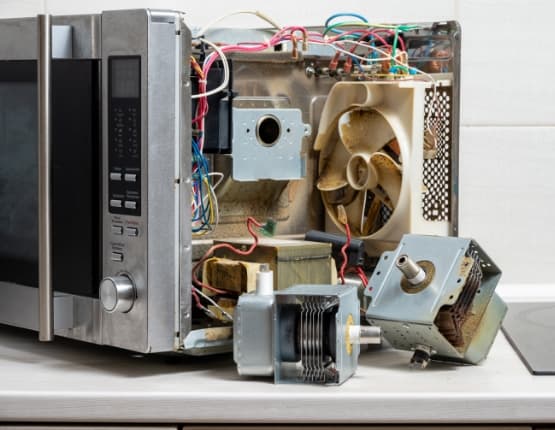
Shop Crosley Microwave Glass Tray, Coupler & Support Roller Parts Online
Keep your Crosley Microwave running smoothly with genuine microwave glass tray, coupler, and support roller parts from Repair Clinic. These essential components ensure even cooking and prevent spills, making them vital for optimal microwave performance. Use our model number lookup for precise part matching, and benefit from our same-day shipping and Price Match Guarantee. Experience stress-free shopping with our No-Hassle 365-Day Returns. For expert tips on installation or troubleshooting, visit our Microwave Repair Help page. Explore related options like Microwave Switch Parts for comprehensive repair solutions.
How to Identify Your Microwave's Model Number
Locating the model number is crucial when seeking Crosley Microwave Glass Tray, Coupler & Support Roller Parts. Typically found on the interior or back of the microwave, the model number ensures you find the precise replacement parts needed. Enter this number on the Repair Clinic website for a hassle-free search. Whether you need a glass tray, coupler, or support roller, obtaining the correct part is vital for maintaining your microwave's functionality. If your microwave buttons aren't working, inspect the control board or touchpad. For a microwave not heating, check the magnetron, diode, and capacitor. By using genuine OEM replacement parts, you ensure long-lasting repairs. With Repair Clinic's model/part number lookup, easy online ordering, and a 365-day return policy, finding and purchasing Crosley Microwave parts online is straightforward.

Expert Support for Finding Crosley Microwave Parts
Finding the right Crosley microwave glass tray, coupler, and support roller parts is easy with our expert support team available seven days a week. Whether you're dealing with a microwave not heating or a sparking issue, our dedicated team is ready to help you find the genuine OEM parts you need. Use our model/part number lookup tool for a quick search. Enjoy our no-hassle 365-day returns and price match guarantee on all parts. Repair Clinic is committed to providing DIY-friendly resources, including detailed repair guides and videos to help you fix your microwave confidently. Remember, if your microwave buttons aren't working or if you notice a burning smell, our troubleshooting tips can guide you in identifying and solving these issues effectively. Trust Repair Clinic to save you time and money on essential repairs.
Related Articles: Microwave Parts
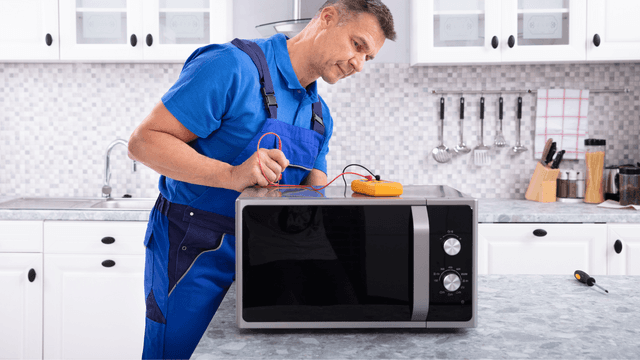
Testing A Microwave Capacitor
Learn how to safely test a microwave capacitor using a multimeter to determine if it's faulty and causing your microwave to malfunction.
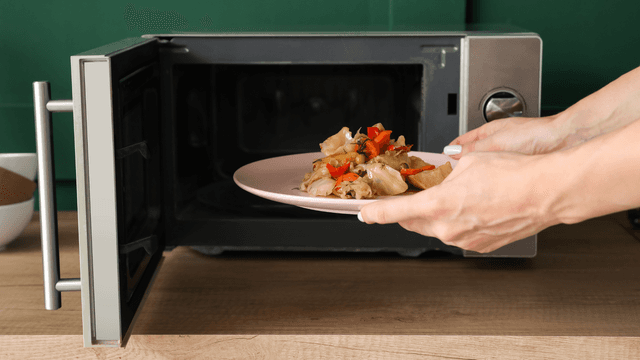
7 Probable Causes Of Your Microwave Not Heating
Explore the most common reasons your microwave isn't heating, from defective magnetrons to door switch failures, and how to troubleshoot each issue.
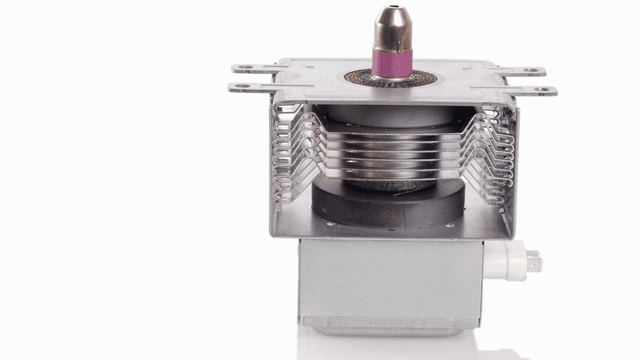
Microwave Magnetron Testing
Find out how to test a microwave magnetron to diagnose heating problems and determine if this crucial component needs to be replaced.




Family-owned and operated since 1912, Burke America Parts Group is the longest-running genuine appliance, HVAC, and outdoor power equipment parts solution in North America. At Repair Clinic, we're proud to be an international brand trusted by the pros as well as the DIY community.
About Repair Clinic