


 Price Match Guarantee
Find the right part faster
Multiple models matched. Select your model to confirm fit.




Pad, button a
*$* pad
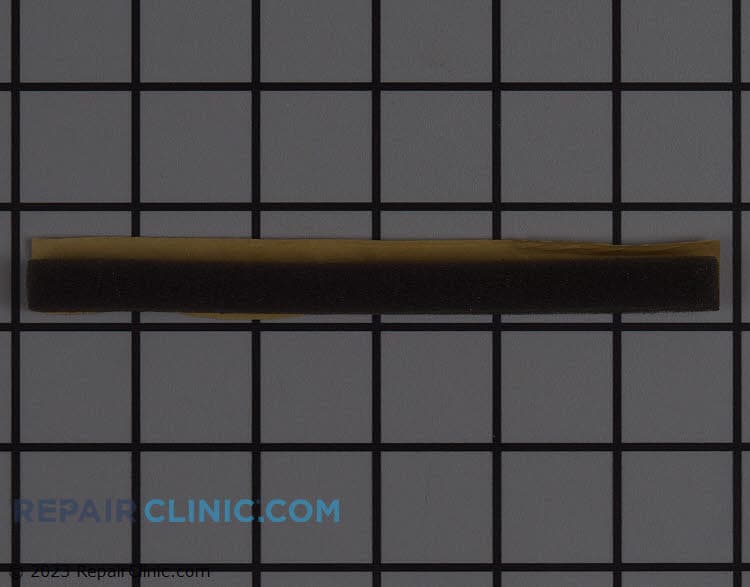
Cushion
Pad, key
Pad, key


Premium Amana Microwave Pad Replacements
Ensure your Amana microwave operates smoothly with genuine OEM replacement touchpads from Repair Clinic. Each microwave replacement part is precisely engineered to maintain the manufacturer's warranty and provide a perfect fit for your specific model. If your microwave buttons are unresponsive, check for stuck buttons, inspect the control board or touchpad for faults, and ensure the microwave is receiving power. Shop for high-quality microwave repair parts, available replacement parts online at Repair Clinic, where you can order replacement appliance parts with confidence. With an extensive inventory, including microwave parts online, we help you save time and money by delivering parts that meet your repair needs. For other related components, explore our microwave touchpad parts selection. Trust Repair Clinic for expert guidance and genuine parts to get your Amana microwave back in top condition.
FAQs about Amana Microwave Pad Replacement
When it comes to maintaining your Amana microwave, replacing parts like the touchpad can ensure your appliance runs smoothly. Here are some common questions and answers about Amana microwave pad replacement.
How do I replace the touchpad on an Amana microwave?
To replace the touchpad, disconnect the power, remove the control panel, and unscrew the old touchpad. Attach the new touchpad, reassemble the control panel, and restore power.
What are the signs that the touchpad needs replacing?
If the touchpad is unresponsive, buttons are sticking, or certain numbers or functions don't work, it's time for a replacement.
Can I replace the touchpad myself?
Yes, replacing the touchpad is a straightforward DIY job. Ensure you have an appropriate replacement part and follow the instructions carefully.
How much does an Amana microwave touchpad replacement cost?
Replacement costs vary, but generally range from $50 to $150. Check Repair Clinic Appliance Parts for competitive pricing and genuine OEM parts.
Where can I purchase Amana microwave touchpad replacement parts?
Purchase genuine Amana parts from Repair Clinic, offering same-day shipping and a price match guarantee.
What should I do if my Amana microwave stops working after touchpad replacement?
Double-check the installation and ensure all connections are secure. If issues persist, consult a professional technician.
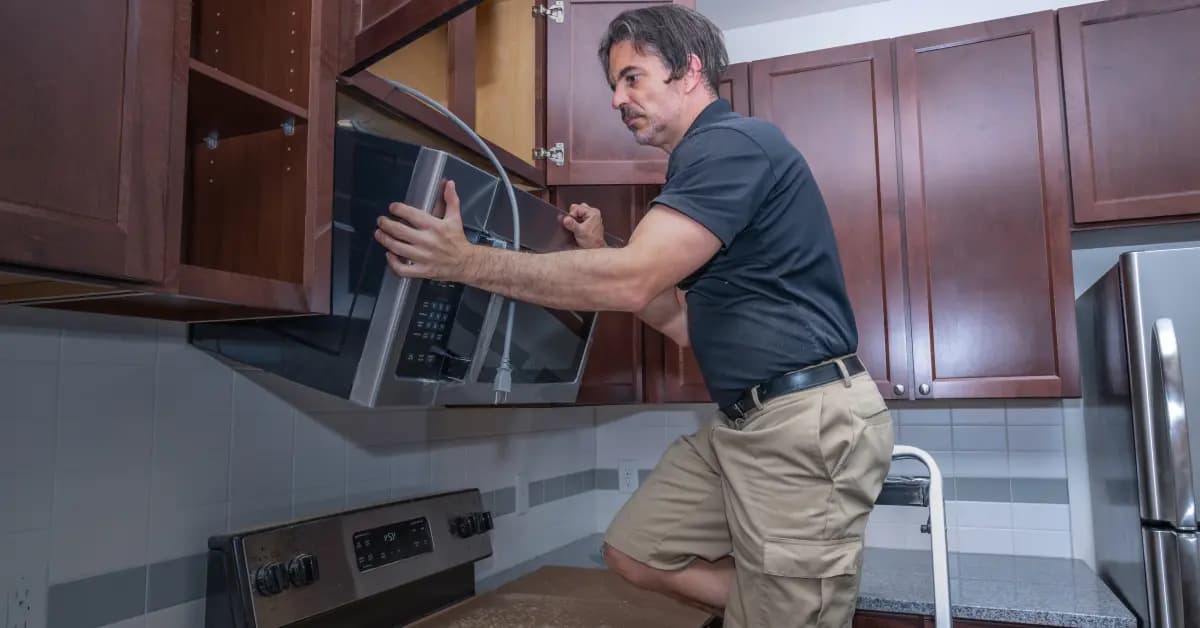
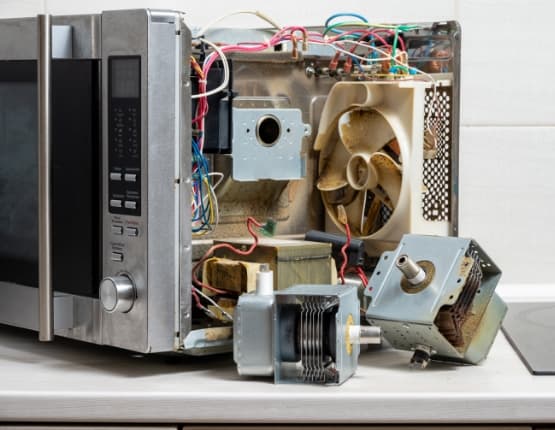
Find and Order Amana Microwave Pad Replacement Parts Online
Restore your Amana Microwave's functionality with genuine OEM pad replacement parts from Repair Clinic. A faulty pad can hinder your ability to control your microwave, leading to inconvenience and potential safety hazards. Our easy-to-use part lookup tool helps you find the perfect replacement for your model, ensuring a seamless repair process. Enjoy same-day shipping to get your microwave up and running quickly and take advantage of our No-Hassle 365-Day Returns and Price Match Guarantee for a worry-free purchase. Visit our Microwave Repair Help page for guidance or explore related options like Microwave Touchpad Parts for additional support.
Identifying Your Microwave Model Number for Part Replacement
Finding the model number is crucial when you're looking to order an Amana Microwave Pad Replacement. Typically, the model number is located on a label inside the door frame or on the back of the microwave. This number helps you quickly find the correct replacement parts online. Enter the model or part number into a reliable parts retailer's search tool to access a comprehensive list of available microwave repair parts. Whether you're a homeowner or a professional technician, this ensures you get the exact parts needed for efficient repairs. If your microwave's buttons aren't working, inspect the control board and touchpad for issues. For all your microwave repair needs, consider exploring Microwave Duct Venting Parts to enhance your repair skills and resources.

Expert Customer Service for Amana Microwave Pad Replacement
Finding the right replacement parts for your Amana microwave is simple with Repair Clinic. Our customer service team is available seven days a week to assist homeowners and professional technicians alike. Easily order genuine OEM parts online with our model or part number lookup tool. If you experience issues like buttons not working, our experts can guide you through inspecting the control board and touchpad. Enjoy our no-hassle 365-day returns and price match guarantee on all parts. Repair Clinic empowers you with DIY-friendly resources, including repair guides and videos. With our help, you can confidently fix your microwave and save time and money. Remember, if your microwave's display isn't working, check the fuse and display board. Repair Clinic is here to support your repair needs at every step. Visit Repair Clinic for more information.
Related Articles: Microwave Parts
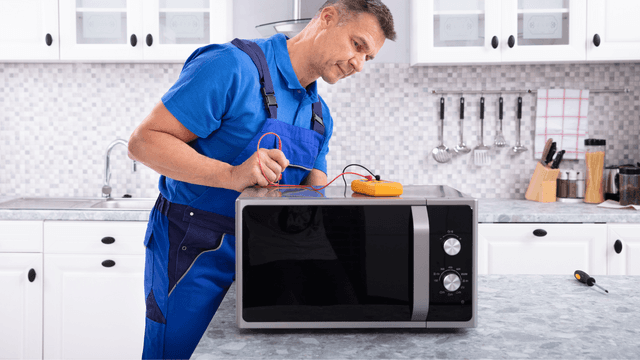
Testing A Microwave Capacitor
Learn how to safely test a microwave capacitor using a multimeter to determine if it's faulty and causing your microwave to malfunction.
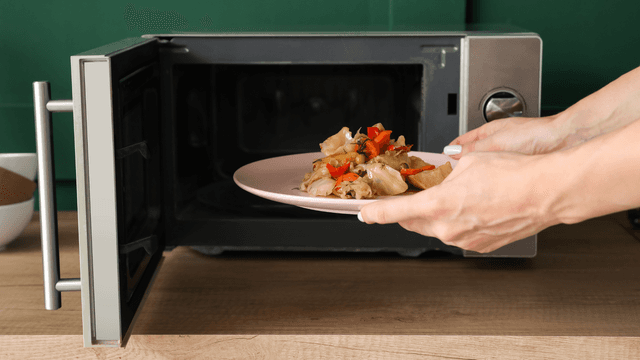
7 Probable Causes Of Your Microwave Not Heating
Explore the most common reasons your microwave isn't heating, from defective magnetrons to door switch failures, and how to troubleshoot each issue.
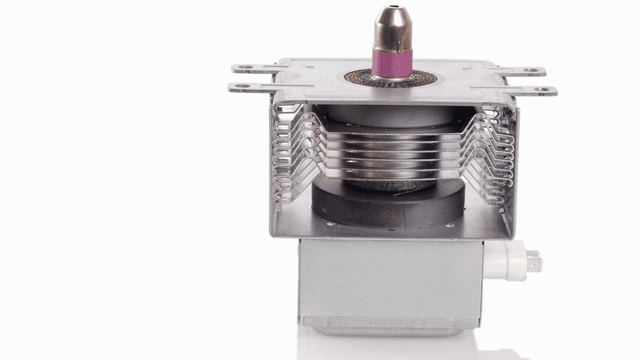
Microwave Magnetron Testing
Find out how to test a microwave magnetron to diagnose heating problems and determine if this crucial component needs to be replaced.




Family-owned and operated since 1912, Burke America Parts Group is the longest-running genuine appliance, HVAC, and outdoor power equipment parts solution in North America. At Repair Clinic, we're proud to be an international brand trusted by the pros as well as the DIY community.
About Repair Clinic