


 Price Match Guarantee
Find the right part faster
Multiple models matched. Select your model to confirm fit.





Door open button


Button, start (black)
Button, cook (black)
Button
Button
Button
Button
Button
Button
Button
Button
Button
Button
Button
Button


LG Microwave Knobs, Dials & Button Parts
LG microwave control knobs and buttons take daily abuse — twisting, pushing, accidental drops, and spills all wear them down. When a knob cracks, a button sticks, or a dial won't turn, you're looking at one of the easiest microwave repairs. These parts are purely mechanical, require no electrical expertise, and cost just a few dollars to tens of dollars depending on the assembly type.
Control panels vary widely across LG's microwave lineup, so matching your exact model number is essential. Some LG models use individual plastic knobs, others have membrane button pads, and factory-certified models feature touchpad assemblies. The good news: Repair Clinic stocks OEM LG knobs and dial assemblies for virtually every model in the field, and installation takes minutes.
- Cracked or broken knob: plastic knob snapped at the shaft or worn smooth from use
- Stuck or hard-to-turn dial: knob rotates but doesn't engage, or resistance is too high
- Missing button cap: plastic cap popped off; bare button underneath still works but looks unfinished
- Membrane button pad failure: entire button/label pad peeling, unresponsive, or sticking
- Touchpad assembly: factory-certified LG models with electronic control panel; requires exact OEM match
Find your LG microwave knob and button parts by entering your model number at the top of this page. Repair Clinic ships same-day on most in-stock OEM parts.
LG Microwave Control Knob & Button FAQs
Why does my LG microwave button stick or feel loose?
Button sticking usually comes from spill damage (liquids dripping into the control panel seams) or accumulated dust and food residue around the button base. A membrane button pad can also fail electrically — it sends no signal when pressed. Loose buttons mean the retaining clip under the button has broken or the button post has stripped. Both require replacement of the knob or entire button pad assembly. OEM LG buttons are designed to fit snugly with positive tactile feedback; aftermarket replacements often feel cheap and fail faster.
Can I just buy a universal microwave knob instead of an OEM LG part?
Universal knobs exist, but they rarely fit LG microwaves correctly. LG uses specific shaft diameters, keying systems, and button heights across its product lines. A universal knob may fit the shaft but won't align with the label underneath, or it'll be so loose it falls off. OEM LG knobs cost $3 to $15 and come help ensure they fit. That's the smart buy. Enter your model number to confirm you're getting the exact knob your microwave needs.
What's the difference between a control knob and a membrane button pad on LG microwaves?
Knobs are mechanical — you twist them to select power level or cooking time. Buttons are either mechanical (push to activate) or membrane-style (flexible rubber pad with printed labels that conducts electricity when pressed). LG uses all three depending on model and feature set. Your model number determines which you have. When buying replacement parts, match the assembly type exactly — a button pad won't fit a knob slot, and vice versa.
How do I find my LG microwave model number to order the right knob or button?
The model number is printed on a label inside the microwave, usually on the back wall or under the turntable support. It starts with "LMV" or "LMS" for over-the-range models, or "LCRT"/"LCRM" for countertop models, followed by numbers. Enter that full model number at the top of this page — Repair Clinic will show you the exact knobs, buttons, and control panel assemblies that fit. You'll also see parts diagrams showing where each knob and button goes, so you know exactly what you're ordering.
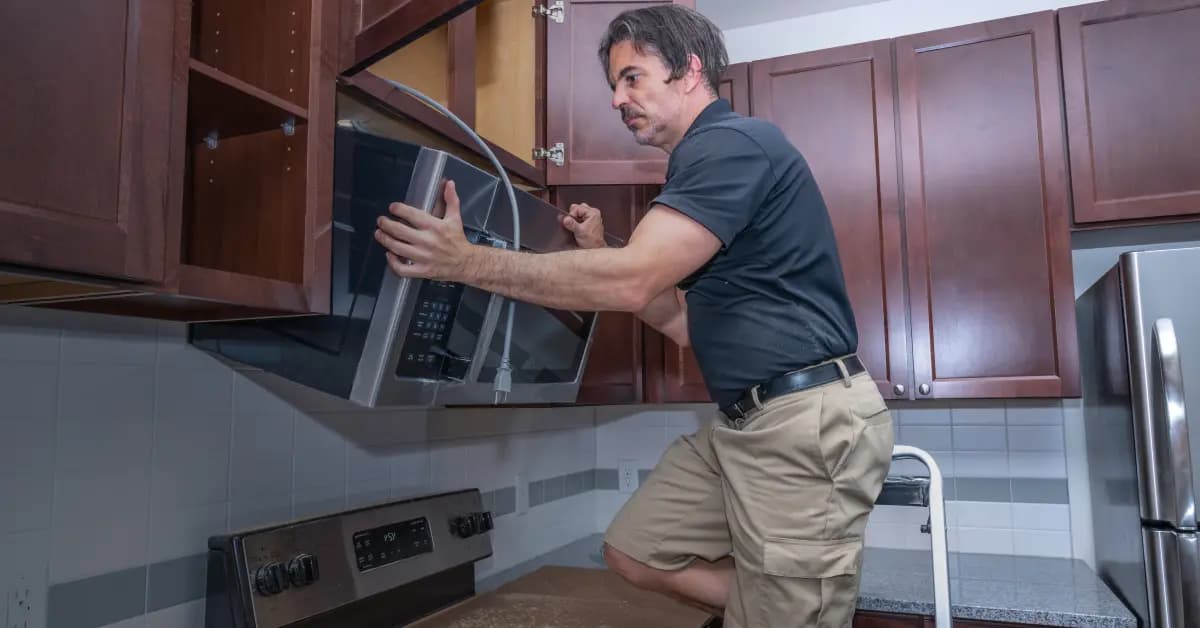
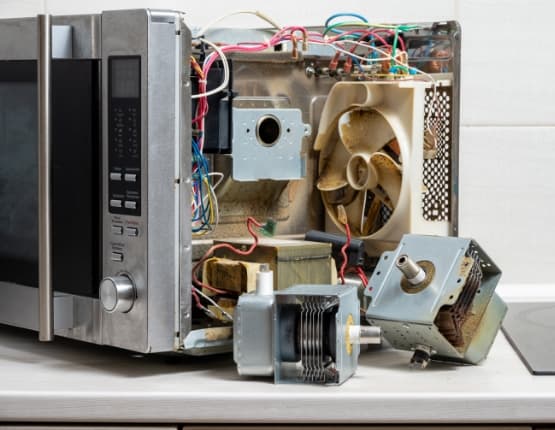
Order LG Microwave Button Replacement Parts Online
Ensure your LG Microwave operates smoothly with our selection of genuine OEM button replacement parts from Repair Clinic. A functional button panel is key for navigating and operating your microwave efficiently. Utilize our model number lookup to find the exact button parts you need. Enjoy the convenience of same-day shipping and our Price Match Guarantee for a reliable online shopping experience. For additional support, visit our Microwave Repair Help page or browse related Microwave Touchpad Parts to support your repair process.
LG Microwave Model Number: Where to Look
LG prints the model number on a label inside the door frame or on the back or side of most microwaves. Open the door and check the frame and interior edge, or inspect the cabinet if the label is not there. Look for the complete model code, including letters and numbers, rather than the serial number. Drop it into the search bar and you will see only the parts that fit your exact model. This filters the full LG microwave catalog, so you can select compatible parts whether you need a button, control, door, or another associated part. Matching by model saves time and prevents ordering a piece with the wrong dimensions or connector. You order with confidence knowing the fit is right.

Repair and Troubleshooting Support for LG Microwave
Repair Clinic's online repair library is built to support LG Microwave owners and technicians through every stage of the fix. Symptom-based articles narrow the likely cause, part testing videos verify the failing component, and step-by-step repair guides cover the installation with photos and video. Use the model number lookup to confirm the exact OEM part, and wiring diagrams back you up on the more technical steps.
Related Articles: Microwave Parts

Testing A Microwave Capacitor
Learn how to safely test a microwave capacitor using a multimeter to determine if it's faulty and causing your microwave to malfunction.
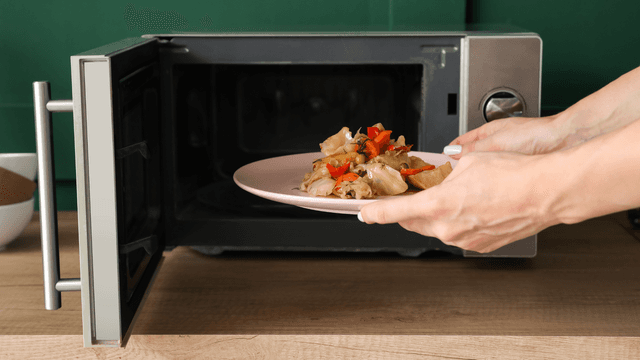
7 Probable Causes Of Your Microwave Not Heating
Find the most common reasons your microwave isn't heating, from defective magnetrons to door switch failures, and how to troubleshoot each issue.

Microwave Magnetron Testing
Find out how to test a microwave magnetron to diagnose heating problems and determine if this crucial part needs to be replaced.




Family-owned and operated since 1912, Burke America Parts Group is the longest-running genuine appliance, HVAC, and outdoor power equipment parts solution in North America. At Repair Clinic, we're proud to be an international brand trusted by the pros as well as the DIY community.
About Repair Clinic