


 Price Match Guarantee
Find the right part faster
Multiple models matched. Select your model to confirm fit.




Switch, membrane
Key membrane
Controller assembly,sub
Controller assembly,touch
Controller assembly,touch
Controller assembly,touch
Controller assembly,sub
Controller assembly,keypad


Controller assembly,keypad
Controller assemby, keypad
Controller assembly, keypad

Controller assembly,sub
Controller assembly,keypad
Touchpad and Control Panel (does not include control board)
Controller assembly,keypad


LG Microwave Touchpad and Control Panel Parts
The touchpad is the command center of your LG microwave — when buttons stop responding, display symbols won't light, or the panel feels sticky, the touchpad assembly is usually the culprit. LG touchpads integrate the membrane buttons, LED indicators, and control circuitry into one sealed unit, so replacement is straightforward once you identify your exact model.
Common touchpad failures include unresponsive buttons (especially start and power), dimmed or dead display segments, water damage from spills or steam, and sticky keys that require excessive pressure. OEM LG touchpad assemblies come pre-assembled and ready to install — no programming needed. Always verify your model number before ordering, as LG touchpad designs vary significantly across their microwave lineup.
- Unresponsive or stuck buttons: Touchpad membrane fails or contact corrosion
- Display symbols won't light: LED failure or control board contact issue
- Keypad clicks but nothing happens: Control board may need testing first
- Water damage or sticky panel: Spill damage; replacement is safest option
- Partial button response: Worn membrane contacts; full touchpad replacement recommended
Find Replacement LG Microwave Touchpad Parts Online by Model or Part Number
Popular LG Microwave Models
LG Microwave Touchpad FAQ
What's the difference between a touchpad and a control board in an LG microwave?
The touchpad is the user interface — buttons, display, and LED lights. The control board is the circuit board that interprets those button presses and runs the cooking cycles. If buttons don't respond at all but the turntable spins when you press start, the control board is likely fine and the touchpad needs replacement. If the touchpad lights up but nothing responds, test the control board first.
How do I know if my LG microwave touchpad is actually broken?
Try cleaning the panel gently with a barely damp cloth first — dried spill residue can cause sticky buttons. If buttons require excessive pressure, feel spongy, or don't register at all even with firm presses, the membrane contacts have worn out or corroded. Water inside the panel (you'll see condensation under the plastic) means replacement is necessary.
Can I replace just the buttons, or do I need the whole touchpad assembly?
LG touchpads are sealed units — you replace the entire assembly, not individual buttons. Individual button replacement isn't a repair option on modern LG microwaves. The good news: touchpad assemblies are mid-range parts, and installation is usually 5 to 10 minutes of removing a trim ring or control panel cover.
Where do I find my LG microwave model number to order the right touchpad?
The model number is on a sticker inside the microwave — open the door and look on the left or right wall, or on the top. It's also on the back or bottom of the unit. Model numbers start with letters like LMVH, LMHC, LCRT, or LTRM. Enter your full model number into Repair Clinic's parts finder and filter for touchpad or control panel to see compatible assemblies for your exact model.
Order LG Microwave Touchpad Parts Online
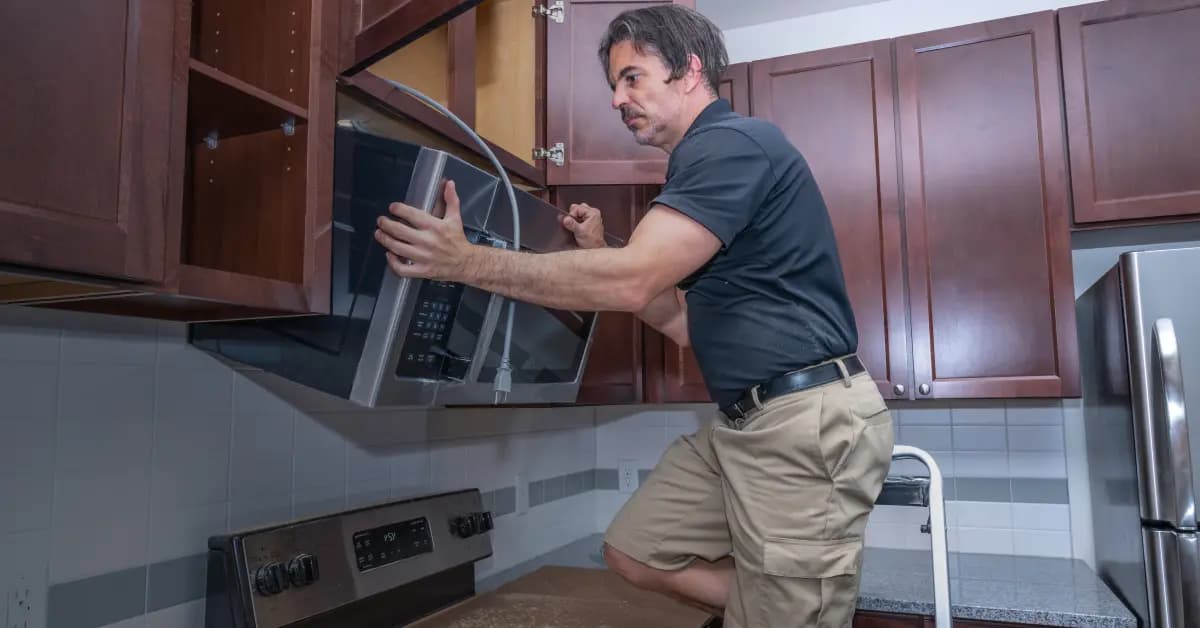
Restore your LG Microwave's functionality with genuine OEM touchpad replacement parts available at Repair Clinic. A responsive touchpad is key for operating your microwave efficiently. Use our model number lookup to find the exact touchpad that fits your LG Microwave. Enjoy the convenience of same-day shipping, backed by our No-Hassle 365-Day Returns and Price Match Guarantee, ensuring a reliable shopping experience. For installation guidance, visit our Microwave Repair Help page, or browse other related options like Microwave Latch Parts for comprehensive support.
LG Microwave Model Number: Where to Look
On LG microwaves, look for the model number on the label inside the door frame, or check the back or side of the cabinet if it is not visible there. The label may also list the serial number, electrical information, and other identifying details, so copy the model number exactly, including letters and numbers. Enter it in the search bar to filter the catalog to parts that fit your complete microwave model, not just one part. Starting with this number helps match the full selection of associated parts to your unit, so you can order with confidence knowing the fit is right.

Online Repair Resources for LG Microwave
Repair Clinic's online repair library helps LG Microwave owners and technicians work through the diagnosis and installation. Troubleshooting videos, symptom articles, and part testing walkthroughs help you determine which component has failed. Once you know what to replace, use the model number lookup to confirm the exact OEM part, then follow the matching installation video from start to finish.
Related Articles: Microwave Parts

Testing A Microwave Capacitor
Learn how to safely test a microwave capacitor using a multimeter to determine if it's faulty and causing your microwave to malfunction.
7 Probable Causes Of Your Microwave Not Heating
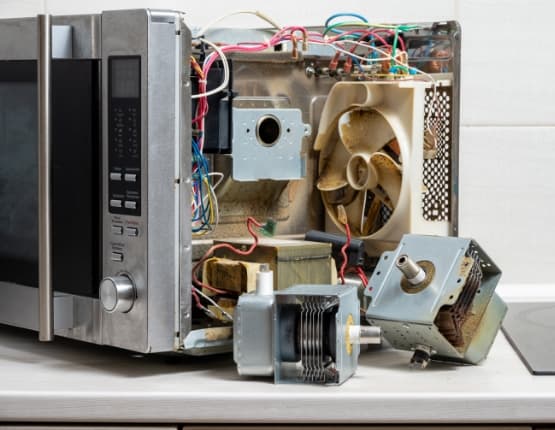
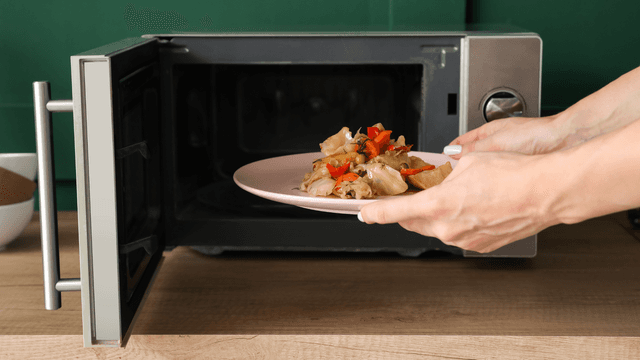
Find the most common reasons your microwave isn't heating, from defective magnetrons to door switch failures, and how to troubleshoot each issue.

Microwave Magnetron Testing
Find out how to test a microwave magnetron to diagnose heating problems and determine if this crucial part needs to be replaced.




Family-owned and operated since 1912, Burke America Parts Group is the longest-running genuine appliance, HVAC, and outdoor power equipment parts solution in North America. At Repair Clinic, we're proud to be an international brand trusted by the pros as well as the DIY community.
About Repair Clinic