


 Price Match Guarantee
Find the right part faster
Multiple models matched. Select your model to confirm fit.




Front screen


Premium GE Microwave Screen Replacements
Repair Clinic offers genuine OEM replacement Microwave parts specifically designed for GE models, ensuring compatibility and maintaining your appliance's warranty. Our selection of GE Microwave screen replacements is engineered for a precise fit, guaranteeing that your Microwave operates as intended. Whether you're dealing with a faulty display or an unresponsive touchpad, our inventory provides the necessary parts to resolve these issues efficiently. Our Microwave touchpad parts can help restore full functionality to your appliance. Common problems like a non-working display can often be remedied by inspecting the display board and checking the fuse. For all your Microwave repair needs, explore our extensive range of replacement parts online. Trust Repair Clinic to empower your DIY repair efforts with expert resources and same-day shipping.
FAQs about GE Microwave Screen Replacement
Explore answers to common questions about replacing the screen on your GE microwave. Whether you're dealing with a cracked screen or want to ensure optimal functionality, find useful information here.
How do I replace the screen on my GE microwave?
To replace the screen, first unplug the microwave. Remove the outer casing, disconnect the screen from the control board, and install the new screen. Ensure all connections are secure before reassembling.
Where can I find the model number for my GE microwave?
The model number can typically be found on the inside of the microwave door or on the back of the unit. It's essential for ordering the correct replacement parts.
How much does a replacement screen for a GE microwave cost?
The cost varies depending on the model, but replacement screens can range from $50 to $150. Ensure you purchase a genuine GE part for compatibility and warranty purposes.
Can I replace a microwave screen myself?
Yes, with the right tools and instructions, you can replace it yourself. However, if you're unsure, consider hiring a professional technician for assistance.
What should I do if my microwave screen doesn't respond?
Check for loose connections and ensure the screen is properly installed. If the issue persists, the control board may need inspection.
Appliance Parts Microwave Touchpad Parts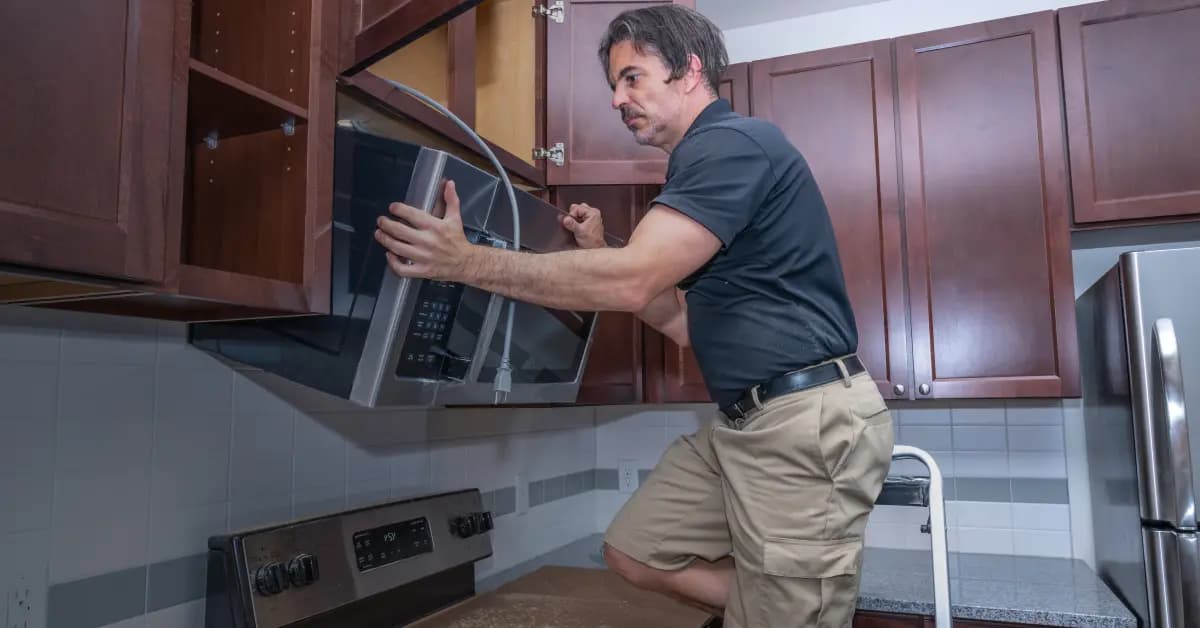
Shop GE Microwave Screen Replacement Parts Online
Keep your GE Microwave screen in top condition with genuine OEM replacement parts from Repair Clinic. A functioning screen is crucial for displaying cooking settings and times, ensuring your appliance operates efficiently. Our model number lookup tool simplifies finding the exact screen for your microwave, while same-day shipping and a Price Match Guarantee make ordering seamless. Plus, with No-Hassle 365-Day Returns, you can shop confidently. For installation guidance, visit our Microwave Repair Help page or explore additional GE Microwave Parts to enhance your repair experience.
Finding Your Microwave Model Number
When it comes to replacing the screen on your microwave, knowing the model number is crucial for finding the correct repair parts. The model number is usually located on a label inside the microwave door or on the back panel. Once you have your model number, you can easily look up the necessary replacement parts online. Ordering the correct parts is simple and can be done with a quick search. If you're experiencing issues such as a cracked or unresponsive screen, it might be time for a replacement. Ensure you inspect the screen and surrounding components, and gather your model number for a seamless repair process. For other microwave components that might require maintenance, such as touchpads, visit our page on microwave touchpad parts to help keep your appliance in top condition.

Expert Customer Service for Microwave Screen Replacements
Need help with your GE Microwave screen replacement? Our dedicated support team is here to assist you seven days a week. Whether you're a DIY enthusiast or a professional technician, finding the right part is easy with our model/part number lookup tool. Facing common issues like a non-working display or a faulty control board? Our expert troubleshooting assistance can guide you through the repair process with genuine OEM parts. Enjoy a hassle-free shopping experience with our 365-day returns and price match guarantee. Repair Clinic is your go-to source for all your microwave parts needs, ensuring you can confidently fix your appliance. Access repair guides and videos in our Microwave Repair Help section. Remember, if your microwave screen isn't working, check the display board, fuse, and power supply to get started.
Related Articles: Microwave Parts

Testing A Microwave Capacitor
Learn how to safely test a microwave capacitor using a multimeter to determine if it's faulty and causing your microwave to malfunction.
7 Probable Causes Of Your Microwave Not Heating
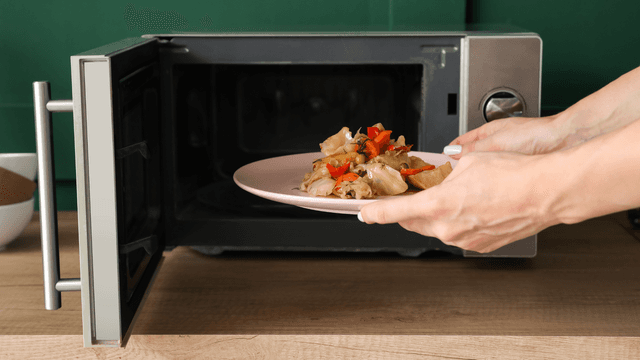
Explore the most common reasons your microwave isn't heating, from defective magnetrons to door switch failures, and how to troubleshoot each issue.

Microwave Magnetron Testing
Find out how to test a microwave magnetron to diagnose heating problems and determine if this crucial component needs to be replaced.




Family-owned and operated since 1912, Burke America Parts Group is the longest-running genuine appliance, HVAC, and outdoor power equipment parts solution in North America. At Repair Clinic, we're proud to be an international brand trusted by the pros as well as the DIY community.
About Repair Clinic