


 Price Match Guarantee
Find the right part faster
Multiple models matched. Select your model to confirm fit.




Key panel
Switch Membrane

Control panel asm
Control panel asm
Control panel asm
Control panel asm

Control panel asm
Control panel asm

Touchpad and control panel assembly
Control panel asm


Touchpad and control panel assembly
Switch Membrane
Switch-membrane
Key panel

Switch membrane


Genuine OEM GE Microwave Touchpad Replacement Parts
Ensure your GE microwave operates smoothly with genuine OEM touchpad parts from Repair Clinic. Our replacement touchpad parts are precisely engineered to fit various models, including the Advantium and Spacemaker series. Homeowners and technicians alike can trust these genuine GE parts to help support proper fit and performance while guaranteeing optimal functionality. At Repair Clinic, we offer a comprehensive selection of touchpads and control panel overlays to match your specific microwave model. With same-day shipping and a 365-day return policy, we make it easy for you to get the parts you need quickly. Count on Repair Clinic to support your repair projects with reliable resources and expert guidance, empowering you to complete repairs efficiently and effectively. Our price match guarantee helps you shop with confidence on all genuine OEM GE microwave touchpad parts, helping you save both time and money.
Find Replacement GE Microwave Touchpad Parts Online by Model or Part Number
Popular GE Microwave Models
Related GE Microwave Touchpad Parts
Ge Microwave Touchpad Questions & Troubleshooting
When your GE microwave touchpad fails, it's usually one of a few common issues. Below are the most important questions homeowners and technicians ask when facing touchpad problems.
What causes a GE touchpad to fail?
Wear from age and heat is the #1 cause. Electrical surges, contamination, and mechanical stress also shorten touchpad life. Regular maintenance and using genuine OEM GE parts extend service intervals significantly.
How do I find my GE model number to order the right touchpad?
Look for a data plate or label on your GE unit — location varies by product type but is typically on the door frame, back panel, or inside the access panel. Enter the full model number in our search to match the exact OEM touchpad for your unit.
Are aftermarket parts compatible with GE models?
Some aftermarket parts work, but genuine OEM GE parts support proper fit and performance and guarantee exact fit. Aftermarket alternatives can vary in voltage, dimensions, and durability — OEM is the safer choice for critical parts.
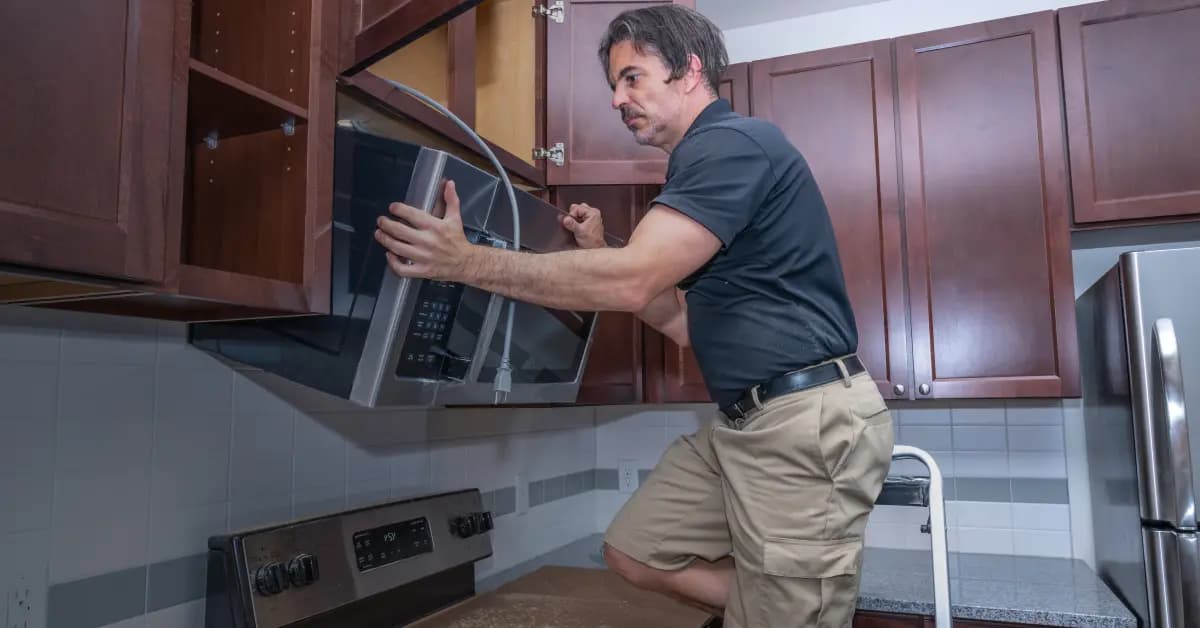
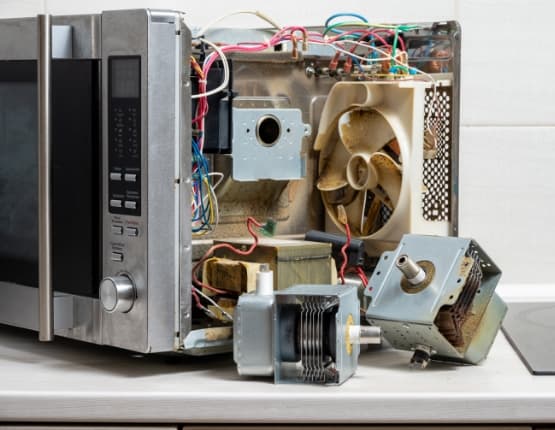
Order GE Microwave Touchpad Replacement Online
Keep your GE microwave running efficiently by replacing a faulty touchpad promptly. With same-day shipping on most in-stock items, you'll have your replacement part fast, minimizing downtime. Our model/part number lookup finds the exact OEM part for your unit, and every order is backed by our 365-day return policy and price-match guarantee. If your GE microwave touchpad is failing — showing symptoms like reduced performance, unusual noise, or complete non-operation — replacement is typically the fastest fix. Browse our full library of GE repair resources for troubleshooting guides and installation videos.
GE Microwave Model Number: Where to Look
On GE microwaves, the model number is usually printed on a label inside the door frame, along the side or back of the cabinet, or near the top or side of the cavity. Open the door and check the frame first, then inspect the cabinet if the label is not there. Copy the complete model number, including any letters and numbers, and type it into our model number lookup to narrow the catalog to parts made for your unit. This filters the full GE microwave parts selection, not just touchpads or control panels, so you can match parts across the entire appliance. You get parts that fit the first time.

Get Your GE Microwave Working Again with Online Repair Help
Repair Clinic's online repair resources give you a clear path to fix your GE Microwave without a service call. Symptom articles help identify the likely cause, part testing videos confirm the failed component, and step-by-step repair guides walk you through the installation with photos and video. Look up your model number to match the correct OEM part on the first try.
Related Articles: Microwave Parts

Testing A Microwave Capacitor
Learn how to safely test a microwave capacitor using a multimeter to determine if it's faulty and causing your microwave to malfunction.

Why Is My Microwave Sparking?
Find the most common reasons your microwave isn't heating, from defective magnetrons to door switch failures, and how to troubleshoot each issue.

Why Won't The Microwave Door Open?
Find out how to test a microwave magnetron to diagnose heating problems and determine if this crucial part needs to be replaced.




Family-owned and operated since 1912, Burke America Parts Group is the longest-running genuine appliance, HVAC, and outdoor power equipment parts solution in North America. At Repair Clinic, we're proud to be an international brand trusted by the pros as well as the DIY community.
About Repair Clinic