

Price Match Guarantee

In-stock parts ship the same day

365-Day Return Policy
Price Match GuaranteeGET PRO PRICING
Video & Articles: Appliance & Equipment RepairLG Washer Dispenser Housing Replacement MCU62441102
This video provides step-by-step repair instructions for replacing the dispenser housing in an LG washer (Model WM4000HBA). The most common reason for replacing this part is if it's missing or broken.
This replacement video is applicable to the following brands:
LG
Don't forget to like and comment on this video and subscribe to our channel!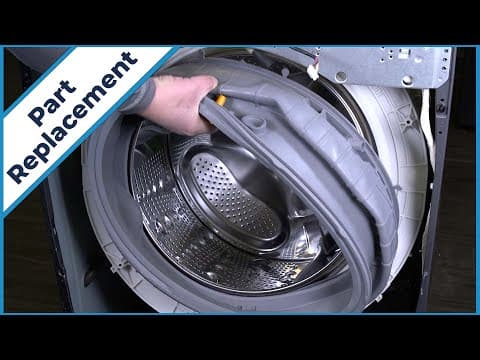
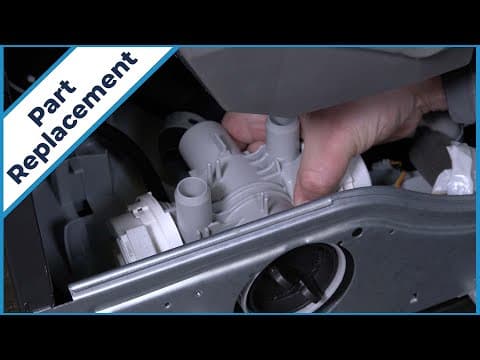
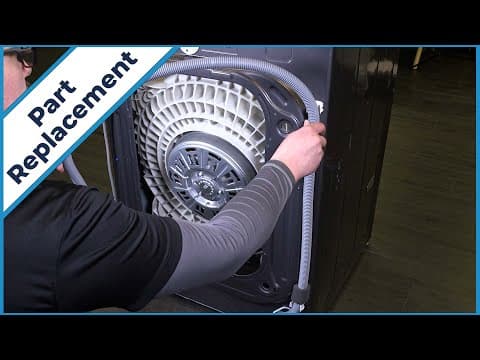
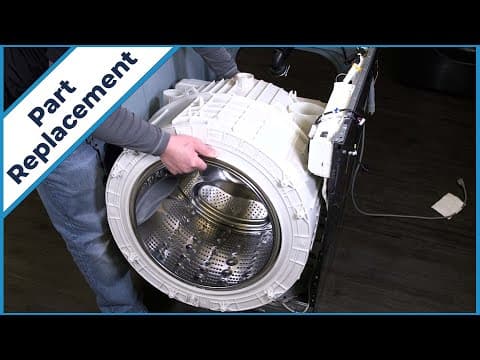
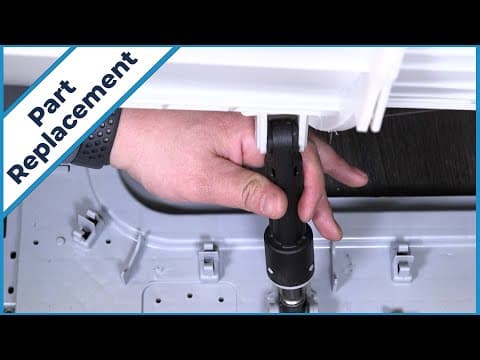
LG Washer Dispenser Housing Replacement MCU62441102
Skill Level
Total Parts Cost
$43.47Estimated Savings
$112.5005:56
- Description
This video provides step-by-step repair instructions for replacing the dispenser housing in an LG washer (Model WM4000HBA). The most common reason for replacing this part is if it's missing or broken.
This replacement video is applicable to the following brands:
LG
Don't forget to like and comment on this video and subscribe to our channel!
Step By Step Instructions
1
To replace the dispenser housing in your lg washer, you will need pliers, a flathead screwdriver, and a drill driver with a phillips bit.
2
Before you begin the procedure, unplug the washer.
3
Turn off the water supply.
4
Pull the washer away from the wall.
5
Unthread the two screws on the top panel.
6
Slide and lift the top panel off.
7
Slide back the tension clamps on the five hoses
8
Noting the orientation, detach the hose ends from the dispenser housing.
9
Loosen the clamp and remove the bellow from the housing.
10
Open the drawer and push down on the “push” tab and remove the detergent assembly.
11
Unthread the two screws that secure the dispenser housing.
12
Push back and pull out the housing from its slots.
13
Starting with the smaller tab, pry the eight tabs to remove the housing from the dispenser.
14
To install the new dispenser housing, place the dispenser on the housing and snap together in place.
15
Align the dispenser assembly in the two grooves and slide into position.
16
Rethread the two screws to secure the housing.
17
Align the detergent assembly and push in until it snaps into place.
18
Install the bellow to the assembly and tighten the clamp.
19
Reattach the five hoses to the housing.
20
Set the five tension clamps.
21
Set and slide the top panel onto the washer.
22
Rethread the two screws onto the panel.
23
Push the washer back into place.
24
Turn on the power, as well as the water, and your washer should be ready for use.
Description
This video provides step-by-step repair instructions for replacing the dispenser housing in an LG washer (Model WM4000HBA). The most common reason for replacing this part is if it's missing or broken.
This replacement video is applicable to the following brands:
LG
Don't forget to like and comment on this video and subscribe to our channel!
This video provides step-by-step repair instructions for replacing the dispenser housing in an LG washer (Model WM4000HBA). The most common reason for replacing this part is if it's missing or broken.
This replacement video is applicable to the following brands:
LG
Don't forget to like and comment on this video and subscribe to our channel!
Step-By-Step Instructions
1
To replace the dispenser housing in your lg washer, you will need pliers, a flathead screwdriver, and a drill driver with a phillips bit.
2
Before you begin the procedure, unplug the washer.
3
Turn off the water supply.
4
Pull the washer away from the wall.
5
Unthread the two screws on the top panel.
6
Slide and lift the top panel off.
7
Slide back the tension clamps on the five hoses
8
Noting the orientation, detach the hose ends from the dispenser housing.
9
Loosen the clamp and remove the bellow from the housing.
10
Open the drawer and push down on the “push” tab and remove the detergent assembly.
11
Unthread the two screws that secure the dispenser housing.
12
Push back and pull out the housing from its slots.
13
Starting with the smaller tab, pry the eight tabs to remove the housing from the dispenser.
14
To install the new dispenser housing, place the dispenser on the housing and snap together in place.
15
Align the dispenser assembly in the two grooves and slide into position.
16
Rethread the two screws to secure the housing.
17
Align the detergent assembly and push in until it snaps into place.
18
Install the bellow to the assembly and tighten the clamp.
19
Reattach the five hoses to the housing.
20
Set the five tension clamps.
21
Set and slide the top panel onto the washer.
22
Rethread the two screws onto the panel.
23
Push the washer back into place.
24
Turn on the power, as well as the water, and your washer should be ready for use.
Applicable Product Model


Related Articles & Videos




Our Story
Family-owned and operated since 1912, Burke America Parts Group is the longest-running genuine appliance, HVAC, and outdoor power equipment parts solution in North America. At Repair Clinic, we're proud to be an international brand trusted by the pros as well as the DIY community.
About Repair Clinic
© 2026 RepairClinic.com