


 Price Match Guarantee
Find the right part faster
Multiple models matched. Select your model to confirm fit.




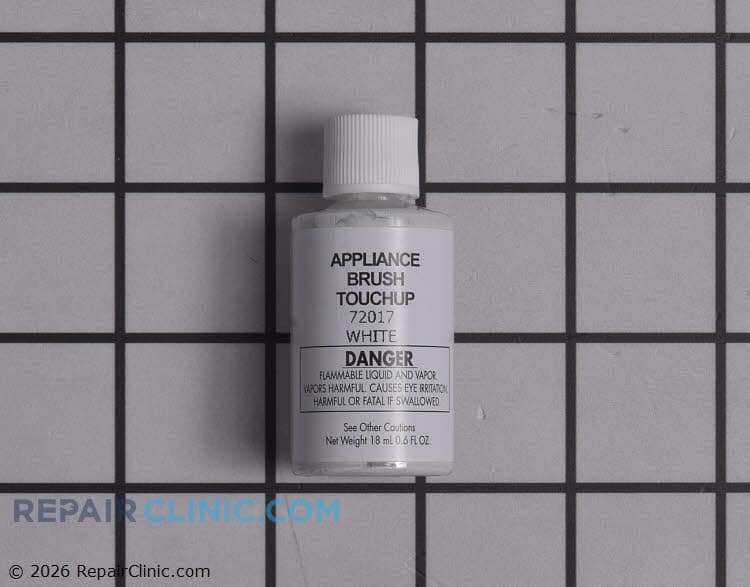
White Touch Up Paint
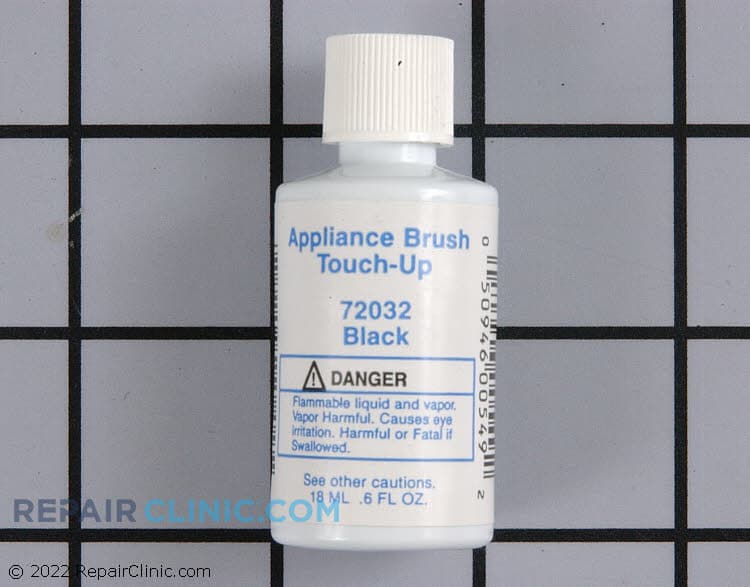
Black Touch-up Paint
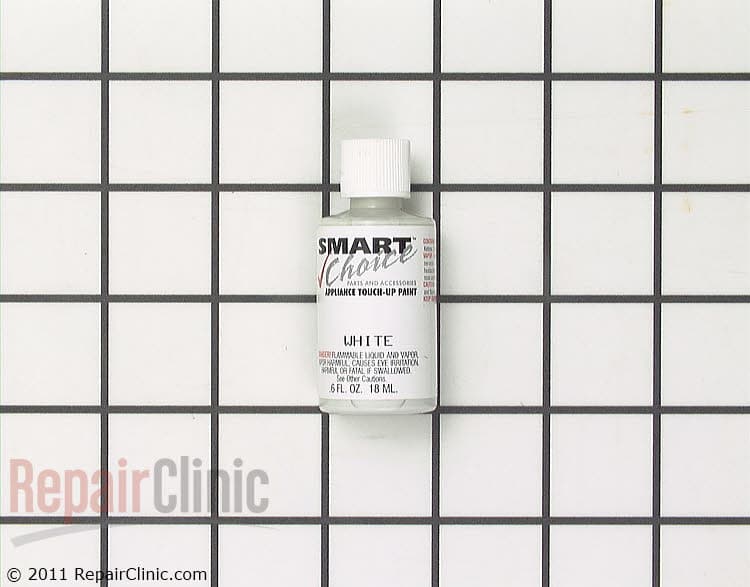
Touch-Up Paint, White
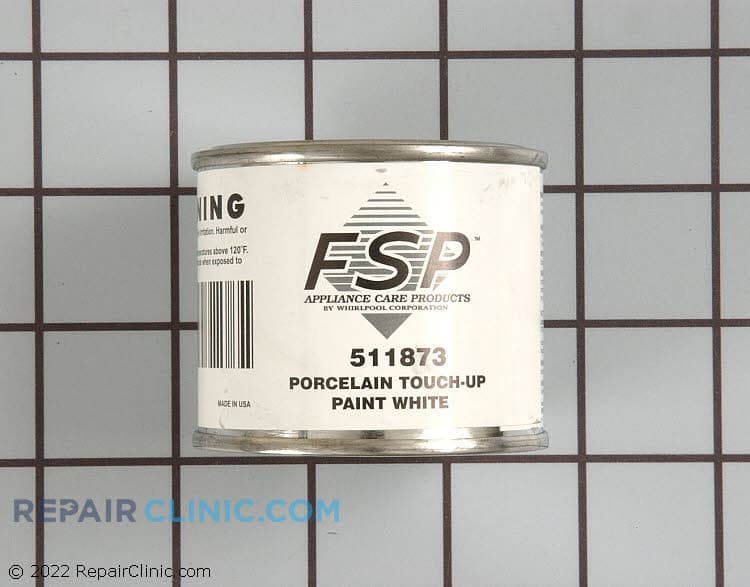
White porcelain touch-up, 2 ounces
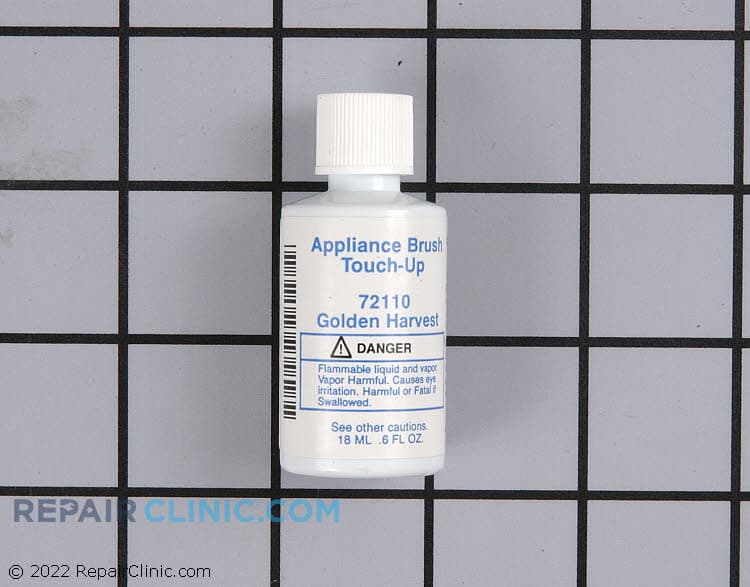
Touch-up paint, golden harvest


Paint, bulk (1 qt.) (ebony


Authentic Crosley Microwave Touch-Up Paint Solutions
Repair Clinic offers genuine OEM Crosley Microwave touch-up paint designed to match and maintain your appliance's original look. These replacement Microwave parts ensure a precise fit and uphold the manufacturer's warranty, providing peace of mind for both DIY enthusiasts and appliance technicians. Our extensive range of replacement parts allows you to easily find the perfect match for your model. If your Microwave exterior is scratched or discolored, a touch-up paint solution can restore its appearance and protect against further damage. Ensure your Crosley Microwave remains in top condition with our premium touch-up paint. For a broader selection of Microwave repair parts, explore our Microwave parts online to find everything you need for your repair projects.
FAQs about Crosley Microwave Touch-Up Paint
If you're looking to keep your Crosley microwave looking its best, touch-up paint can be a great solution for minor scratches and wear. Here are some common questions to help you get started with touch-up paint for your microwave.
How do I find the right color of touch-up paint for my Crosley microwave?
Check the model number of your Crosley microwave. You can find this on the inside of the door or on the back of the unit. Use this number to search for compatible touch-up paint colors.
Can I use any paint for touching up my microwave?
No, it's important to use paint specifically designed for appliances. This ensures heat resistance and durability, especially for areas exposed to heat.
How should I apply touch-up paint to my microwave?
Clean the area thoroughly and let it dry. Use a small brush or applicator to apply the paint evenly. Allow it to dry completely before using the microwave.
How do I fix scratches on my Crosley microwave?
Use a fine-grit sandpaper to smooth out the scratch lightly, then apply the touch-up paint to cover the area. This will help blend the repair seamlessly.
Where can I purchase Crosley microwave touch-up paint?
Visit Repair Clinic Appliance Parts for a range of appliance parts, including touch-up paint for Crosley microwaves.
Explore more options for your microwave maintenance by visiting our Microwave Parts page.
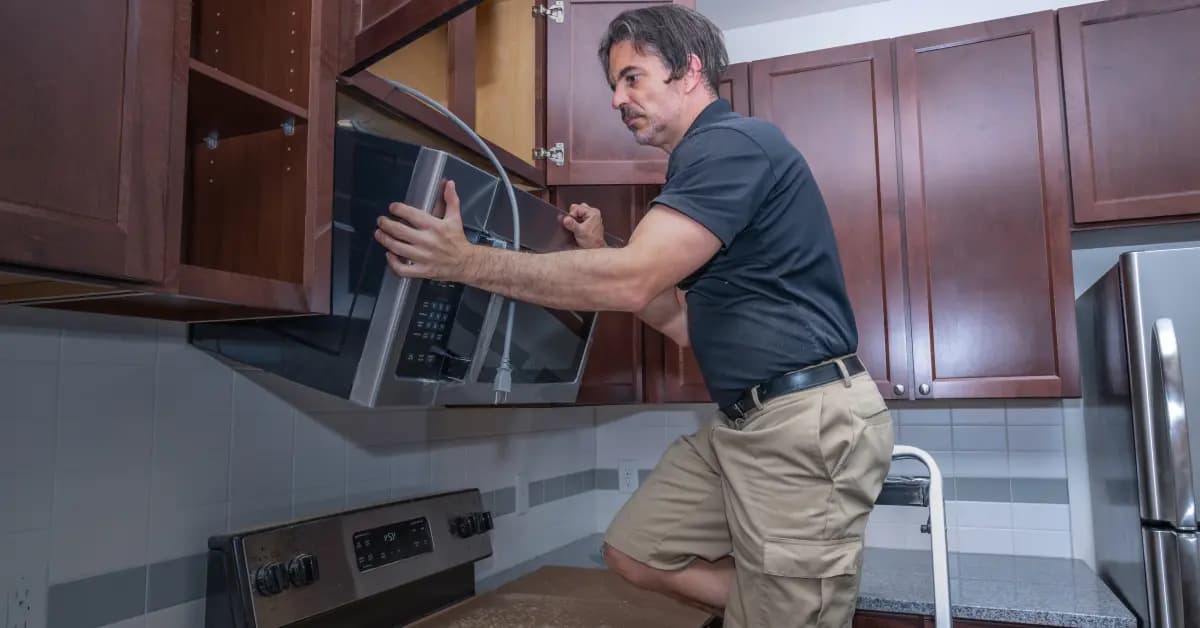
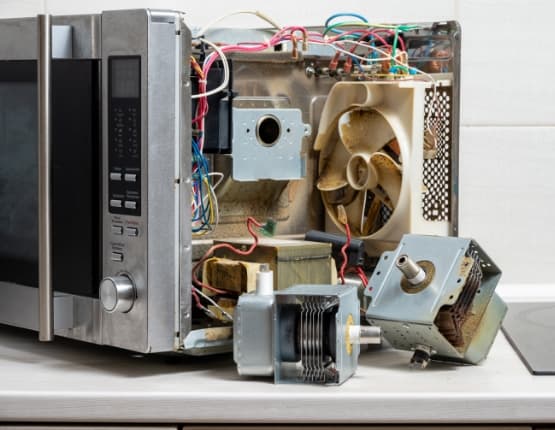
Order Crosley Microwave Touch-Up Paint Online
Maintain the appearance of your Crosley Microwave with high-quality touch-up paint available at Repair Clinic. Over time, scratches and chips can affect the look of your appliance, but our genuine OEM touch-up paint ensures a seamless repair. Use the model number lookup to find the exact match for your Microwave. Enjoy the convenience of same-day shipping and our Price Match Guarantee for a worry-free online shopping experience. For assistance, visit our Microwave Repair Help page or explore other Microwave Parts for comprehensive repair solutions.
Locating Your Microwave Model Number for Replacement Parts
To find the correct replacement parts for your Crosley microwave touch-up paint needs, first locate the model number on your appliance. This number is typically found inside the microwave door, on the back, or on the side wall. Entering the model number on a parts website will guide you to the exact parts you need, ensuring a perfect match every time. Whether you're dealing with chipped paint or need to refresh your microwave's appearance, accurate model identification is crucial for ordering the right touch-up paint. If you're also looking for other parts like touchpad parts, use the same model number to streamline your search and order process. Repair Clinic offers a wide selection of genuine parts with a price match guarantee and a no-hassle 365-day returns policy, helping you repair with confidence and ease.

Find the Right Parts for Your Crosley Microwave Today
Need help with your Crosley Microwave? Our dedicated customer service team is available seven days a week to assist you with finding and ordering genuine OEM replacement parts. Whether you're dealing with Microwave buttons not working, a display issue, or any other common problem, our experts provide troubleshooting advice to guide you through repairs. Enjoy easy online ordering with our model/part number lookup and benefit from our No-Hassle 365-Day Returns and Price Match Guarantee. Repair Clinic empowers DIYers and professionals with genuine parts, same-day shipping, and extensive repair resources. Get started on your Microwave repair!
Related Articles: Microwave Parts
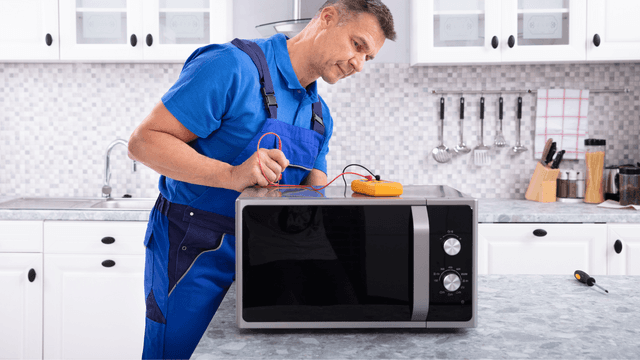
Testing A Microwave Capacitor
Learn how to safely test a microwave capacitor using a multimeter to determine if it's faulty and causing your microwave to malfunction.
7 Probable Causes Of Your Microwave Not Heating
Explore the most common reasons your microwave isn't heating, from defective magnetrons to door switch failures, and how to troubleshoot each issue.
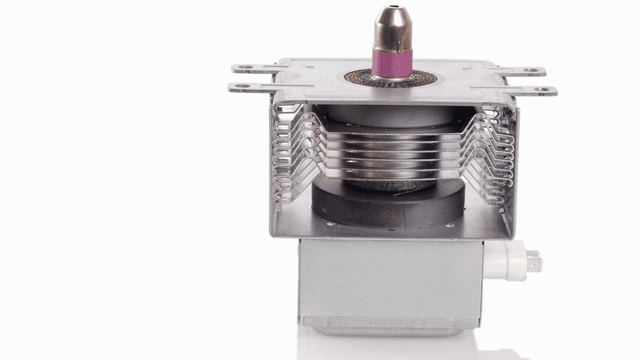
Microwave Magnetron Testing
Find out how to test a microwave magnetron to diagnose heating problems and determine if this crucial component needs to be replaced.




Family-owned and operated since 1912, Burke America Parts Group is the longest-running genuine appliance, HVAC, and outdoor power equipment parts solution in North America. At Repair Clinic, we're proud to be an international brand trusted by the pros as well as the DIY community.
About Repair Clinic