


 Price Match Guarantee
Hampton Bay Motor Parts
Find the right part faster
Multiple models matched. Select your model to confirm fit.




Motor
Fan motor
Fan motor
Fan motor
Motor, airsweep

Synchronous Motor Assembly


Hampton Bay Ceiling Fan Motor Parts
Hampton Bay ceiling fan motors are the workhorses of your fan — they spin the blades and power the light kit. When a motor fails, the fan won't turn or runs sluggishly, even though you hear the hum of electricity. The good news: motor repairs are some of the most affordable ceiling fan fixes.
The most common Hampton Bay motor failure isn't the motor itself — it's the run capacitor. A bad capacitor makes the motor run slow, hum without turning, or refuse to start altogether. Replacing the capacitor (often $5 to $15) saves the motor and restores full speed. If the motor has physically failed, OEM Hampton Bay replacement motors are built to the exact specifications of your fan model.
- Motor won't start but hums: Run capacitor has failed; replacement capacitor restores power
- Motor runs slowly or at one speed only: Capacitor weakness or motor winding issue; capacitor replacement often fixes it
- Motor makes grinding or squealing noise: Bearing wear inside the motor; motor replacement needed
- No power at all to fan: Check pull chain switch first, then motor windings using continuity tester
- Motor gets hot during operation: Capacitor failure or motor overload; replace capacitor or motor before overheating burns out other parts
Popular Hampton Bay Models
Hampton Bay Ceiling Fan Motor FAQs
Why does my Hampton Bay ceiling fan motor hum but not turn?
A humming motor with no blade movement almost always points to a failed run capacitor. The capacitor gives the motor the initial kick to start rotation. When it weakens, the motor has just enough power to hum, but not enough to spin the blades. Test the capacitor with a multimeter in capacitance mode — if it reads 0 µF or much lower than the marked value (usually 3 to 5 µF), replace it. It's a quick, inexpensive fix that works 90% of the time.
How do I find the right Hampton Bay motor replacement for my fan?
Your Hampton Bay fan's motor is tied to the fan's model number, which you'll find on a label or sticker inside the canopy (where the fan mounts to the ceiling). Common Hampton Bay motor models use standard frame sizes and mounting configurations. Enter your complete fan model number into Repair Clinic's lookup tool — it will show you the exact OEM motor, including specifications like voltage (120V typical), Hz (60), and RPM (1200 to 1500 for standard fans). Never guess on motor specs — wrong voltage or frame size will not fit or work.
Can I just replace the capacitor instead of the whole motor?
Yes — and you should try it first. The run capacitor is the #1 Hampton Bay ceiling fan failure point, and replacing it is easier and far cheaper than replacing the motor. The capacitor is typically located in the canopy or down-rod assembly, held by one or two wires. If the capacitor replacement doesn't restore the motor to full speed, then the motor windings have failed and the motor itself needs replacement.
What size capacitor does my Hampton Bay fan need?
Hampton Bay fans use standard microfarad (µF) ratings, typically 3 µF, 4 µF, or 5 µF. The capacitor is marked with its rating on the canister. Always match the exact µF value — a 3 µF fan with a 5 µF capacitor will run at the wrong speed and may overheat. The voltage rating can be equal or higher (usually 370V or 440V AC), but never lower. Use your fan model number with Repair Clinic's lookup to confirm the correct capacitor before ordering.

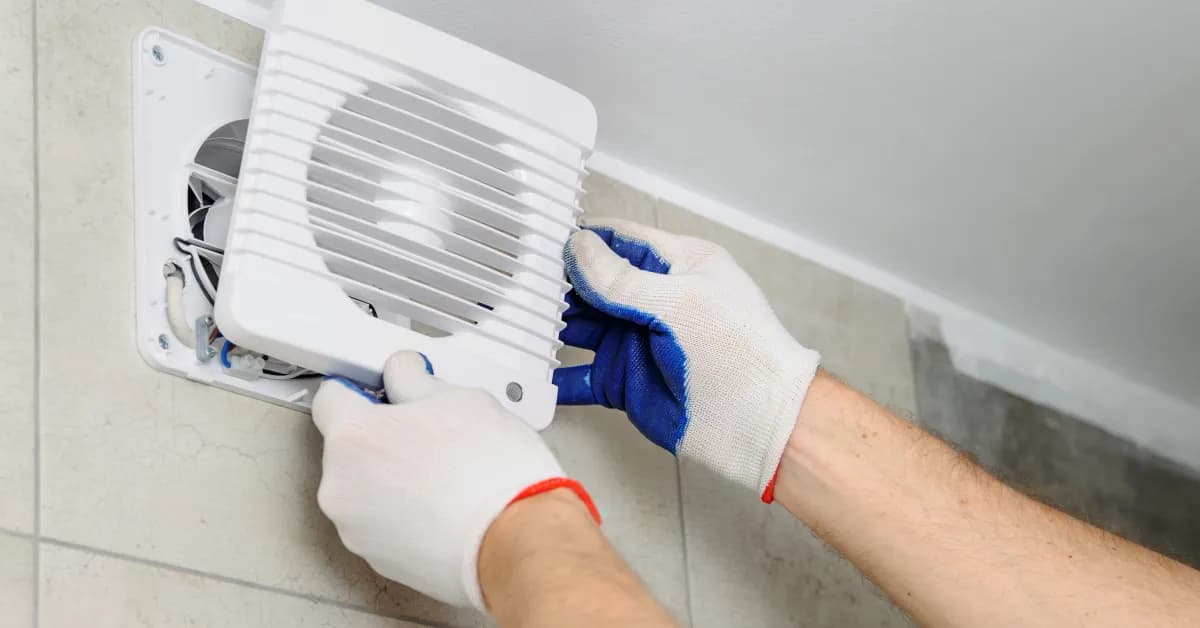
Order Hampton Bay Brand-Level Motor Replacement Online
Keep your Hampton Bay brand-level running efficiently by replacing a faulty motor promptly. With same-day shipping on most in-stock items, you'll have your replacement part fast, minimizing downtime. Our model/part number lookup finds the exact OEM part for your unit, and every order is backed by our 365-day return policy and price-match guarantee. If your Hampton Bay motor is failing — showing symptoms like reduced performance, unusual noise, or complete non-operation — replacement is typically the fastest fix. Browse our full library of Hampton Bay repair resources for troubleshooting guides and installation videos.
Hampton Bay Motor Model Number: Where to Look
On Hampton Bay equipment, look for the model number on the unit's nameplate, commonly found on the side or back cabinet, inside an access panel, or near the motor compartment. Turn off power before opening any panel, and copy the complete model number exactly as printed, including letters and hyphens. Enter it in the model number search to pull up the parts matched to your unit. Using the full unit model filters Repair Clinic's catalog across every associated part category, so you are not relying on a motor's appearance or specifications alone. That means fewer wrong orders and a faster repair.

Get Your Hampton Bay Working Again with Online Repair Help
Repair Clinic's online repair resources give you a clear path to fix your Hampton Bay without a service call. Symptom articles help identify the likely cause, part testing videos confirm the failed component, and step-by-step repair guides walk you through the installation with photos and video. Look up your model number to match the correct OEM part on the first try.
Related Articles: Washing Machine Parts

What Causes A Washing Machine To Stop Working?
What causes a washing machine to stop working? Learn common issues like power failures, faulty lid switches, broken drive belts, and more with troubleshooting tips from Repair Clinic.

Why Won't My Washing Machine Start?
Wondering why your washing machine won't start? Learn common causes like power issues, faulty lid switches, broken timers, and more with expert troubleshooting from Repair Clinic.
What Causes a Washing Machine To Not Spin or Drain?
Is your washing machine not spinning or draining? Learn about common issues like clogged drain pumps, faulty lid switches, and worn drive belts, plus expert repair tips from Repair Clinic.




Family-owned and operated since 1912, Burke America Parts Group is the longest-running genuine appliance, HVAC, and outdoor power equipment parts solution in North America. At Repair Clinic, we're proud to be an international brand trusted by the pros as well as the DIY community.
About Repair Clinic